
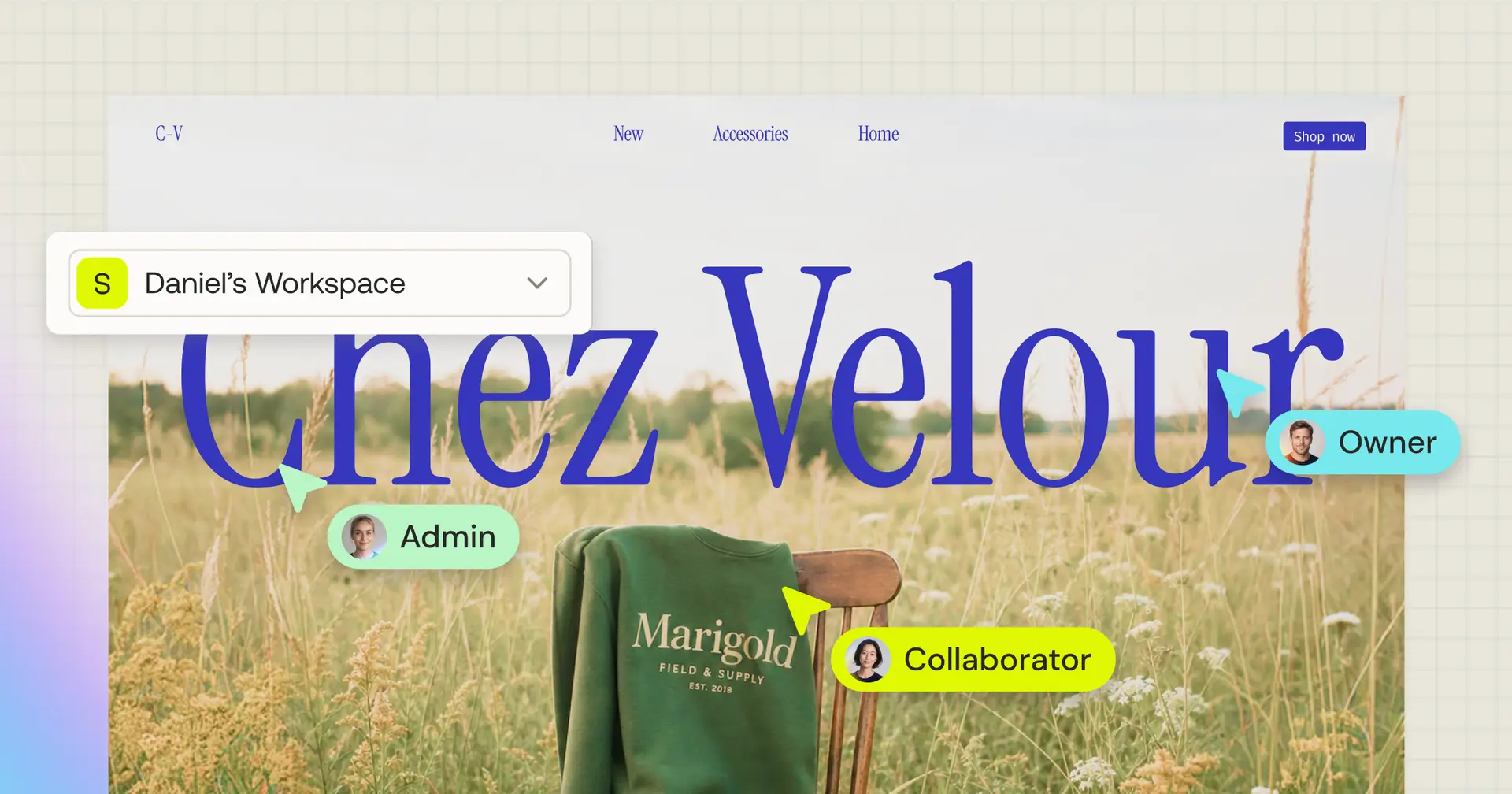
One workspace, your whole team.

Building alone is one thing. Building with a team, on shared credits, with the right people seeing the right things, that’s another. Until now, Sticklight kept everything in one flat pile. Workspaces give it a home.
A workspace is your team’s shared environment in Sticklight. It holds your projects, your plan and credits, and who can access what. Every account starts with one on the Free plan, and everything you build lives inside it. You can belong to more than one, say a “Team” workspace and a “Personal” one, and switch between them from the sidebar without losing your place.
Workspace or project: the difference
A workspace is the container. A project is the thing you’re building inside it, one app, one site, one store. Every project lives in a workspace, and you can’t have one outside of it.
Your plan and your credits live at the workspace level, and every project draws from that shared pool. Billing sits with the workspace owner, on one plan, one balance, one invoice. Members get roles across the whole workspace, or access to a single project if that’s all they need.
The simple rule: invite someone to the workspace if they should see the whole team space. Invite them to one project if they should only touch that one thing.
Five roles that match how teams actually work
Everyone gets exactly the room they need, nothing more.
Owner runs the workspace. Billing, members, everything.
Admin is almost the same, minus billing. This is your team lead or ops person.
Editor builds and publishes across every project. Your developers and designers working daily.
Viewer looks and comments, and never spends a credit. Stakeholders and clients reviewing work.
Collaborator sees only the projects you assign them. They can’t browse the full workspace or the member list. This is the role for freelancers, agencies, and anyone who needs narrow access. For each project you hand them, you pick whether they can edit and publish it, or only preview it.
Two ways to invite
Bring someone into the whole workspace from workspace settings, and pick their role. Workspace members can reach every project, including ones created after they join. Send the invite to as many as twenty email addresses at once, or share a link that stays live for seven days.
Or invite someone straight into a single project. They join as a Collaborator with access to that one project, they land right in Studio, and they never see your other work or your member list. If they already have broader access, a project invite just adds that project to what they can reach.
Built for how you actually work
Workspaces adapt to the shape of your business.
Solo creators and freelancers keep every client project in one place, manage billing centrally, and pull in a contractor on a single project when they need outside help. That contractor sees only what you share.
Agencies and studios run one workspace for the team, everyone joining as members with the right role. Invite each client as a Collaborator on their own project, so they review progress without seeing anyone else’s work.
Teams and organizations get one company workspace. People join with roles that match what they do, everyone builds from the same credit pool, and owners manage access and billing in one place.
Founders building a product make the workspace their product’s home. Co-founders join as members, contractors as Collaborators, and everything stays together as you grow.
Credits, shared and under control
Credits belong to the workspace, not to any one person. Your plan sets how many the workspace gets, and every build in Studio draws from that shared pool, no matter who’s sending the messages. One detail worth knowing: plans are priced by credits, not seats. Adding people to your workspace never raises your bill.
Dragging elements, editing text directly, and viewing as a Viewer don’t cost a thing. And if the pool runs dry, building pauses until the owner tops up or the cycle renews. Your published sites stay live the whole time.
When you need guardrails, Owners and Admins can set a monthly credit limit per teammate on the Members page. No limit means they build until the pool runs out. A number caps them for the billing month. Set it to zero and they’re paused until you raise it. The shared pool stays exactly where you want it, no surprises at month’s end.
Set up your first one
We pulled it all into one short walkthrough, from creating a workspace to inviting your first teammate and setting a credit limit. Give it a watch, then go build.
FAQ
What’s the difference between a workspace and a project?
A workspace is the shared container that holds your plan, credits, and members. A project is a single app or site you build inside it. Every project draws from the workspace’s shared credit pool.
Does adding people cost more?
No. Plans are priced by credits, not seats, so inviting members and collaborators never raises your subscription.
Can I belong to more than one workspace?
Yes. You might be an Editor on your team’s workspace and the Owner of a personal one. Switch between them from the sidebar, and each keeps its own plan and credit balance.
What happens if the workspace runs out of credits?
Building pauses for everyone until the owner tops up or the billing cycle renews. Anything you’ve already published stays live.
What happens when someone accepts a project invite?
They join the workspace as a Collaborator with access to just that project, and they land straight in Studio. They won’t see your other projects or the member list.
