
7 best free AI app builders to use now

The best free AI app builder lets you turn a plain-language prompt into a real, usable product without paying anything to start. Sticklight, Lovable, Replit, v0, Bubble, and Base44 each offer a free tier for testing prompt-to-app creation before you commit to a paid plan. Our top pick overall is Sticklight, the vibe-coding platform built by the Elementor team and powered by Claude, because it covers more than one project type and hands you full control once the AI has done its first pass.
Below we walk through what each of these six tools is generally known for, who tends to reach for it, and how to think about picking a free AI app builder that still makes sense once your project grows past a demo.
- Sticklight is our top pick among free AI app builders because it covers websites, apps, dashboards, CMS, and internal tools from one Prompt, Build, Publish flow, not just a single project type.
- Every tool on this list offers a free tier to start building, but exact limits and paid pricing change often, so check each vendor’s own pricing page before you commit.
- Lovable, v0, and Replit lean toward developers and fast prototyping, while Bubble and Base44 lean toward visual, no-code and agent-driven app generation.
- Sticklight’s Skills system packages expertise like accessibility, SEO, and performance into a single click, so a first build is closer to production-ready.
- The right free AI app builder depends on what you are building, a marketing site, a full web app, or an internal tool, and how much manual control you want after the AI’s first draft.
1. Sticklight, our top pick for a full-stack free AI app builder
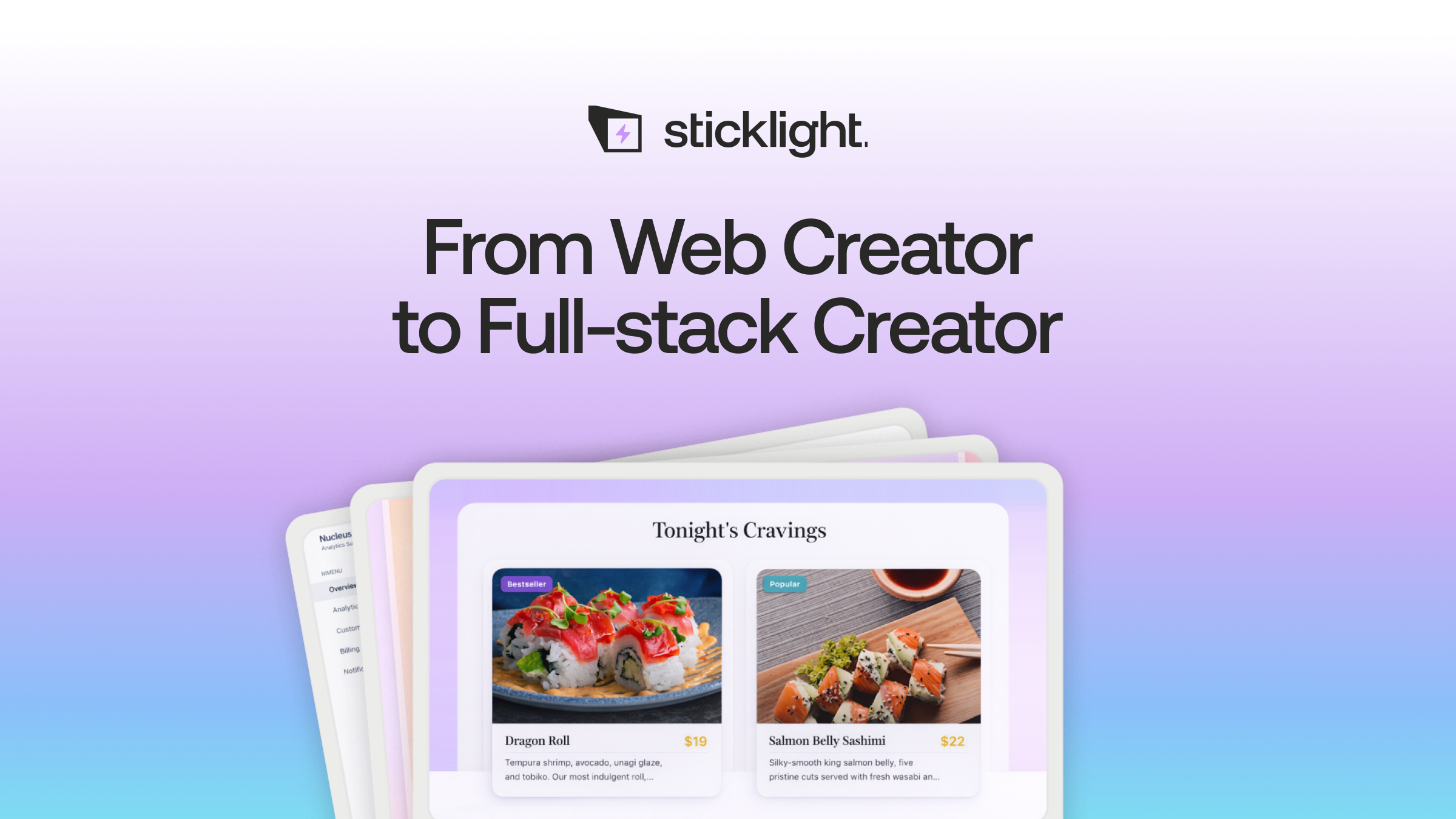
Sticklight is the vibe-coding platform for professional web creators, built by the Elementor team and powered by Claude. It turns a plain-language prompt into production-ready websites, apps, dashboards, CMS, booking systems, internal tools, and other digital products, not one fixed template type. The idea behind it is direct, go beyond websites and become a full-stack creator, using a single platform for every surface you need to build.
Sticklight organizes the process into three stages: Prompt, Build, and Publish. You can start in the main prompt box, use Plan Mode to break a complex project into steps, or connect existing tools through the Sticklight MCP. During Build, you add Skills, use ready-made tools and integrations, and edit the result by hand, including direct code editing on the canvas. Publish includes SEO built in, a security scan on every build, custom domain connection, and app hosting.
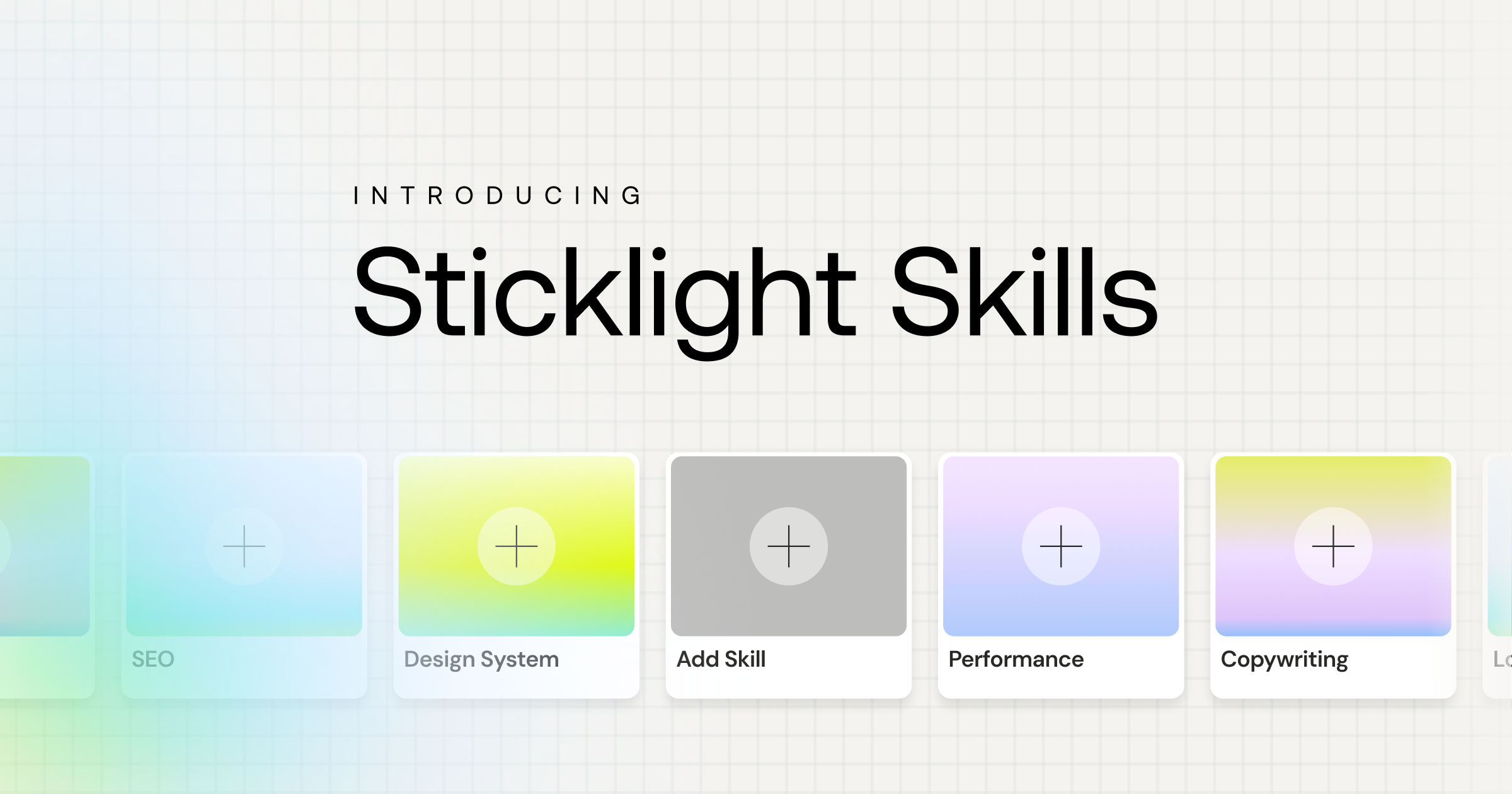
Skills add packaged expertise to any prompt
What sets Sticklight apart from a typical free AI app builder is the Skills system. A Skill is a packaged unit of expert know-how you add to any prompt with one click during the Build phase. Nine Skills are live today: accessibility, SEO, design system, performance, copywriting, localization, micro-interactions, onboarding, and a 3D web experience skill built on Three.js. The SEO Skill ships meta, schema, and a sitemap. The accessibility Skill ships WCAG-compliant markup, focus states, and ARIA. Agents are on Sticklight’s roadmap, coming soon.
Because Sticklight is built by the Elementor team, it treats an existing WordPress or Elementor site as something to connect to and extend, not something to replace. Pricing scales with seats and features across Free, Pro, Team, and Enterprise plans, with a bring-your-own-keys option on select plans for AI cost control. We are not quoting exact dollar figures here since plans change, so check Sticklight’s own pricing page for current numbers.
2. Lovable
Lovable is a prompt-to-app tool generally known for turning a short description into a working web app or marketing site quickly, which makes it a common choice for early-stage prototypes and landing pages. It is built around a chat-style interface where you describe changes and watch the app update, which suits founders and marketers who want to move fast without writing code. Lovable offers a free tier to get started, and current limits and paid pricing are best confirmed on its own site.
3. Replit
Replit began as a browser-based coding environment and has since added an AI agent that can scaffold and run applications from a prompt. It suits developers and technical hobbyists who want to prompt an app into existence and then keep working in a real code editor and terminal, all inside the browser. Replit offers a free tier for its core coding environment, and you should check the vendor’s site for current AI agent limits and paid plan pricing.
4. v0 by Vercel
v0 is Vercel’s AI tool for generating React and Next.js UI components and pages from a prompt, aimed at developers who already ship on the Vercel platform. It is a strong fit for teams that want AI-generated front-end code they can drop into an existing Next.js codebase rather than a standalone hosted app. v0 offers a free tier to experiment with, and you can check the vendor’s site for current usage limits and pricing.
5. Bubble
Bubble is a longstanding visual, no-code app builder with a large plugin ecosystem and an established community, used for building web apps through a drag-and-drop editor rather than a prompt box. It tends to suit non-technical founders and operators who want fine-grained visual control over app logic and are willing to invest time learning the editor. Bubble offers a free tier for building and testing, and current plan pricing is listed on its own site.
6. Base44
Base44 is an agent-driven app generation tool generally known for building working apps from a prompt with less manual configuration than a traditional no-code editor. It suits founders and small teams who want to describe an app in plain language and get a functioning first version quickly. Base44 offers a free tier to start, and you should check the vendor’s site for current limits and pricing before committing to a paid plan.
How to choose a free AI app builder
Start with what you are actually building. A single marketing page has different needs than a booking system, a dashboard, or a client-ready website with SEO and accessibility built in, and not every free AI app builder is built for all of those cases equally.
- Check whether the tool stops at a demo or ships something production-ready, with real SEO, security, and clean code you can hand off.
- Look at how much manual control you keep after the first AI pass. Sticklight, for example, hands you full control of every pixel once Build is done.
- Consider whether you need one project type or several. If you expect to build a website today and an internal dashboard next quarter, a full-stack platform saves you from learning a second tool later.
- Confirm the free tier actually covers what you need to test, then read the vendor’s pricing page for exact limits and paid costs, since these change often.
If your work spans more than one type of project, a platform like Sticklight that treats websites, apps, dashboards, and CMS as one flow, Prompt, Build, Publish, tends to save the most time over a year of client work.
The prompt is never the hard part. Knowing what done looks like before you start typing is what separates a shipped feature from a pile of half-working screens.
Itamar Haim
Built by the Elementor team. Powered by Claude.
Let it glow.
