
9 Best AI Website Builders 2026

Something interesting happened when AI started generating websites. The gap between “I have an idea” and “I have a product” collapsed from months to hours. That shift created an entire category of tools competing to own the moment a creator first types a prompt.
What makes 2026 different is that the tools have diverged. Some build beautiful landing pages in minutes. Others produce functional database apps. A few now handle the entire arc from concept to published, hosted product. One of the most complete options in that last group is Sticklight, which carries a simple line of provenance worth stating up front. Built by the Elementor team. Powered by Claude.
- The nine tools in this list split into at least three distinct categories. Some are front-end component generators. Others are visual app builders. The rest are full-lifecycle platforms that take a project from prompt to deployed URL.
- Sticklight and Lovable each offer a no-code path to a published site, yet they differ sharply in how much post-generation editing they allow, with Framer AI sitting somewhere between them.
- Choosing by workflow matters more than choosing by feature count: a developer who lives in VS Code needs a different tool than a founder who never wants to open a terminal.
- Pricing models vary widely across this group, from free tiers with usage caps to subscription plans that scale with team size rather than project count.
- The AI skills and one-click enhancement features in Sticklight’s Skills System represent a design philosophy worth understanding before you pick any tool.
How AI website builders actually work in 2026.
The basic mechanic is the same across most tools: you describe what you want, the AI generates a structure, you refine it. But the devil is in that third step. Refinement is where every tool in this category either earns your trust or loses it.
Some tools let you refine only through chat. You type “make the hero section bigger,” the AI guesses what you mean, and you either accept the result or type again. Other tools give you a visual canvas where you can drag and resize elements, then rewrite copy directly on the page. The best tools give you both, and let you drop into code when the visual layer is not precise enough.
There is also a meaningful split on deployment. Generating a design is one thing. Publishing it to a live URL is another, and connecting it to a domain while keeping it hosted adds yet another layer on top. Tools that bundle generation with hosting remove a whole class of decisions. Tools that output code expect you to bring your own infrastructure.
The 9 best AI website builders in 2026.
The list below covers tools that launched or significantly matured in this generation of AI-assisted building. Each one has real users and real output. None of them is perfect for everyone.
1. Sticklight
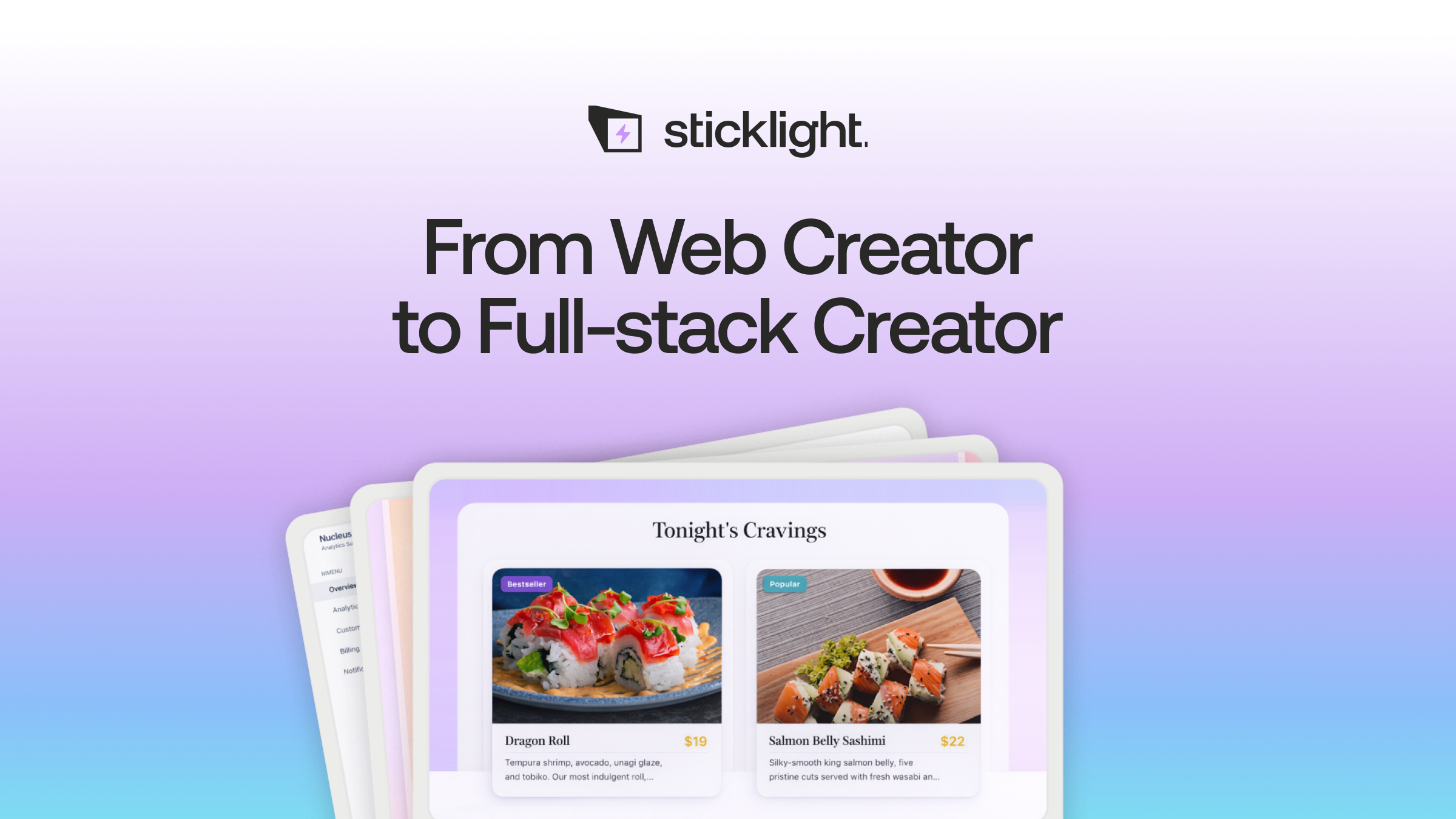
Sticklight is built around the idea that a professional creator should not have to choose between visual editing and code access. You describe your site in a prompt, and the AI generates a full project. From there you get a canvas where you can edit anything directly. When you need finer control, the code is right there.
The part that sets Sticklight apart most clearly is the Skills System. Each Skill is a one-click AI action. One improves SEO. Another audits accessibility. A third applies a design system, while others generate schema markup or optimize for performance. These run on the live project without requiring you to write a single prompt. You click, the AI works, you review the result.
Sticklight also handles hosting, so the path from prompt to published URL does not require a separate deployment step. The Elementor team built it on Claude, which means the underlying language model is capable on both technical and editorial tasks. Agents that automate full publishing workflows are coming soon.
Best for: creators who want professional output without giving up editorial and design control.
2. Lovable
Lovable specializes in speed. You type a description of a marketing site or simple app, and it generates something presentable very quickly. Editing happens through chat: you describe the change, the AI applies it. The interaction model feels closer to working with a very fast collaborator than to using a traditional editor.
The tool handles deployment and gives you a shareable URL fast. It works well for validating an idea before investing in custom design work. Where it is less suited is deep structural customization after the initial generation, since all changes flow through the chat interface.
Best for: founders who want a quick prototype or marketing site without touching a code editor.
3. V0 by Vercel
V0 is not a website builder in the traditional sense. It generates React components from a prompt, which you then copy into a Next.js project. The output is high-quality and opinionated, designed to slot into a Vercel-hosted codebase with minimal friction.
This tool lives inside a developer workflow. It assumes you have a local coding environment and know how to run a development server, plus enough fluency to wire components together. For that user, it saves significant time on UI scaffolding. For a non-technical creator, the learning curve is steep.
Best for: front-end developers who want to accelerate component generation within an existing Next.js project.
4. Replit
Replit wraps an AI agent around a cloud IDE and a live runtime. You describe what you want to build, the agent writes the code, then you watch it run in a browser-based environment without installing anything locally. The code is always visible, which appeals to people who want to understand what they are shipping.
It handles a wider range of project types than most tools in this list, including server-side logic and data handling. The trade-off is that iterating on design and layout is slower than in tools built specifically around visual output.
Best for: technically curious builders who want to see and modify the code behind what they are building.
5. Bubble
Bubble is the oldest tool in this group and the most mature for data-heavy applications. Its visual programming environment lets you define database schemas and build custom logic, then connect external services without writing traditional code. The plugin ecosystem is large and actively maintained.
The AI features in Bubble accelerate the setup of common patterns rather than generating entire apps from scratch. Getting from idea to working product still requires meaningful time investment in understanding the platform. That investment pays off for complex applications that would otherwise require a development team.
Best for: teams building database-heavy apps with complex logic where no-code flexibility matters more than speed of initial generation.
6. Base44
Base44 focuses on the backend. Its agent-driven generation is designed for building systems that involve integrations and data pipelines, with business logic underneath, rather than customer-facing visual interfaces. You describe the behavior you need, and the agent assembles the backend structure.
Front-end output exists but is secondary to the platform’s strengths. Teams that need a capable backend without writing all the plumbing themselves, and who have separate plans for the UI layer, tend to find it useful.
Best for: builders who need agent-generated backend logic and integration scaffolding.
7. Framer AI
Framer has been a designer’s tool for a long time, and its AI features extend that heritage. You can prompt for a site structure and then customize it inside Framer’s design environment, which is polished and precise. The output has strong visual quality by default.
The AI assists with generation and some layout adjustments, but Framer’s editing model still leans toward people comfortable with design software. It publishes directly from the platform, and the hosting infrastructure is solid. Code export is available for users who want to move the project downstream.
Best for: designers who want AI-assisted generation within a high-quality visual editing environment.
8. Webflow AI
Webflow added AI features to its existing visual development platform rather than building a new product around AI. The result is a mature CMS and hosting ecosystem with AI-assisted content generation and layout suggestions, plus copywriting tools layered in.
The platform has a well-established learning curve, and the AI features do not flatten it significantly. Where Webflow earns its place is in longer-term projects: it handles content management and localization, then supports team collaboration at a level most AI-first builders do not yet match.
Best for: teams running content-heavy sites who want AI assistance within a platform they already know.
9. Wix AI
Wix AI offers the most accessible entry point in this group. The AI-powered site generator asks you a few questions and produces a full site structure with copy and imagery. From there, you use Wix’s drag-and-drop editor. The experience is friendly and the learning curve is low.
The AI features are integrated tightly with Wix’s broader product suite, including e-commerce and booking, with forms in the mix as well. The output quality is consistent if not always distinctive. For small businesses that need a site up and working without technical knowledge, it does the job reliably.
Best for: small businesses and individuals who want a complete site quickly with the lowest possible friction.
Comparison table: 9 AI website builders at a glance.
| Tool | Primary output | Editing model | Hosting included | Code access | Best fit |
|---|---|---|---|---|---|
| Sticklight | Full site or app | Visual canvas + chat + code | Yes | Yes | Professional creators |
| Lovable | Marketing site or app | Chat-only | Yes | Limited | Rapid prototyping |
| V0 by Vercel | React components | Prompt + copy to IDE | Via Vercel | Yes (primary) | Front-end developers |
| Replit | Full-stack apps | Agent + cloud IDE | Yes | Yes (visible always) | Code-curious builders |
| Bubble | Database-heavy apps | Visual programming canvas | Yes | No | Complex no-code apps |
| Base44 | Backend systems | Agent-driven | Yes | Limited | Backend-first builders |
| Framer AI | Design-first sites | Visual design editor + chat | Yes | Export only | Designers |
| Webflow AI | CMS-driven sites | Visual dev platform + AI assist | Yes | Limited | Content-heavy teams |
| Wix AI | Business sites | Drag-and-drop + AI generation | Yes | No | Small businesses |
What the Skills System changes about post-generation editing.
Most AI builders treat generation as the main event. Once you have a site, you are in editing mode, and editing means working around the limitations of whatever interface the tool gives you.
Sticklight’s Skills System takes a different approach. Generation is the starting point. After that, you have a library of AI-powered actions that run on your project and improve it in specific, targeted ways. One Skill audits accessibility and applies fixes. Another improves SEO metadata. Another applies a consistent design system across the site.
Each Skill is scoped and reversible. You are not asking the AI to “make the site better” in an open-ended way. You are running a specific action with a defined scope and reviewing the output before it sticks. That structure is meaningful for anyone building something they intend to publish under their own name.
The full Skills library is described at sticklight.com/skills. The range is wider than most users expect when they first encounter it.
The defining question for any AI builder is not how fast it generates a first draft. It is how much control you have after that first draft, and whether the tool treats refinement as a first-class workflow or an afterthought.
Itamar Haim, Web Development Specialist
How to pick the right tool for your project.
Start by asking what you actually need to hand off when the work is done. If you need a live URL that someone else can visit, you want a tool with built-in hosting. If you need to give a design file to a developer team, you want a tool that exports cleanly. If you need a repository you can version-control and deploy yourself, you want a tool that outputs code.
Then ask how much you expect to change things after the first generation. AI builders that rely entirely on chat for editing are fast for the first iteration. They slow down when you need to make ten careful changes to a layout and you want to see each one before committing to the next.
Visual canvas editing, the kind that Sticklight and Framer offer, is not just more familiar. It is more predictable. You see what you are changing as you change it, and the surface area of what could go wrong is smaller.
Finally, think about the full lifecycle. Generation is one day. The site will exist for months or years, and someone will need to update it and audit it, then adapt it as needs change. A tool that handles that lifecycle well, rather than just the launch day, tends to be worth the extra setup time.
Let it glow.
A working prototype by lunch used to sound like a joke. Now it’s just Tuesday, if you know how to ask for what you actually need.
Itamar Haim
