

Augmented reality (AR) app development

AR app development is the work of building an app that overlays digital content, such as 3D models or information panels, onto a live camera view of the real world. It combines camera access, spatial tracking, a 3D content pipeline, and a rendering framework that places virtual objects convincingly in physical space. Get any one of those pieces wrong and the illusion breaks: models float, jitter, or lag behind the camera.
Most AR products are bigger than the AR moment itself. Behind the camera view sits a full web app: an admin dashboard for managing content, a marketing site that explains the feature, and user accounts. That surrounding layer is where Sticklight fits. Built by the Elementor team and powered by Claude, Sticklight is a vibe-coding platform aimed at professional web creators, and that focus lines up well with the web app, dashboard, and marketing site an AR project needs around it. It is not a native AR rendering engine, and we would rather say that plainly now than let anyone assume otherwise.
- AR app development needs camera access, an AR framework, a 3D content pipeline, and real-time spatial tracking.
- Heavy native AR experiences typically run on specialized frameworks such as ARKit, ARCore, or WebXR-based WebAR tools, not a general web app builder.
- Sticklight builds the web layer around an AR project: the marketing site, admin dashboard, CMS, and accounts.
- The 3D Web Experience Skill adds lightweight 3D content to a Sticklight page, a different job from full native AR tracking.
- A Sticklight front end can hold and link out to a WebAR experience built with a dedicated framework.
- Skills such as SEO, accessibility, and performance apply to the web app surrounding the AR product.
What AR app development actually involves
Augmented reality overlays digital content onto a live view of the physical world, usually through a phone camera. That is different from virtual reality, which replaces the view entirely with a simulated environment. An AR app reads the camera feed, understands the surfaces and depth in the scene, and renders a 3D object that stays anchored as the phone moves.
Building that experience is specialized work. Teams typically choose a platform first (iOS, Android, or the mobile browser), then a tracking and rendering framework, then a 3D content pipeline. Only after those decisions are settled does the rest of the product, the app around the AR feature, come into focus.
What every AR app needs, regardless of platform
No matter which framework a team picks, certain building blocks show up in almost every AR project.
- Camera access and permission handling, requested clearly so users understand why the app needs it.
- Spatial tracking, so a virtual object holds its position as the device moves through the room.
- A 3D content pipeline for models, textures, and animations, usually authored outside the app and imported.
- A rendering engine that composites the 3D content with the live camera feed in real time.
- Device and browser compatibility checks, since AR performance varies widely across hardware.
Get these right and the AR moment feels natural. Skip any of them and users notice immediately, because AR has little tolerance for lag or drift.
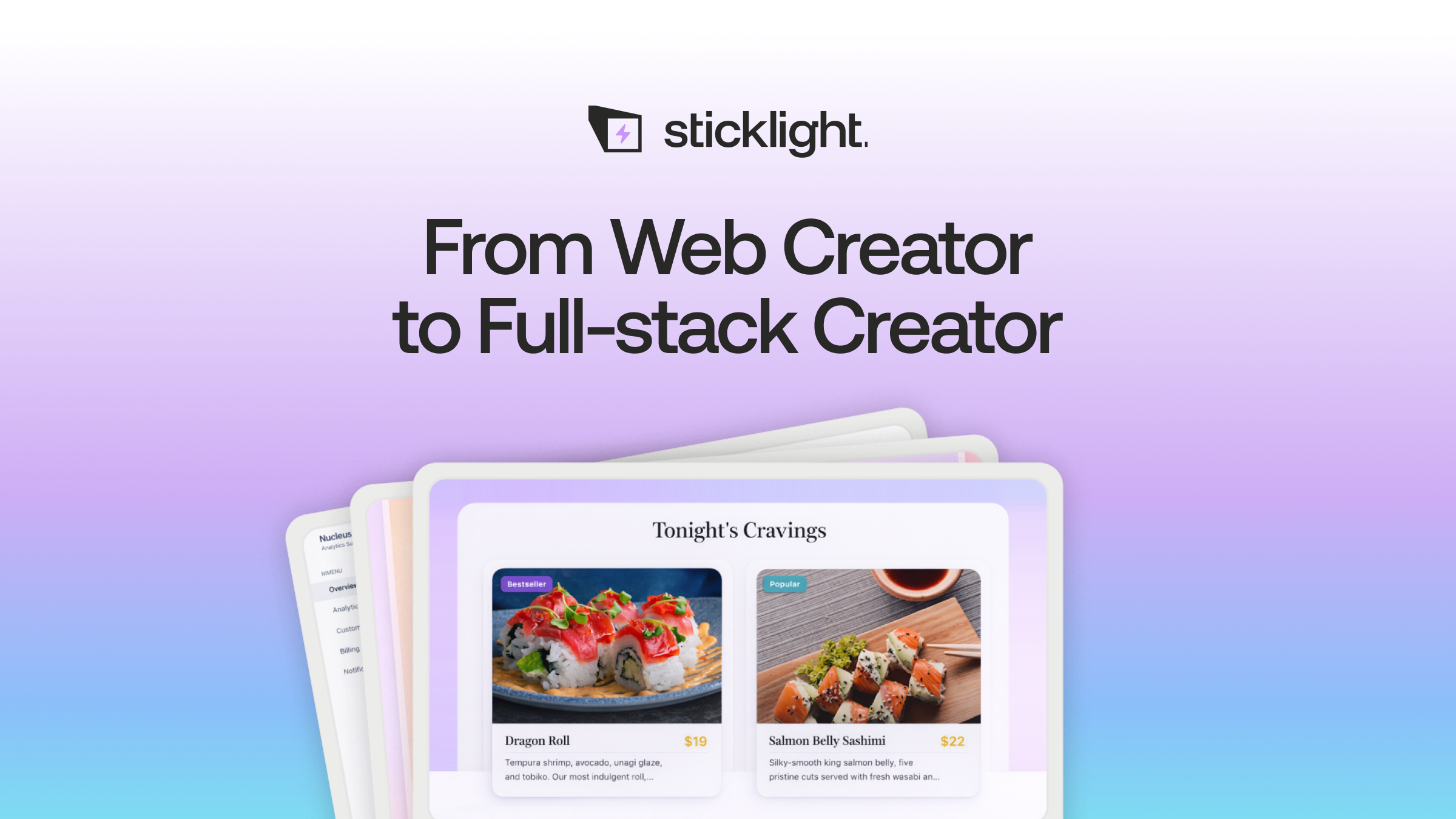
Native AR frameworks vs WebAR: where the heavy lifting happens
Native AR frameworks, such as ARKit on iOS or ARCore on Android, give developers the deepest access to a device’s cameras and sensors, generally the most accurate tracking, and the widest range of effects, at the cost of platform-specific development and app store distribution.
WebAR runs inside a mobile browser instead of a downloaded app, usually built on the WebXR standard or a dedicated WebAR toolkit. Users reach it with a link or a scan and no install step, trading some tracking fidelity and effects for reach.
Both paths are specialized frameworks built for camera-based tracking and 3D rendering, a different category of tool from a general-purpose web app builder. A platform built for websites, dashboards, and apps is not a substitute for an AR rendering framework, and it should not be sold as one.
Where Sticklight fits into an AR project
Sticklight does not render AR content and is not a native AR framework. What it does well is the software that surrounds an AR feature, which in most real projects is most of the codebase. Through the Prompt, Build, and Publish flow, a team can describe the marketing site, the admin dashboard, or the account system in plain language and get a production ready starting point, then edit every pixel by hand.
That means an AR team can use a dedicated AR framework for the tracking and rendering work, and use Sticklight for everything else: the site that introduces the feature, the dashboard that manages its content, and the accounts that gate access to it.
The web app that surrounds every AR experience
Before a user ever opens the camera, they usually land on a website or app screen. That surface handles account creation, plan details, a permission explainer, help content, and settings. None of it requires AR rendering, and all of it is standard web app work.
Sticklight can build that surrounding app: sign up and login flows, settings pages, forms, and database-backed tools, described from a prompt and then refined by hand. Because Sticklight builds beyond websites, the same flow that produces a marketing page can also produce the app shell and internal tools an AR product needs to operate day to day.
Content management and admin dashboards for AR content
AR content does not manage itself. Someone on the team needs to upload 3D models, swap marker images, adjust campaign settings, and check which AR experiences are live. That work calls for an admin dashboard, not a code editor.
This is a strong fit for Sticklight. A dashboard showing the library of AR assets, their status, and basic usage information is exactly the kind of internal tool Sticklight is built to produce. Pair it with a CMS for the pages that reference each AR experience, and a non-technical content team can manage the product without opening a repository.
Marketing, onboarding, and accounts around an AR product
An AR feature still needs a page that explains what it does and why the camera permission matters, an onboarding flow that walks a first-time user through finding the AR trigger, and accounts if the experience sits behind a login or a plan.
Sticklight’s Onboarding Skill packages that kind of first-use flow into a prompt, and the SEO, Accessibility, and Performance Skills apply to the marketing pages that sit in front of the AR experience. None of this touches the AR rendering itself, but all of it shapes whether people actually find and use the feature.
Embedding WebAR and adding lightweight 3D on the web
A Sticklight built front end can hold a page dedicated to a WebAR experience built with a specialized framework elsewhere, with a clear link or button that launches it, so the AR team has a proper home for the feature inside the wider product.
For lighter 3D needs, a product viewer, a rotating model, or a decorative scene that does not need camera-based world tracking, Sticklight’s 3D Web Experience Skill, built on Three.js, adds that directly to a page from a prompt. This Skill delivers lightweight 3D on the web, not full native AR tracking. The two solve different problems, and knowing which one a project needs saves time.
The honest split: a dedicated AR framework handles camera tracking and rendering, and Sticklight handles the web app, dashboard, and marketing surface built around it.
Asking a sharper question usually gets me further than collecting more answers I do not yet understand.
Itamar Haim
Built by the Elementor team. Powered by Claude.
Let it glow.
