

eCommerce app development, and how to build one

Ecommerce app development is the work of turning a store concept into software people can actually shop with: browse products, add them to a cart, pay, and get an order fulfilled. That software might be a native mobile app, a progressive web app, or a fast, app-like storefront that lives in the browser. In practice, most of what shoppers experience as a “store app” today is a well-built web application with app-grade speed and interaction, not something downloaded from an app store.
This guide covers what an ecommerce app needs under the hood, the honest tradeoffs between custom development, no-code platforms, and AI app builders, and a concrete path for building one with Sticklight: prompting the storefront and an admin dashboard together, refining the result on the canvas, layering in Skills like SEO and performance, connecting product data and a payment flow, and publishing it alongside an existing WordPress or Elementor store.
- An ecommerce app is defined by its parts: product catalog, cart, checkout, order management, payments, inventory, and customer accounts.
- Custom development, no-code builders, and AI app builders trade off control, speed, and cost differently. Pick based on what you need to own.
- Sticklight lets you prompt a storefront and an admin dashboard in the same flow, then refine every pixel on the canvas.
- Skills add packaged expertise, like SEO and performance, to the build with one click.
- An ecommerce app can connect to and extend an existing WordPress or Elementor store rather than replace it.
- A short pre-launch checklist catches the gaps that turn into support tickets after launch.
What ecommerce app development means in practice
Ecommerce app development is not one deliverable. It is a set of connected systems: a catalog that describes what you sell, a way to collect items into an order, a way to get paid, and a way to fulfill what was bought. Whether that ships as a native app, a progressive web app, or a browser-based storefront is a packaging decision that comes after the harder question, which is whether the underlying systems actually work together.
Founders and agencies often start by asking which platform to use. The more useful question is which systems you need to own directly, for control or differentiation, and which you can rely on existing tools for, payments and shipping being the clearest examples.
What every ecommerce app needs
Strip away the design and the framework, and every functioning ecommerce app runs on the same core pieces.
- Product catalog: products, variants, categories, pricing, and search or filtering that scales past a handful of items.
- Cart: a persistent record of what a shopper has selected, with totals, tax, and shipping calculated correctly before checkout.
- Checkout: the form flow that collects shipping and billing details and hands off to payment without losing the shopper.
- Order management: a place to see, update, and act on orders as they move from placed to fulfilled to delivered or refunded.
- Payments: a connection to a payment processor that handles the transaction securely, without the app storing card data.
- Inventory: stock counts tied to the catalog and to orders, so a sold-out item does not stay sellable.
- Customer accounts: login, order history, and saved details, which matters most for repeat-purchase businesses.
Miss one of these and the app looks finished in a demo, then breaks on the first real order. Order management and inventory are the two most often treated as an afterthought.

Three honest paths to build an ecommerce app
There are three realistic routes, and each is a genuine tradeoff rather than a strictly better or worse option.
- Custom development. An engineering team builds every piece from scratch or on a headless commerce backend. Full control over behavior and data, at the cost of the longest timeline and the highest ongoing maintenance.
- No-code and drag-and-drop platforms. Fast to assemble from templates, with less flexibility once requirements move outside what the template anticipated.
- AI app builders. A prompt generates a working app in minutes. The gap between builders here is real: some stop at a demo that looks right but is thin on SEO, security, and the details that make a store trustworthy in production.
Sticklight sits in that third category, built for the production side of the gap. It is the vibe-coding platform for professional web creators, built by the Elementor team and powered by Claude, meant to output a working product rather than a demo. AI does the heavy lifting from the first prompt, and the creator keeps full control of every pixel.
Building the app with Sticklight: prompt the storefront and the dashboard
The Sticklight flow follows three pillars: prompt, build, publish. For an ecommerce app, that starts with describing the storefront you want, product pages, cart, checkout, in plain language in the main prompt box.
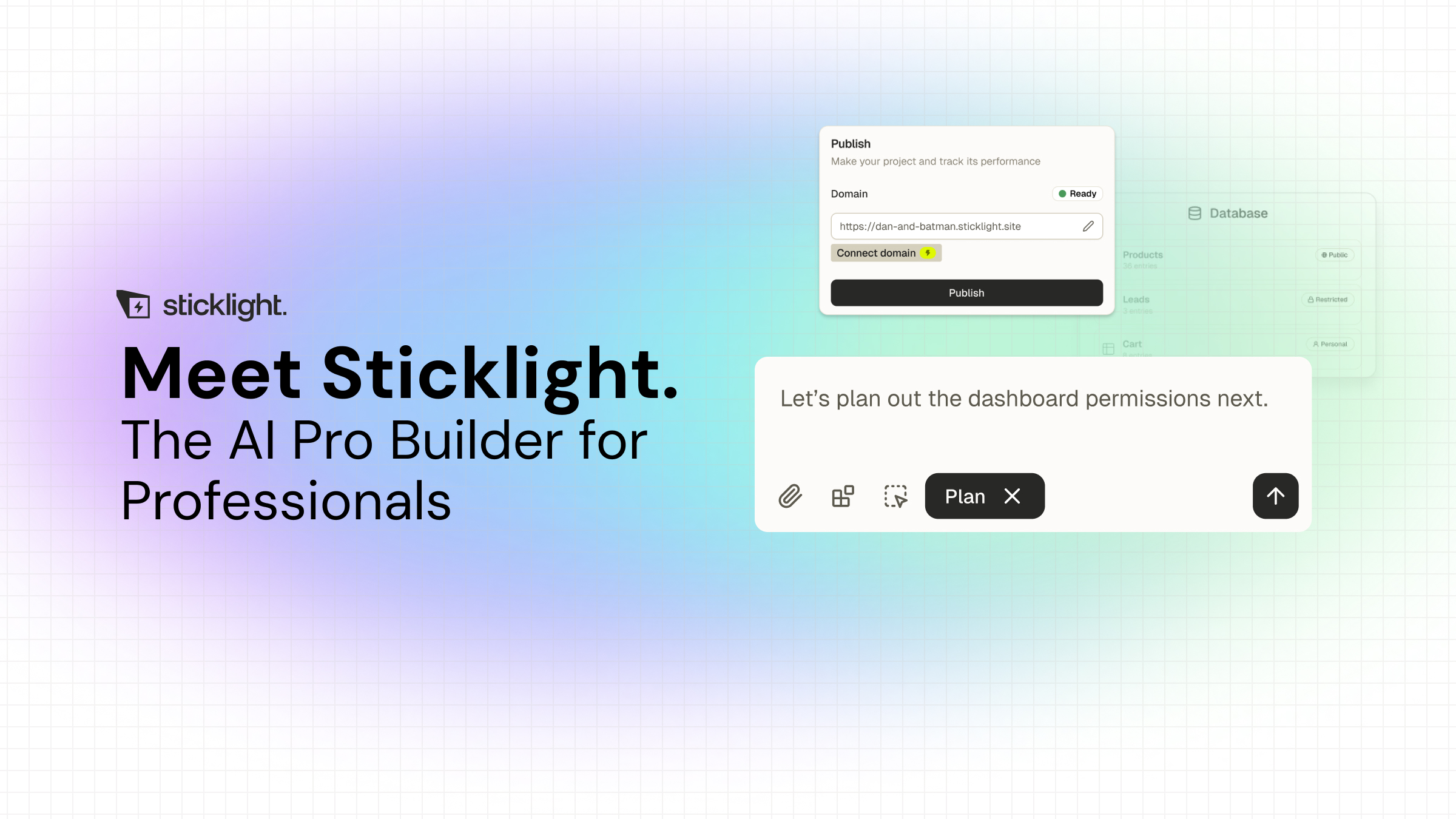
Because a real store also needs a back office, prompt the admin dashboard in the same flow: an order list, an inventory view, and customer records. Sticklight builds websites, apps, and dashboards on one platform, so the storefront and the dashboard managing it do not have to live in separate tools. For a build with this many moving parts, Plan Mode is worth using first, since it breaks a request like this into a clearer plan before generation starts.
Refine on the canvas and add Skills
What Sticklight generates from the prompt is a starting point, not the final product. The canvas supports manual editing and direct code editing, so you adjust layout, copy, and logic by hand exactly where the AI output needs a human decision.
This is also the point to add Skills, packaged units of expert know-how attached to the build with one click. The SEO Skill ships meta tags, schema, sitemap, and on-page best practices for product and category pages. The Performance Skill addresses load speed on pages people are actively trying to buy from, and the Accessibility Skill is worth adding too, since checkout is one place accessibility gaps cost real sales.
Connect product data and a payment flow
An ecommerce app is only as good as the data behind it. Once the storefront and dashboard structure are in place, connect your actual product data, names, prices, images, variants, so the catalog reflects real inventory instead of placeholder content.
Payments are the other connection to get right before anything goes live. Point the checkout flow at your payment processor of choice and test the full transaction path, including failed payments and refunds, before a real order goes through it. Ready-made tools and integrations are part of the Build phase, so this connection work does not require leaving the platform.
Publish and connect to an existing WordPress or Elementor store
Publishing an app is more than flipping it live. Sticklight’s publish step includes SEO built in, a security scan on every build, custom domain connection, and app hosting, so a checklist that normally spans several tools happens in one place.
If you already run a store on WordPress or Elementor, you do not need to abandon it to add an ecommerce app. WordPress is a source of truth you can build on and connect to, and Elementor shares the same mission of empowering web creators. A Sticklight-built app can extend that existing site, adding a faster storefront, a custom dashboard, or a booking flow, without replacing the store you already have live.
Pre-launch checklist
Before you point real customers at the app, run through this list.
- Catalog is complete and accurate, including variants and out-of-stock states.
- Checkout has been tested end to end, including tax, shipping, and error states.
- Payments have been tested in a sandbox, then confirmed with a small live transaction.
- Inventory counts sync correctly between the storefront and the admin dashboard.
- Customer account flow, including login and order history, has been tested.
- SEO metadata and schema are in place on product and category pages.
- The security scan has run and any flags are resolved.
- The storefront has been checked on mobile, not just desktop.
My rule after years of this work is simple: if you haven’t clicked through it yourself, you don’t actually know it yet.
Itamar Haim
Built by the Elementor team. Powered by Claude.
Let it glow.
