

How to Build a Web App with AI in 2026: A Step-by-Step Guide

Building custom software used to eat through budgets in ways that felt almost punitive. You hired an agency that charged like a law firm, or spent months chasing a technical co-founder through networking events. If you were a non-technical founder with a good business idea, the path from concept to working product was genuinely hard. That era has passed. You can now build and publish a functional, production-ready web application using plain language, moving from a rough concept to a working tool in an afternoon.
What follows is exactly how to build a web app with AI, step by step, from the first planning question through to a live URL, naming the actual tools and showing the actual steps along the way. If you’ve never written a line of code, that’s fine, because the only thing you’ll type is plain English. To start with a tool designed specifically for this moment, you can explore Sticklight. Built by the Elementor team. Powered by Claude.
- AI app builders have evolved from simple mockup generators into tools that write production-ready applications and host them without any setup from you.
- You don’t need a technical background to build custom web applications, dashboards, or booking systems.
- The build process follows three clear phases (Prompt, Build, and Publish), keeping you in control over every single pixel.
- Sticklight is built by the Elementor team and powered by Claude, combining expert design principles with frontier artificial intelligence.
- One-click Skills add packaged expertise to your application during the build phase, covering everything from SEO to onboarding flows.
What does it mean to build a web app with AI?
Not long ago, building a web app meant writing thousands of lines of code. There was no shortcut around that fact if you wanted something real. Now there’s a process people are calling vibe coding: you describe what you want in plain language, and the AI writes the code, wires up the database behind it, and designs the interface on top. You’re no longer confined to static pages or off-the-shelf templates. Instead, you can become a full-stack creator, shipping interactive dashboards and database-backed client portals that didn’t exist yesterday morning.
The gap between a prototype and a real product matters more than most people realize. Plenty of generic AI tools produce demos that look sharp in a pitch deck and fall apart the moment a real customer tries to log in. The standard worth aiming for is a production-ready application: security that holds under pressure, a database that won’t buckle at 500 users, pages that load before anyone bounces. A professional platform like Sticklight builds to the standard of a senior designer and developer working in tandem, not merely code that compiles.
For founders already running WordPress, none of this forces a rebuild. Your existing marketing setup stays exactly as it is. AI builders let you create custom apps and client portals that connect directly with your current pages, expanding what you offer without replacing anything that’s already working.
Why traditional development bottlenecks are fading
For years, the engineering bottleneck was the tax every non-technical founder paid. You explained your business vision. The developer nodded and took notes. Three weeks later, you received something half-different from what you’d described, and correcting the misunderstanding cost another few thousand dollars. A lot of good ideas died that way, never reaching a single user, not because the market wasn’t there but because the price of crossing from idea to working software was simply too high. AI app builders cut that chain by translating your description directly into working software, no game of telephone required.
For your business, that shift opens up several concrete changes worth understanding:
- Feedback loops shrink to seconds, so you can test three versions of a feature before lunch and change direction without waiting for a sprint cycle to close.
- Pre-launch costs drop significantly, making it possible to validate your idea with real users before committing to a full development team.
- Creative control stays yours, so you’re never settling for a layout that almost fits your brand when you could have one that actually does.
- Maintenance gets faster, because asking for a bug fix takes a sentence instead of a support ticket, a week’s wait, and a deployment pipeline.
- Design, build, and publishing all live in one place, which removes the hand-off friction that used to exist between tools and teams.
Platforms built by the Elementor team carry design principles and coding standards into the generation process itself, not bolted on afterward. The code compiles, but it also looks deliberate and behaves consistently across every screen. That consistency matters when you’re building something for paying customers rather than an internal demo.
Comparing top AI web app builders
Choosing the right platform is probably the most consequential decision you’ll make before starting your project. The field ranges from quick component generators to full cloud development environments, and picking the wrong tool can mean a painful migration in week two. Here’s a neutral look at how the options compare.
Sticklight is a complete platform built for professional web creators and non-technical founders alike. It covers the entire lifecycle, from the first prompt to a published, hosted product. The unique Skills System lets you apply professional standards like SEO, accessibility, and design consistency with a single click, rather than trying to explain complex technical requirements in a prompt. Every element on the canvas is yours to edit visually, or you can open the underlying code directly when you want that level of precision.
The other tools in the space each occupy a different niche. Lovable is built for rapid prompt-to-app creation, particularly for marketing sites. V0 by Vercel generates React components inside Next.js projects, which is genuinely useful for experienced front-end developers who already have a local coding environment set up, though it’s less accessible if you don’t. Replit wraps an AI agent around a cloud IDE and a virtual runtime, making it a solid option for people who want to understand what the code is doing as they build. Bubble has accumulated a serious plugin ecosystem and custom logic panels over the years, well suited to database-heavy applications, though the editor carries its own learning curve. Base44 focuses on agent-driven generation for backend systems and integrations.
| Platform | Primary interface | Key focus area | Control after AI generation |
|---|---|---|---|
| Sticklight | Natural language plus direct visual canvas editor | Production-ready apps, dashboards, CMS, and tools | Full pixel-level visual editing and direct code access |
| Lovable | Prompting and chat interface | Rapid application prototyping and marketing sites | Post-generation editing through chat prompts and visual options |
| V0 by Vercel | Chat prompt generating raw code | React components for modern developer projects | Requires external development environment to run and edit |
| Replit | Interactive cloud development workspace | Full-stack code generation and virtual hosting | Requires editing code files directly in the browser editor |
| Bubble | Visual drag-and-drop with custom logic workflows | Database-heavy applications with plugin integrations | Manual visual configuration through a proprietary editor |
| Base44 | Agent-based prompt interface | Quick backend logic and system integrations | Primarily managed through automated AI agent updates |
Step 1: Define your web app idea and core logic.
Typing a prompt before you’ve thought through the basics is the fastest way to rebuild the same screen four times. You don’t need a massive technical specification. A clear mental picture of what your app does and who it serves will save you more time than almost any other kind of preparation. Think of this planning phase as drawing a simple map before the build begins.
Four questions are worth answering before you open the builder:
- What’s the main problem my app solves? “Help real estate agents track client leads” is a useful starting prompt. “Build something useful” is not specific enough to produce a good result. The more precisely you name the problem, the more useful the output tends to be.
- Who are the main users, and how many of them are there? An internal tool that only you access is a very different build from a client portal with hundreds of accounts. Authentication, data isolation, and permission levels all follow from the answer to this question.
- What data does the app need to store? Identify the core lists of information your app will track. That might be your users, your projects, the customer inquiries coming in, or the appointment slots on a calendar. Naming those tables early shapes how the AI structures the database behind the scenes.
- What can a user actually do? Write down the steps someone takes inside the app: submitting a form, clicking to update a status, downloading a PDF report. Concrete actions produce concrete results.
When those points are clear, use Plan Mode in Sticklight. This mode is designed for exactly this moment, when your idea is solid but not yet structured into buildable pieces. You can outline the app, map your database tables, and define your target audience before the AI writes a single line of code. Skipping the planning phase doesn’t eliminate the confusion; it just postpones it until you’re halfway through the build, where it’s harder and slower to fix.
Step 2: Write your first prompt to generate the app.
The creation process runs on three clear pillars: Prompt, Build, and Publish. Your plan is ready, so now it’s time to write. Briefing an AI builder works the same way as briefing a talented junior designer: the more specific context you give, the closer the first draft lands to what you actually need.
Vague prompts produce generic results. “Build a CRM app” leaves the AI filling every gap with its best guess about what a CRM looks like, which is rarely what your specific business requires. Provide context about the visual layout, the interactive features, and the overall purpose of the application, and the AI has far less to invent. Your starting point will be substantially better.
Here’s an example of a detailed, effective prompt you can adapt for your own project:
“Build a modern customer portal for a boutique cleaning agency. The app must include a clean dashboard showing upcoming cleaning appointments, a form to request a new booking, and a history table of past services. The color scheme should feel clean and trustworthy, using soft blues, slate grays, and plenty of white space. Include a sidebar for navigation and a main content area where data updates automatically when a form is submitted.”
When you submit a prompt at that level of detail, Sticklight runs it through Claude’s reasoning to construct the application. It assembles the frontend layouts, wires up the interactive forms and data tables, and keeps the styling consistent throughout. Within seconds, a fully styled, working application appears on the canvas, ready for refinement. That’s a real starting point you can build on, not a visual mockup dressed up to look functional.

Step 3: Enhance your app using Sticklight Skills .
Once the AI has built the initial version of your app, you can apply specialized features to raise it to a professional standard. This is where the platform’s core differentiator comes into play: the Skills System. A Skill is a packaged unit of expert web development knowledge, the kind of thing a senior developer carries in their head after years of production work. Instead of trying to explain WCAG compliance or semantic schema markup in a prompt, you select a Skill, and the platform handles the implementation automatically. Pausing on this part is worthwhile, because it changes the economics of building something polished.
Nine live Sticklight Skills are available right now:
- SEO: Ships meta tags, structured schema markup, and on-page optimization practices so your application has a real chance of ranking well on search engines from day one.
- Accessibility: Builds full WCAG-compliant markup, keyboard focus states that actually work, and proper ARIA attributes throughout, so everyone can use your app.
- Design System: Keeps your colors, your typography, and your spacing rules consistent from the first screen to the last. Not only the screens you happened to check.
- Performance: Handles asset compression, optimized code delivery, and load-speed tracking from the start, so your app doesn’t punish users on slower connections.
- Copywriting: Generates polished interface text and microcopy that guides users clearly and matches your brand’s tone without sounding generic.
- Localization: Translates your app interface and database labels to support multiple languages and international markets.
- Micro-interactions: Connects subtle, satisfying animations to button clicks, form submissions, and hover states. Without them, every interaction feels flat. With them, the app feels like someone actually cared about the details.
- Onboarding: Builds the interactive tour guides and tooltips and welcome modals that help new users find their way around without emailing you for help.
- 3D Web Experience: Pulls in Three.js capabilities to create interactive 3D visual elements directly on your pages.
These skills compound across your projects over time. Your tenth application builds faster and ships more polished than your first, because the professional standards are already baked in. Automated agents that handle entire workflows are on the product roadmap and coming soon. For now, the Skills System is the fastest path to professional-grade output before your app goes anywhere near a real user.
Step 4: Refine, customize, and edit every pixel.
One of the more frustrating aspects of generic AI builders is that they tend to lock you out of your own creation. The AI generates a page and then, if you want to nudge a button color or tighten a margin, you’re back at the prompt interface hoping the AI doesn’t rewrite a section you weren’t trying to touch. After three cycles of that, you’ve spent more time than the original generation saved, and it still doesn’t look right.
Sticklight takes a different approach with what it calls a control-first model. The AI handles the heavy work of writing the code and building the initial layout. After that, full ownership passes to you. Visual drag-and-drop tools let you adjust spacing by hand, swap your typography, drop in your own images, and recolor anything you like, with no prompt needed for any of it. Moving a block of text a few pixels to the left shouldn’t require a conversation with an AI, and here it doesn’t.
For those who want to go deeper, the code is always accessible. Open the built-in editor directly on the canvas, modify the HTML or CSS, and watch the changes apply in real time. That hybrid setup is where the real power of the platform sits: natural language gets you most of the way to a polished application in minutes, while manual precision handles the details that separate a product you’d show a paying customer from a demo that only works under controlled conditions.
Step 5: Secure, test, and publish your web app.
When your app looks right and works exactly as planned, publishing is the natural next step, and the platform handles all of it. There’s no server to provision, and no late-night scramble pasting database keys into an environment file because the deployment broke. The whole flow keeps the final step from becoming its own two-day project.
Five steps take you from canvas to live URL:
- Run a security scan: Use the built-in system scan to automatically check your application for vulnerabilities before anything goes public.
- Preview and test: Open your application in preview mode so you can click through the forms, test a few database entries, and check how the layout holds up on mobile. Catching a broken form in preview is a five-second fix. Catching it after launch is something else entirely.
- Connect your domain: Link your custom business domain in the project settings so users reach your app at an address that’s actually yours, not a platform subdomain.
- Choose your hosting plan: Select a plan that fits your current scale, with compute and storage options that grow as your user base does.
- Click Publish: One click launches your application and makes it instantly available to your customers, clients, or team.
After launch, updates follow the same pattern at a smaller scale. A new dashboard view or a revised customer form: you open the project in Sticklight, test the change in preview, and republish. There’s no deployment pipeline to babysit, no staging environment to keep in sync, and no waiting on anyone else. The whole loop stays in your hands and takes minutes rather than hours.
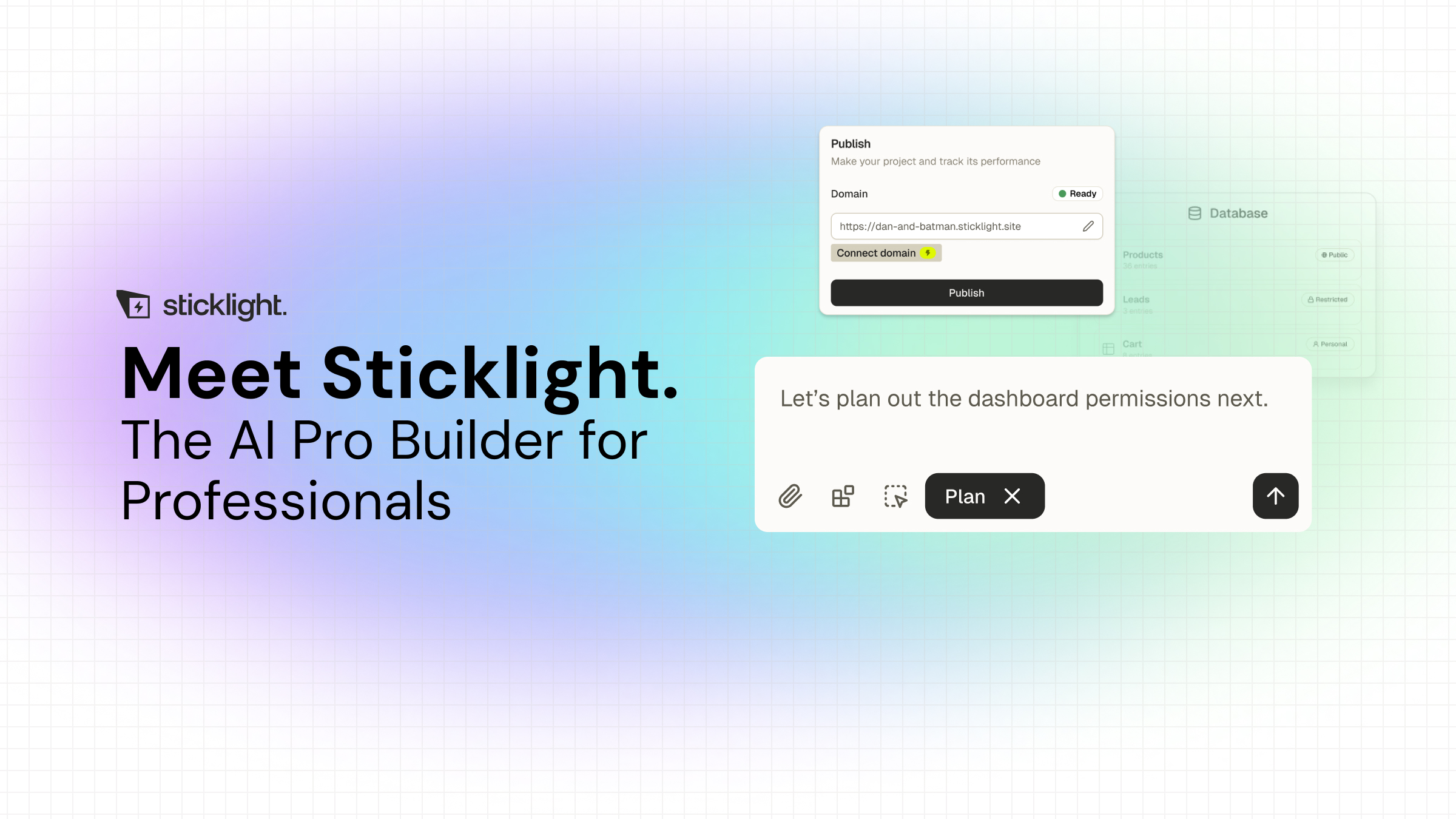
AI has completely changed the math for early-stage founders. You no longer have to risk your savings on a massive, unproven software development cycle. Tools like Sticklight let you build high-fidelity, interactive systems that perfectly match your business logic on day one. It lets non-technical creators focus on building a great business rather than debugging code databases.
Itamar Haim, Web Development Specialist
Let it glow.
Nothing replaces the moment you’re stuck on one setting and have to actually understand what it does instead of skimming past it.
Itamar Haim
