
How hard is it to make an app?

How hard is it to make an app in 2026? Building a working app is far easier than it was five years ago, but building a good one still asks something of you. Writing code, designing an interface, wiring a database, and hosting the result used to require a team with years of combined training. AI app builders have taken over most of that mechanical work. What is left, deciding what the app should do, testing it with real people, and refining the rough edges, is still work only a person can do well.
This guide breaks down where the difficulty comes from, what tools like Sticklight remove from the list, and what still separates a real product from a rough draft, across three kinds of apps: a simple tool, a full web app, and a marketplace.
- Making an app is easier than ever, but it is not hands off. Someone still has to decide what to build and judge whether it works.
- The traditional barriers, code, screens, database, deployment, and security, are the parts AI removes fastest.
- Product decisions, real-world testing, and polish still require human judgment. No tool replaces that.
- Difficulty scales with scope: a simple tool is a short project, a full web app takes rounds of iteration, and a marketplace carries the most moving parts.
- Sticklight’s Prompt, Build, Publish flow and its Skills system remove the mechanical barriers while every pixel stays under the creator’s control.
- The realistic goal is not a hands-off app, but a much faster path from idea to something people can use.
How hard is it to make an app, broken down
How hard is it to make an app, really, depends on which part of “making an app” you mean. Building an app was never one skill. It was several: writing the logic that makes software work, designing a usable interface, structuring a database that holds information reliably, deploying the result somewhere reachable, and keeping the whole thing secure.
That is why an app felt out of reach for so many people. It was not one hard thing, it was five moderately hard things stacked on top of each other, and most people only had time or training for one of them.
The traditional barriers: code, design, backend, and more
Before weighing how hard it is to make an app for your own idea, it helps to name the barriers individually. Each was its own specialty and added weeks or months to a timeline.
- Writing code: translating an idea into working logic, then debugging it when it breaks.
- Interface design: laying out screens and making the flow make sense to a first-time user.
- Backend and databases: modeling how data is stored and retrieved, and making sure it holds up as usage grows.
- Deployment: getting the app onto a server, connecting a domain, and keeping it stable.
- Security: authentication, protecting user data, and closing the gaps that get exploited.
Skip one and the app either does not work, does not look trustworthy, or is not safe for real users.
What AI app builders remove from the equation
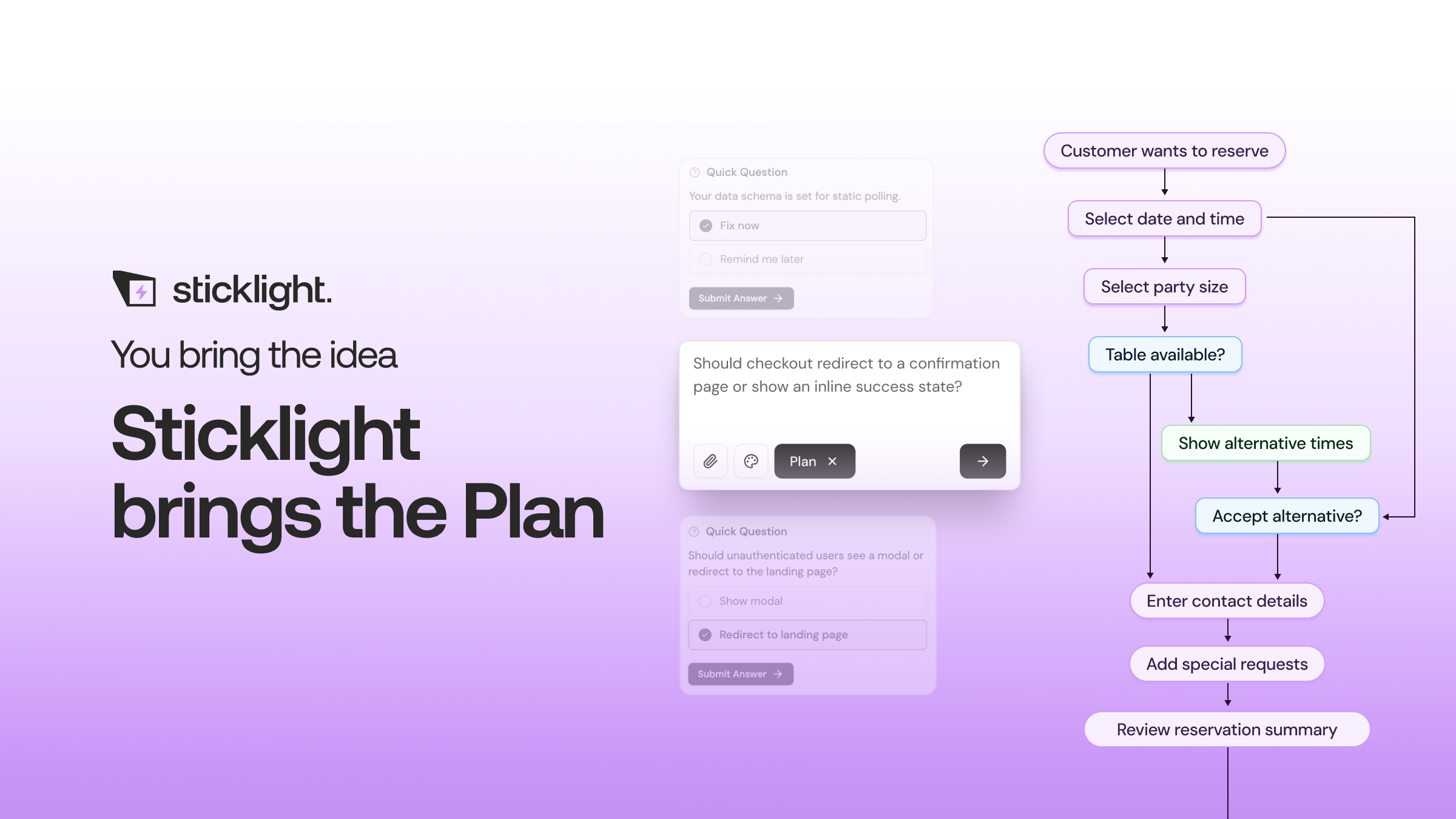
This is where the honest answer has changed the most. AI app builders write the code, generate the initial interface, structure the database, and handle deployment and basic security checks in one flow. The prompt describes the outcome, and the system produces a working starting point, often in minutes rather than weeks.
On Sticklight, this happens through the Prompt step: a plain-language description turns into a real, working product, with the craft of a senior designer and developer applied from the first version. SEO comes built in, a security scan runs on every build, and you can connect a custom domain and host the app, not hand off a demo for someone else to make production-ready.
The goal is a product that meets the standard of professional work from the first build, not a prototype you still have to rebuild.
What still takes human judgment
Removing the mechanical barriers does not remove the thinking. Deciding what the app should actually do, for whom, and why, is still entirely on you. AI can build almost anything you describe. It cannot tell you which idea is worth building.
The same goes for testing and polish. Watching a real person use your app and noticing where they hesitate or where a flow has one extra step is judgment work. So is deciding what to cut. Edge cases live here too: a form submitted twice, a booking clash, incomplete data. AI can help fix these once found, but finding them takes someone paying attention to how the app is actually used.
Difficulty by app type: simple tool vs full web app vs marketplace
Difficulty depends heavily on scope. Here is a realistic breakdown.
A simple tool
A calculator, a form that saves submissions, a single-purpose utility with one clear job. These have a narrow set of decisions and few moving parts. With a clear prompt and a short round of refinement, a simple tool is achievable in an afternoon, polish included.
A full web app
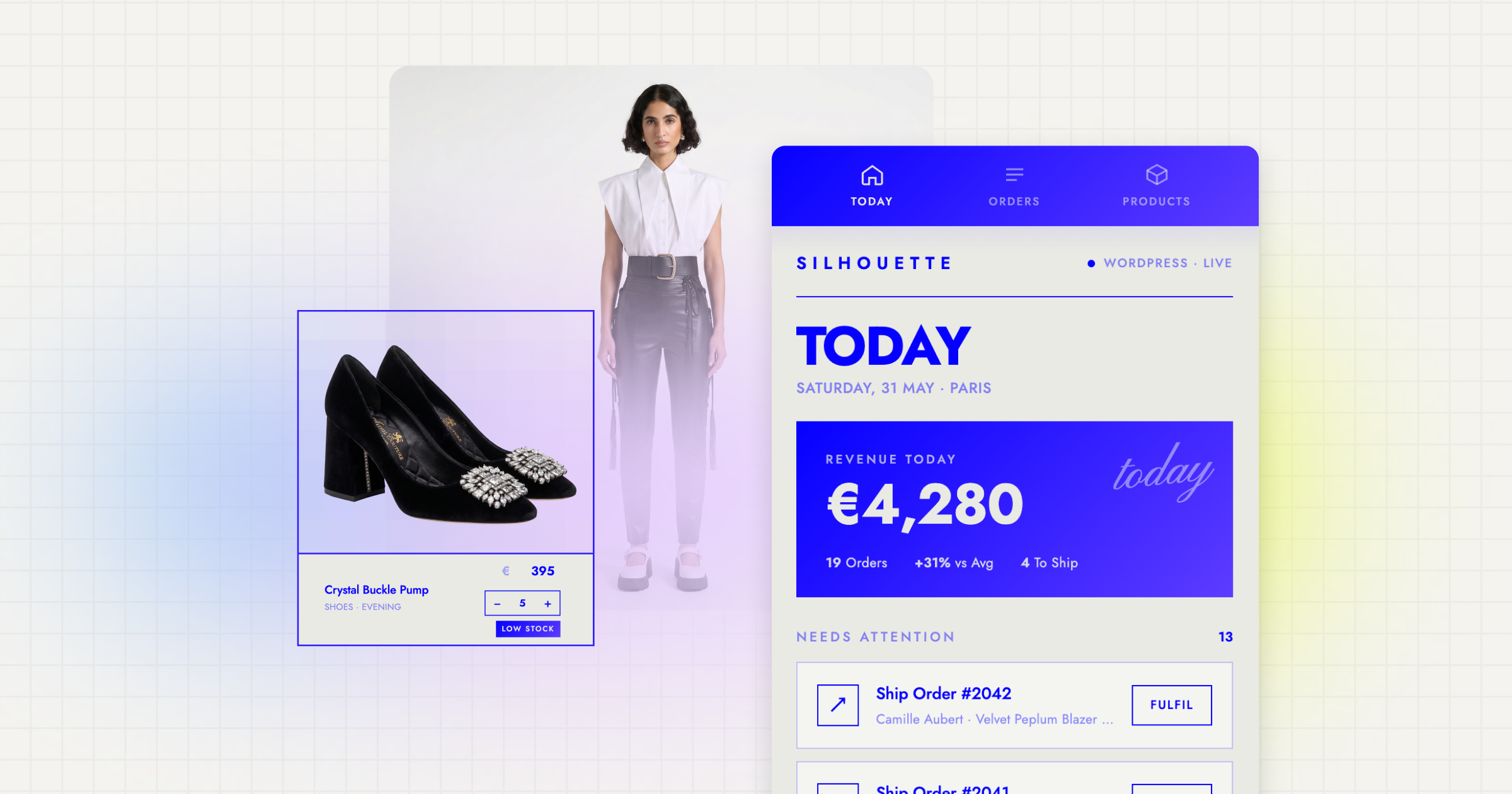
A dashboard, a booking system, a member portal with logins and saved data. This layer has more surfaces to test: multiple user flows, persistent data, and edge cases that only show up once real people click around. Expect several rounds of building and refining before it is ready to publish.
A marketplace or two-sided platform
This is the hardest tier, and it was the hardest tier before AI builders existed too. A marketplace needs two audiences to show up at once, buyers and sellers, or hosts and guests, plus trust signals, payments, and moderation. AI can build the technical shell quickly. Getting both sides to actually show up is a demand problem no tool solves for you.
How Sticklight lowers the barrier while keeping you in control
Sticklight is the vibe-coding platform built by the Elementor team, made for professional web creators who want to go beyond websites and become full-stack creators. It runs on three pillars: Prompt, Build, and Publish. Prompt turns a plain-language description into a working starting point. Build is where you refine it by hand, with manual editing and direct code editing on the canvas. Publish handles SEO, a security scan, custom domain connection, and app hosting.
The part that changes the difficulty curve most is the Skills system. A Skill is packaged expert know-how added to any prompt with one click during Build. Nine are live today: Accessibility, SEO, Design System, Performance, Copywriting, Localization, Micro-interactions, Onboarding, and 3D Web Experience. Add Accessibility and you get WCAG-compliant markup and focus states without researching the standard yourself. Skills compound as you use them, so a tenth project moves faster and sharper than the first.
Agents are on the roadmap, labeled coming soon. What is available now removes the mechanical barriers, code, design scaffolding, database setup, deployment, security, while keeping every pixel editable. The creator keeps full control.
A realistic path from idea to shipped product
If you are weighing how hard it is to make an app for your own idea, here is a grounded sequence.
- Write down the one problem the app solves and for whom. No AI can do this step for you.
- Prompt a first working version you can click through, not a mockup.
- Add the Skills your project needs, such as Accessibility, SEO, or Design System, so those layers are handled from the start.
- Refine by hand, using manual editing or direct code editing for the details a first pass will not get exactly right.
- Test it with a few real people before calling it finished, where edge cases and confusing flows surface.
- Publish, with SEO, a security scan, and a custom domain, so the app is a real product, not a private draft.
None require writing code from scratch. Every one still benefits from your judgment.
Nothing teaches you faster than watching an AI confidently build the wrong thing. You learn to write clearer instructions the same week you learn to read the output critically.
Itamar Haim
Built by the Elementor team. Powered by Claude.
Let it glow.
