
How long does it take to build a website with AI?

How long it takes to build a website with AI depends on what you are building, not on the tool alone. A one-page landing site can go from prompt to published in a single working session. A small business site with several pages usually takes a few focused days. A content-heavy blog, a CMS, or a multi-feature web app with logins and a database can take a week or more, mostly because of planning, content, and review rather than the build itself.
That is the honest, scope-dependent answer. AI has compressed the parts of website building that used to eat the most time: writing boilerplate code and wiring up layout. The parts that still take human time are the parts that always did, deciding what the site needs to say, gathering real content, and reviewing the result before it goes live.
- The biggest factor in how long to build a website with AI is scope, not the AI itself.
- AI mainly compresses coding, layout, and boilerplate, turning weeks of work into hours or days.
- Planning, content, and review still take human time, no matter how fast the build runs.
- Typical ranges: a single session for a landing page, a few days for a small business site, a week or more for a content-heavy CMS or a full-feature app.
- Sticklight’s Prompt, Build, Publish flow shortens the build phase specifically, without skipping SEO or security.
- Packaged Skills save the separate cleanup pass that used to follow a first draft.
It depends on scope, not on the tool
A brochure site for a local business and a booking platform with a database behind it are not the same job, even if both start with a prompt. The tool changes how fast each phase moves. It does not change how many phases there are.
Four factors shape the timeline most: how many pages or screens the site needs, how much custom functionality is involved, how ready the content is going in, and how many people need to review before launch. Treat the ranges below as typical, scope-dependent guidance, not a promise.
A one-page landing site: typically a single working session
A single landing page, for a launch, an event, or a lead capture campaign, is the fastest category. With a clear prompt describing the offer, the audience, and the call to action, a working first version can come together in a few hours.
One page means one layout decision, the content is usually short enough to finalize in the same sitting, and there is rarely backend logic beyond a form or a checkout link. The main variable is how settled the messaging is. Settled copy means same-day publishing. Copy that still needs testing simply takes the time messaging always takes.
A small business website: usually a few focused days
A typical small business site, home, about, services, contact, maybe a gallery, sits in a different bracket. Even with AI handling layout and code, a project like this usually spans a few days rather than an afternoon.
The extra time goes toward things AI cannot shortcut alone: gathering real photos and service details for every page, deciding navigation across multiple pages instead of one, and a round or two of refinement once the owner sees the first version. The build itself is fast. What stretches this to a few days is the back-and-forth on content, which is normal for anything a business puts its name on.
A blog or CMS-driven site: content sets the pace
Once a site needs an ongoing content system, the timeline shifts from being about pages to being about content volume. Setting up categories, templates, and an article layout is a build-phase task AI handles quickly.
What takes time is everything downstream: writing or migrating the first batch of articles, setting up tags and internal linking so content is findable, and getting titles, meta descriptions, and schema in place across every template. A CMS with a handful of launch articles can be live within a few days. A content-heavy relaunch with dozens of pieces to place is realistically a multi-week effort, because writing and organizing that much content is a content project, not a coding project.
A full multi-feature web app: budget for a focused week or more
Dashboards, booking systems, and internal tools with user accounts or a database behind the screens are where planning matters most. This is also where AI-assisted building saves the most calendar time, since coding and wiring that used to take a development team weeks can now happen in a much shorter window.
- Clear planning up front: what data the app stores, what a user can do, what an admin can see.
- A first generation pass to get the core screens and logic working end to end.
- A round or two of refinement as real workflows surface.
- Testing the data flow before anything goes live, especially for bookings, payments, or records.
A well-scoped internal tool can realistically go from prompt to a publishable product within a week when requirements are clear. A more ambitious app with several connected features takes longer, spent on the same planning and testing any serious app needs, just compressed compared with a traditional build.
The phases of an AI build, and where the time actually goes
Every AI-built website moves through the same five phases, and knowing where time concentrates sets realistic expectations.
- Planning. Deciding what the site needs to do and who it is for. This is thinking time, and no tool replaces it.
- First generation. Turning the prompt into a working structure and starter content. AI compresses this phase the most.
- Refinement. Adjusting details so the site feels intentional rather than generic. Fast, but rarely zero.
- Content. Writing or finalizing real copy, images, and data. The least compressible phase, since someone still has to decide what the page says.
- Launch. Connecting a domain, a final check, and publishing. Quick, but where quality gets confirmed.
Planning and content do not shrink much just because the build is faster. What changes is that the time saved in the middle means more of the project is spent on the parts that need human judgment.
How Sticklight’s Prompt, Build, Publish flow keeps the timeline honest
Behind that whole timeline picture sits Sticklight, the vibe-coding platform built by the Elementor team and powered by Claude. It goes beyond websites, turning a professional creator into a full-stack creator who can turn a plain-language prompt into a production-ready website, app, dashboard, CMS, or internal tool, with the standard of a senior designer and developer behind the output, not a rough demo that needs a rebuild before it can ship.
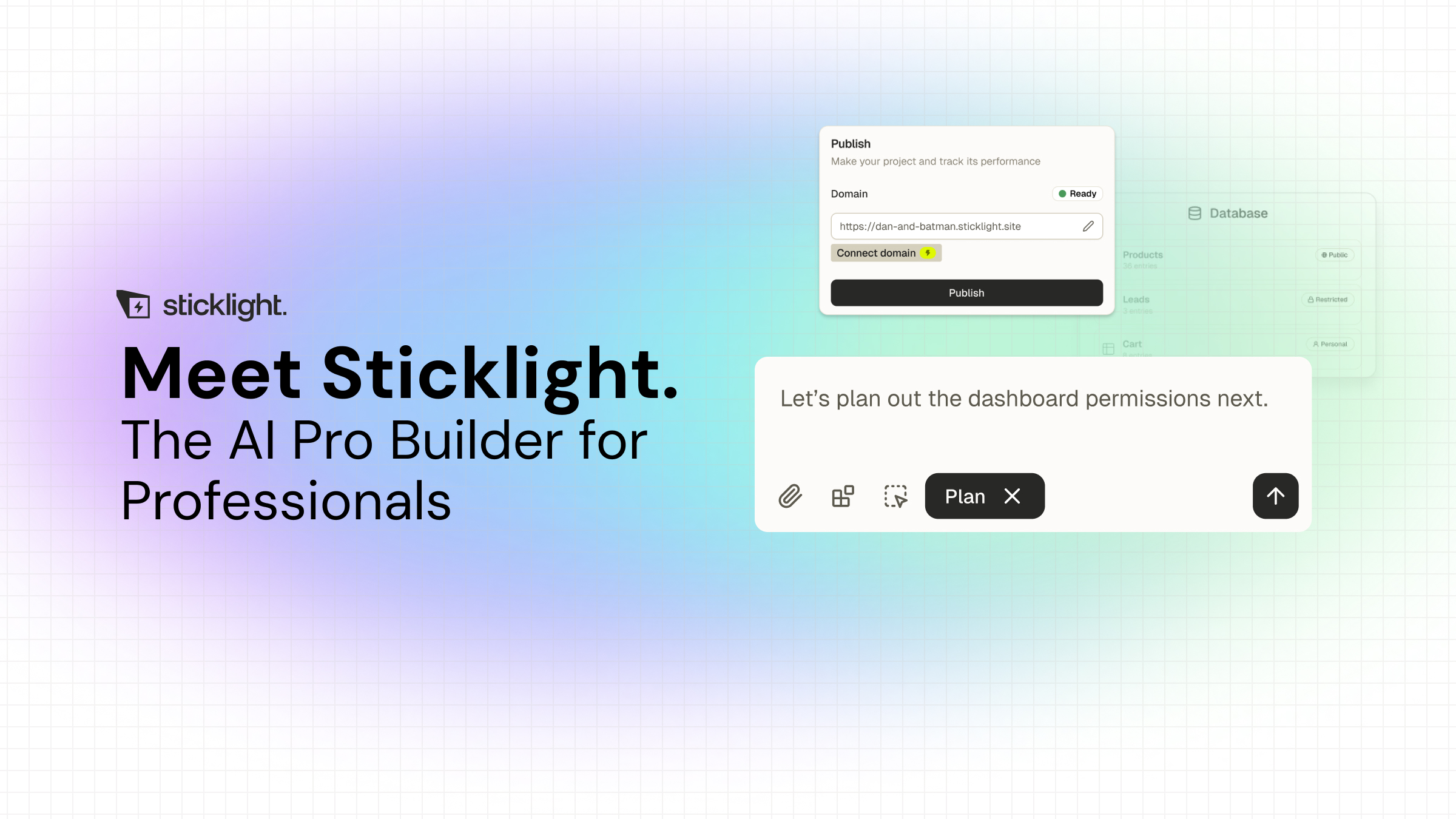
The three pillars map onto the phases above. Prompt is where planning happens, through the main box, Plan Mode for complex projects, or a template you remix, and it stays a human step. Build is where the first generation happens, and where Skills add packaged expertise with one click, accessibility, SEO, design system, performance, copywriting, localization, micro-interactions, onboarding, and 3D web experiences are all live today. Manual editing and direct code editing on the canvas keep refinement fast, since you are adjusting real, production-grade output. Publish handles SEO fundamentals, a security scan on every build, and custom domain connection, so those steps are not a separate project afterward.
Because AI does the heavy lifting from the first prompt, you keep full control of every pixel once a version exists. Sticklight also connects to and extends an existing WordPress or Elementor site rather than replacing it, so teams already invested there are not starting from zero. Agents, which will handle more of the planning and iteration autonomously, sit on the roadmap and are labeled coming soon. Today’s time savings come from the Build phase specifically.
Rollback plans usually get written the week after the first bad deploy, never before it, and that is a habit worth breaking early.
Itamar Haim
Built by the Elementor team. Powered by Claude.
Let it glow.
