
How to build a SaaS product people want to use

To build a SaaS product people want to use, start with a problem someone already feels, not a feature list. Ship a first version that does one workflow well, then design the account and dashboard layer with the same care as the core feature. From there, building fast matters less than building the right thing, which is why the tools you use to get from idea to working app change how much you actually learn.
This guide walks through that path in order: finding the problem, scoping the first version, designing the workflow, building the account and dashboard layer, and iterating once real people are using it. Along the way, we will show how Sticklight turns each of these steps from a plumbing project into a creative one, so more of your time goes to the product and the people who use it.
- A SaaS product worth building starts from a problem someone already works around today, not a feature idea in isolation.
- A focused first version does one workflow well instead of ten workflows partway.
- The account, dashboard, and settings layer shapes trust as much as the core feature does.
- Sticklight turns a written description into a working app and admin dashboard, then lets you refine every detail by hand.
- Skills add packaged expertise, accessibility, onboarding, performance, and design system consistency, without extra manual work.
- Real iteration happens after launch, watching what people actually do inside the product.
Start with a problem worth solving
Every SaaS product that people keep paying for solves something they were already doing, just badly. That usually looks like a spreadsheet with too many tabs, a shared inbox nobody owns, or a process three people repeat by hand every week. Those are the signals worth chasing, because the pain already exists and the workaround already proves someone will pay to make it go away.
Talk to the people who live with the problem before you write a line of copy about your solution. Ask what they do today, what step they dread, and what they have already tried. If you cannot describe the problem in one sentence a stranger would understand, it is not scoped enough to build against yet.
Scope a first version you can actually finish
The biggest risk in the early stage is not choosing the wrong problem, it is trying to solve all of it at once. A focused first version picks one workflow, the one that removes the most pain, and leaves everything else for later.
- Pick the single task a user does most often and build that path end to end.
- Cut every feature that supports a workflow you have not built yet.
- Write down what you are deliberately leaving out, so scope creep has somewhere to go besides your first release.
A narrow first version is not a lesser product. It is the fastest way to find out whether the core idea actually holds up once real people touch it.
Design the core workflow before the login screen
It is tempting to start with sign-up forms and settings pages because they feel like obvious first steps. But the account layer only matters once someone has a reason to come back, and that reason is the core workflow itself.
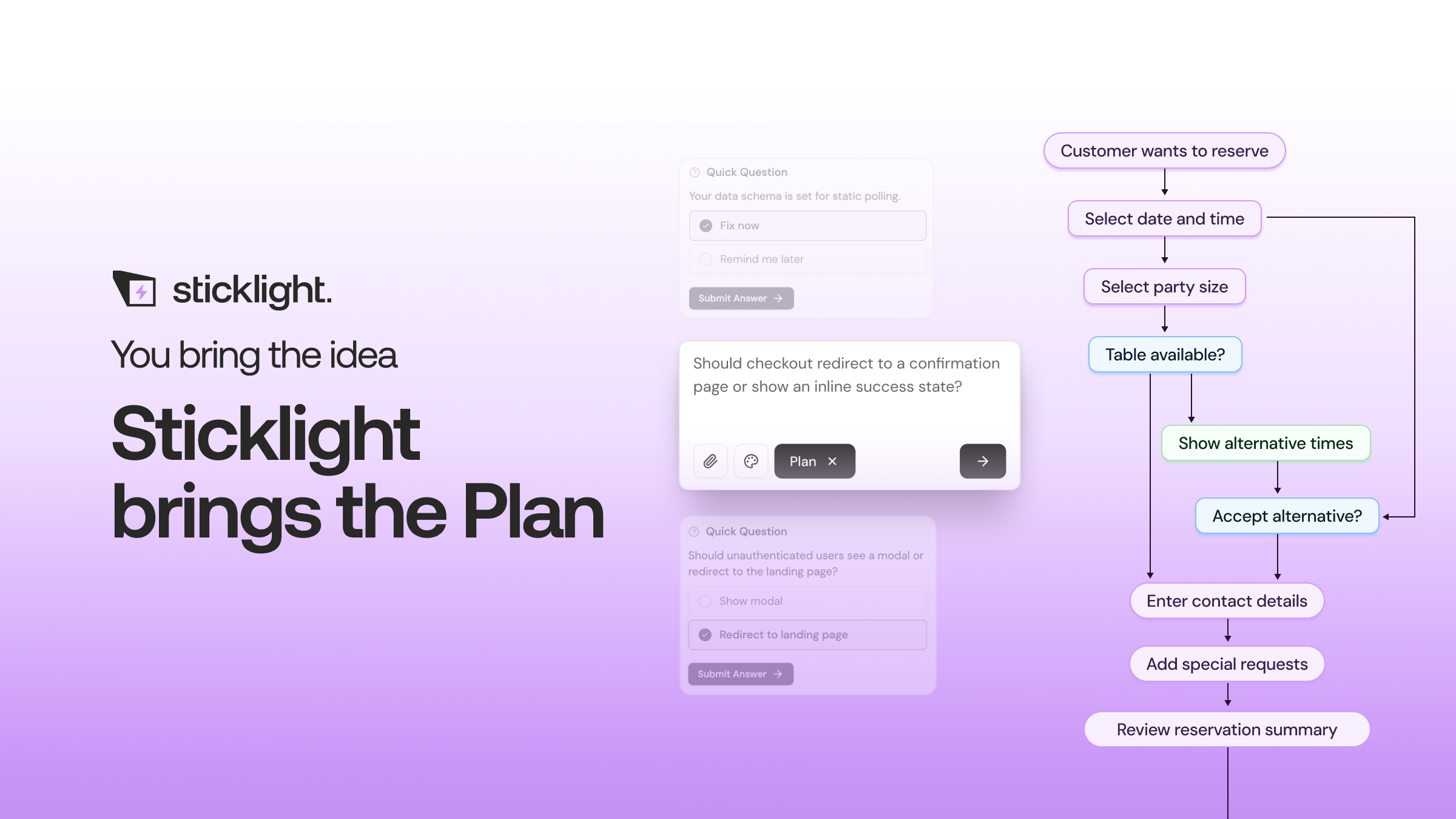
Map the path a user takes from the moment they arrive to the moment they get the value they came for. Write it as steps, not screens: what they enter, what the product does with it, and what they see as a result. Only after that path is clear does it make sense to design the screens around it.
The core workflow is the product. Everything else, accounts, billing, settings, exists to support it.
Build the account and dashboard layer that makes it feel real
Once the core workflow is solid, the account and dashboard layer is what turns a working demo into a product someone trusts with their data. This includes sign-up and login, a dashboard that orients a returning user in seconds, account settings, and any team or permission structure your users need.
This layer is easy to underbuild because it does not feel like the interesting part. But a confusing dashboard or a settings page that buries basic controls undermines confidence in the whole product, even if the core workflow is genuinely good. Give it the same attention you gave the feature that got you excited in the first place.

How to build a SaaS product with Sticklight, from prompt to publish
Turning that mapped-out workflow into a working product looks different with Sticklight. Instead of assembling a frontend, a backend, and an admin panel as three separate projects, you describe the product you mapped out in a plain-language prompt, and Sticklight generates the app along with an admin dashboard from that same description.
From there, the build is yours to shape. Sticklight gives you full control after the first generation: refine the layout on the canvas, adjust the workflow you designed earlier, and edit code directly where you want precision. The flow follows three pillars, prompt, build, publish, so the path from idea to a working product stays continuous instead of getting rebuilt at every handoff.
The point is not speed for its own sake. It is that less of your time goes to wiring up an account system or a dashboard from nothing, and more of it goes to the workflow that actually solves your user’s problem.
Add Skills that cover ground you would otherwise skip
Sticklight’s Skills are packaged units of expert know-how you add to a prompt with one click during the build. For a SaaS product, four are worth reaching for early. The Design System Skill keeps your components and spacing consistent as the product grows past its first few screens. The Accessibility Skill ships WCAG-aligned markup, focus states, and ARIA attributes, so accessibility is not a separate pass you bolt on later. The Onboarding Skill shapes the first-run experience new users see. The Performance Skill addresses load and responsiveness as the app takes shape.
Skills compound across a project. Each one you add during the build is expertise you did not have to source separately, and it stays applied as you keep building on top of it.
Connect real data and publish with confidence
A SaaS product needs to hold up under an SEO check, a security review, and a real domain before it is ready for users outside your own team. Sticklight’s publish step includes SEO built in, a security scan on every build, custom domain connection, and app hosting, so that part of launch is handled as part of the platform rather than a separate checklist.
If your product needs to connect to an existing site, Sticklight can extend a WordPress or Elementor site you already run rather than requiring you to start over. That matters for teams who already have a site people trust and just need the new product to live alongside it.
Iterate with the people actually using it
The first version you publish is a starting point for learning, not a finished statement. Watch what people do inside the product, not just what they say about it. Where do they pause. Where do they leave. Which part of the workflow do they repeat, and which part do they skip entirely.
Ship small changes based on that behavior rather than waiting for a big rewrite. Because the account, dashboard, and core workflow all live in one build, a change to one part does not mean rebuilding the others around it. That is what makes iteration a habit instead of a project.
When a guide stops matching my situation, that is exactly where the real lesson starts.
Itamar Haim
Built by the Elementor team. Powered by Claude.
Let it glow.
