

How to create a no-code website easily

A no-code website is a site you build by describing what you want in plain language, then refining the result, instead of writing code or manually assembling drag-and-drop blocks. With Sticklight, you create a no-code website by typing a prompt that describes your business and your pages, then shaping the draft it produces until it looks and reads exactly the way you want.
The path to “no-code” has moved twice in a decade. First, templates replaced blank code editors. Then drag-and-drop builders replaced rigid templates, letting you place sections yourself. The current shift replaces the empty canvas itself: you start from a prompt, and the platform gives you a structured, styled first draft to work from. Below, we explain what that shift means, then walk through five steps for building your own no-code website with Sticklight, from an initial plan to a published site.
- A no-code website is built by describing your site in plain language and then editing the result, not by writing code.
- Sticklight moves the starting point from templates and drag-and-drop panels to a plain-language prompt.
- Five steps take you from an idea to a published site: plan, prompt, refine, add Skills and content, then publish.
- Skills add packaged expertise, such as accessibility or SEO, to your build with one click.
- You keep full control after the first draft. Content, brand choices, and testing still need your review.
- You can connect a new build to an existing WordPress or Elementor site instead of starting over.
What is a no-code website
A no-code website is any site you can plan, build, and publish without writing HTML, CSS, or JavaScript yourself. The category has existed for years through drag-and-drop page builders: you pick a template, then place headers, images, and forms into a grid by hand. That approach removed the need to code, but you still did every bit of the assembly.
Prompt-based building changes what counts as the starting point. Instead of assembling a page piece by piece, you describe the site you want in a sentence or a short brief, and the platform generates a working layout, structure, and starting copy for you to react to. Sticklight works this way: you write a plain-language prompt, the platform produces a production-ready first draft, and you take over from the canvas to edit by hand from there. The AI does the initial construction. You keep full control of every pixel after that.
For small business owners, freelancers, and non-technical creators, this closes the two gaps that used to stop a website project before it started: you no longer need to know how to code, and you no longer need design software skills to compose a layout from an empty grid.
Step 1: Plan your site before you open the builder
A prompt-based tool still works best when you know what you are asking for. A few minutes of planning before you write anything saves you from redoing structural decisions later.
Before you start, write down:
- What the site needs to do (show your services, sell a product, take bookings, collect leads)
- Who is visiting it, and what you want them to do first
- The pages you actually need (a five-page site and a one-page site start very differently)
- Any existing assets you already have, such as a logo, photos, past copy, or a brand color
This is one of the parts of the process that stays yours. The platform can turn a plan into a site, but deciding what your business needs from that site is a judgment call only you can make.
Step 2: Describe your site in a plain-language prompt
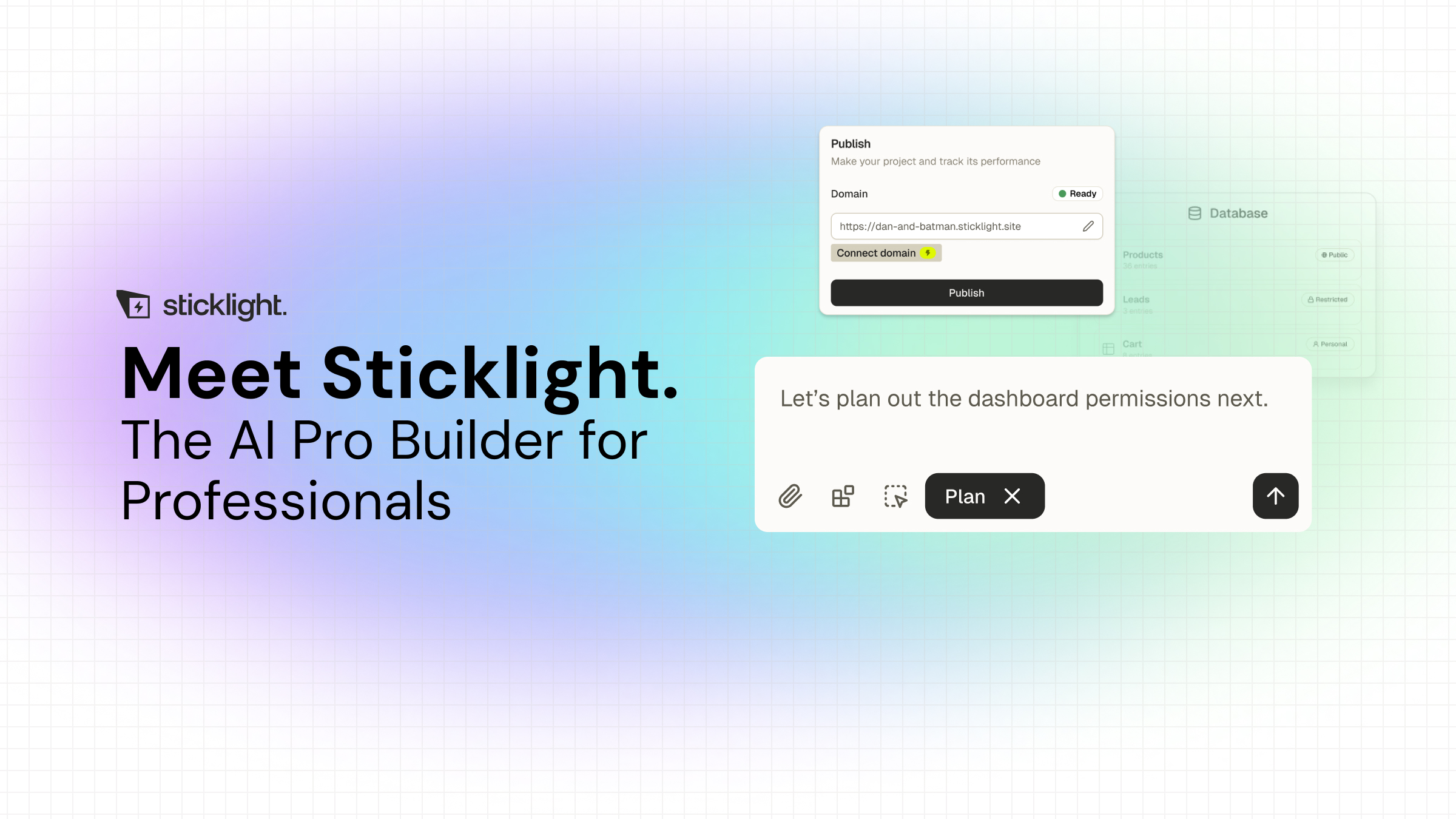
Once you have a plan, turn it into a prompt. Sticklight’s main prompt box takes a plain-language description of your site: the type of business, the pages you need, the tone you want, and any features like a contact form or booking flow. Plan Mode is available if your project has more moving parts and benefits from breaking the request down first. Templates let you start from an existing structure and remix it into your own. Connectors are matched to your use case.
The more specific your prompt, the closer the first draft lands to what you pictured. Naming your industry, your must-have pages, and a tone or reference point, warm and personal, or clean and corporate, gives the build more to work with than a one-line request. You are not writing code here. You are writing the same kind of brief you would hand a designer.
Step 3: Refine the design visually on the canvas
Your first draft is a starting point, not a finished product. From here, Sticklight hands you the canvas: move sections, adjust colors and spacing, swap layouts, and edit copy directly, all by hand. If you want to go further, you can edit the underlying code on the canvas too, though most non-technical creators will do everything they need through visual editing alone.
This step is where your brand judgment matters most. The platform can generate a coherent starting layout, but only you know whether a color feels right for your business, whether the tone of the copy matches how you actually talk to customers, or whether a section belongs on the homepage or somewhere deeper in the site. Expect to spend real time here. Refining is a normal part of building a site, not a sign that the first draft failed.

Step 4: Add Skills and real content
Skills are packaged units of expert know-how you can add to your build with one click. Skills already live include Accessibility, SEO, Design System, Performance, Copywriting, Localization, Micro-interactions, Onboarding, and a 3D Web Experience skill. The Accessibility Skill adds WCAG-aligned markup, focus states, and ARIA attributes. The SEO Skill adds meta tags, schema, and a sitemap. Adding a Skill does not require you to understand what it is doing underneath. It applies that expertise to what you have already built without extra setup on your part. Agents, a way to hand off ongoing tasks to the platform, are coming soon.
This step is also where you replace placeholder text and images with the real thing: your actual services, prices, photos of your own work, and your business details. A no-code website still needs your content. The platform gives you a structure to fill, not a finished substitute for what your business actually offers.
Step 5: Publish, and connect to an existing WordPress or Elementor site if you want
When you are ready, publishing includes SEO fundamentals, a security scan on every build, and the option to connect a custom domain, on top of hosting for the app or site itself. If you already run a site on WordPress or Elementor, you do not need to abandon it to use Sticklight. WordPress is treated as a source of truth you can build on and connect to, so a new booking system, dashboard, or landing page can extend what you already have instead of replacing it.
Before you consider the site finished, test it the way a visitor would: check it on a phone, submit your own contact form or booking flow, and read the copy out loud once. Sticklight builds and checks the structure. Confirming it works the way your business needs is still worth your own pass.
Nobody becomes competent by watching. You get competent by doing the same small task enough times that it stops feeling unfamiliar.
Itamar Haim
Built by the Elementor team. Powered by Claude.
Let it glow.
