
How to create a website with AI in 5 steps (2026)

You create a website with AI by describing what you want in plain language, letting the AI generate a working first version, and then refining it until it matches your standard. With Sticklight, that process runs through three stages: prompt, build, and publish, and it is meant to produce a site you can actually launch, not a demo you rebuild from scratch afterward.
This guide walks through five concrete steps for turning a prompt into a published site: writing the prompt, refining the first draft, adding Skills for quality, connecting real content, and publishing. Each step maps to something you can do inside Sticklight today, in the order most projects actually move through it.
- Sticklight turns a plain-language prompt into a production-ready site through Prompt, Build, and Publish.
- A strong prompt names the site’s purpose, audience, pages, and style before generation starts.
- The first generated version is a starting point. Refine it by conversation, then edit manually or in code for full control.
- Skills add packaged expertise, such as SEO, accessibility, performance, and design system, with one click during Build.
- If you already run WordPress or Elementor, Sticklight builds on top of that site instead of swapping it out.
- Publishing includes SEO built in, a security scan on every build, and custom domain connection, and the site keeps improving after launch.
Step 1: Describe the website you want to create with AI
The first step is a plain-language prompt, not a spec document. Tell Sticklight what the site is for, who it’s for, which pages it needs, and what kind of look and feel you’re after. The clearer you are here, the closer the first draft lands to what you pictured.
A useful prompt tends to cover four things.
- Purpose: what the site needs to do, sell a service, book appointments, showcase a portfolio, run a small dashboard.
- Audience: who is landing on it and what they need to find quickly.
- Pages: a rough list, home, about, pricing, contact, blog, whatever the project calls for.
- Style: tone and visual direction, minimal and corporate, warm and personal, bold and colorful.
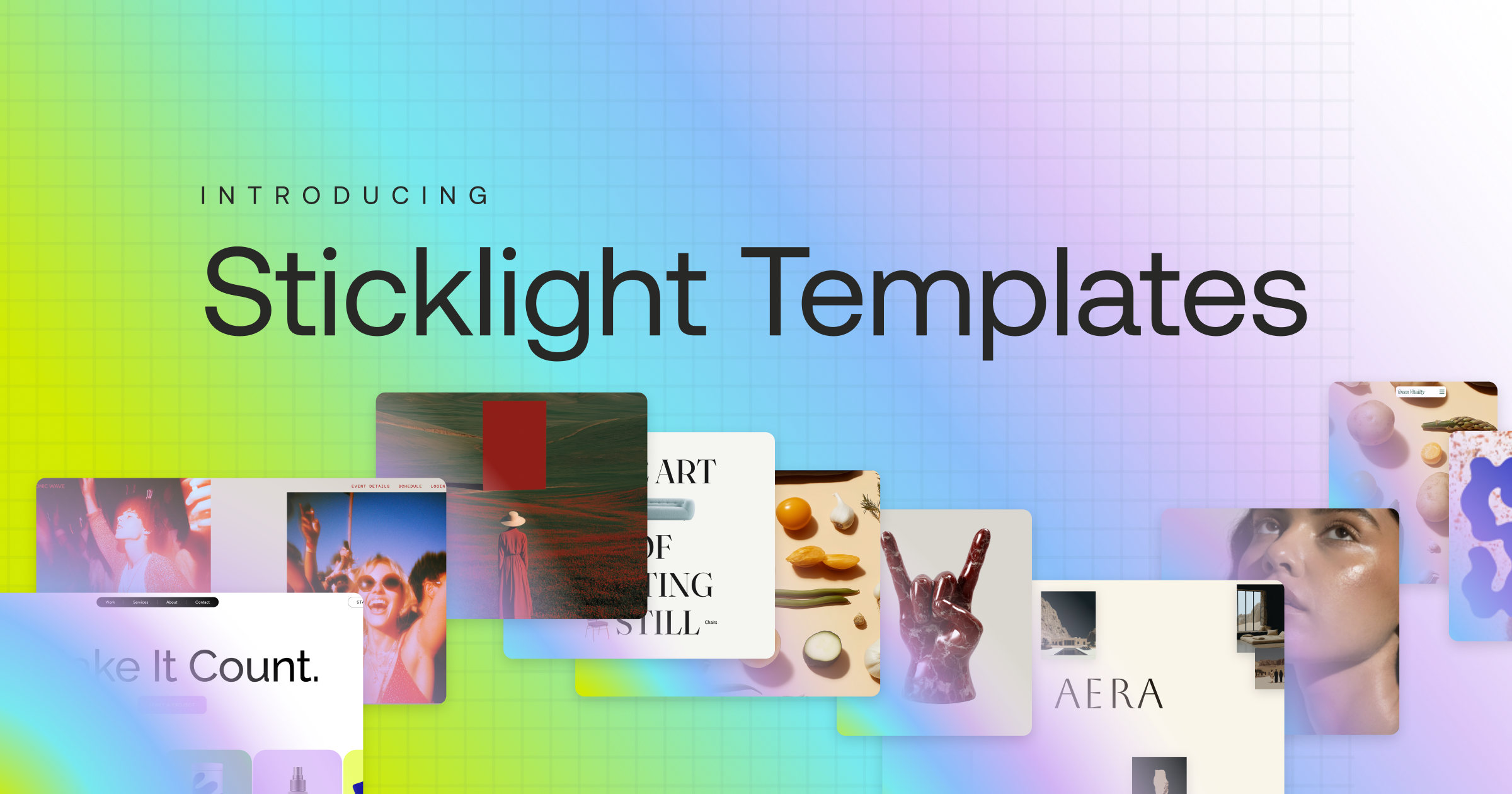
Sticklight gives you more than one way in. The main prompt box handles most projects directly. Plan Mode breaks a complex build into stages before generation starts, which helps on larger sites with many pages or a data model behind them. Templates let you remix an existing layout instead of starting from a blank page, and Connectors bring in tools suited to a specific use case. However you start, the prompt is the foundation everything else builds on.
Step 2: Generate a first version and refine it on the canvas
Once you submit the prompt, Sticklight generates a first working version of the site, an actual build, not a static mockup. That first pass rarely needs to be perfect. Its job is to give you something real to react to.
From there, refinement happens by conversation. Ask for a different hero layout, a tighter color palette, a rewritten headline, or a new section, and the change lands directly on the canvas. This is the point where the process stops being one prompt in, one site out, and starts feeling like working alongside something that already understands what you’re building.
If you’d rather shape something by hand than describe it, manual editing is available directly on the canvas, and so is direct code editing for changes you want to make at the source. AI does the heavy lifting from the first prompt, but you keep full control of every pixel.

Step 3: Add Skills to raise the quality bar
Once the structure and content are in reasonable shape, Skills are where a site moves from looking fine to being production-ready. A Skill is a packaged unit of expert know-how you add to any prompt with one click during the build phase, the kind of specialized work you’d otherwise bring in a specialist for.
Nine Skills are live today.
- Accessibility, which ships WCAG-compliant markup, focus states, and ARIA attributes.
- SEO, which ships meta tags, schema, sitemap, and on-page best practices.
- Design System, for visual consistency across pages and components.
- Performance, for a faster, leaner build.
- Copywriting, Localization, Micro-interactions, Onboarding, and 3D Web Experience, built on Three.js.
Skills compound across projects. A Skill you add to your first site is available on your tenth, which is part of why later builds tend to move faster and land closer to right on the first try. Agents, which will let Sticklight take on more of this work on its own, are coming soon and not yet live, so for now Skills are the fastest way to raise quality without leaving the prompt-first flow.
Step 4: Connect real content and an existing WordPress or Elementor site
A generated site becomes genuinely useful once the placeholder text and stock images are swapped for the real thing: your copy, your pricing, your case studies, your product data. This is the step where the build stops being a demo and starts being your actual site.
If you already run a site on WordPress or build with Elementor, Sticklight is built to connect to that work rather than ask you to abandon it. WordPress can act as a source of truth you build on and connect to, and Elementor and Sticklight share the same underlying mission of helping web creators build, applied at different points in the process. It’s less a choice between one or the other and more a matter of extending what you already have with a prompt-first layer on top.
Ready-made tools and integrations are available at this stage too, for booking systems, forms, and database-backed features that go beyond a standard page.
Step 5: Publish and iterate
Publishing in Sticklight includes SEO built into the output, a security scan run on every build, and the option to connect a custom domain. For projects that go beyond a website, a dashboard, an internal tool, or a full app, app hosting is part of the same publish step.
Publishing isn’t the last step so much as the point where the site starts collecting real feedback. Go back to the prompt, ask for a new section, add a Skill you skipped the first time, or connect another data source. The same Prompt, Build, Publish flow that got the site live is the flow you use to keep improving it afterward.
Getting stuck is where you actually learn something. The moment before you find the fix is worth more than the fix itself.
Itamar Haim
Built by the Elementor team. Powered by Claude.
Let it glow.
