

How to create an app in 5 steps
If you are wondering how to create an app without hiring a development team, the process comes down to five moves: describe the app in plain language, turn that description into a prompt, build and refine the result on a visual canvas, connect the data and systems it needs, then publish it with a domain attached. In this guide, we walk through those five moves using Sticklight, the vibe-coding platform built by the Elementor team and powered by Claude.
You do not need a computer science degree or a hired developer to get started. Building an app is one of the clearest ways to go beyond websites and work as a full-stack creator, and Sticklight is built for that shift. Sticklight’s AI does the heavy lifting from your first prompt, and you keep full control of every pixel once the first version exists. The five steps below are written for non-technical creators and founders who have an idea worth building and want a clear path to a finished app.
- Creating an app starts with a plain-language description of who it serves and what it needs to do, not with code.
- Plan Mode breaks a complex idea into a clear plan before Sticklight builds anything.
- Skills add packaged expertise, such as accessibility or performance, to your build with one click.
- Sticklight connects to data, forms, and databases, and it extends an existing WordPress or Elementor site rather than replacing it.
- Publishing includes built-in SEO, a security scan on every build, and a custom domain connection.
- You keep full control after the AI build, down to manual edits and direct code changes on the canvas.
Step 1: How to create an app starts with a plain-language brief
Before you open any tool, write down what the app is for in the words you would use to explain it to a friend. Who uses it. What problem it solves. What it needs to store or track, if anything. This brief is the foundation for everything that follows, and it does not need technical language at all.
Founders often start from a real business problem: a booking system for a service business, an internal tool that tracks leads, a member portal for a course. Non-technical creators often start from a website that has outgrown a static page and now needs a dashboard, a form, or a small database behind it. Either starting point works.
- Who is this app for, and what do they need to accomplish in it.
- What does the app need to store, show, or calculate.
- Does it need to connect to a site or tool you already run.
Write two or three sentences that answer those questions. That brief is also the raw material for the prompt in step two.
Step 2: Turn your brief into a prompt, or let Plan Mode handle the complexity
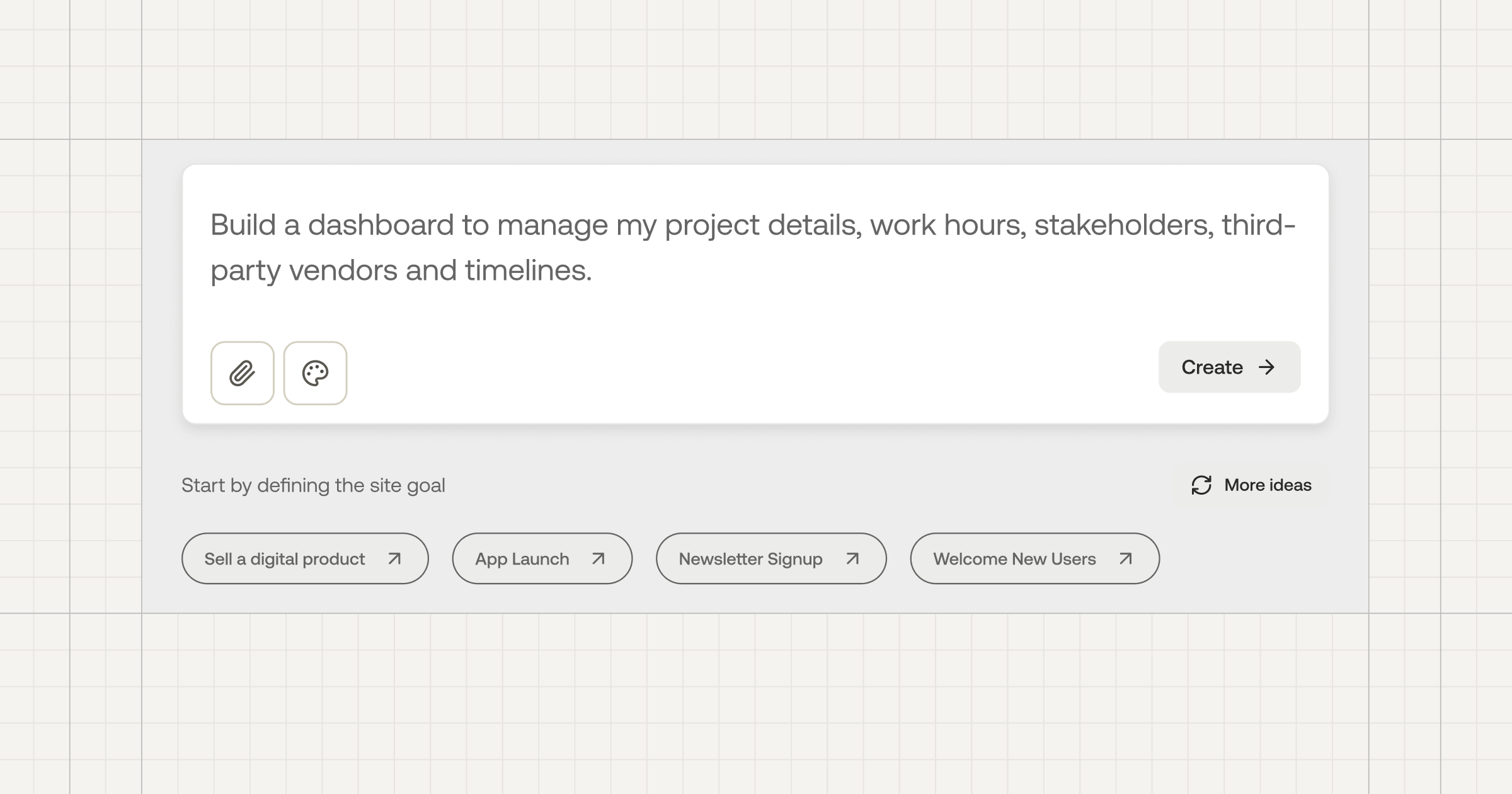
Sticklight’s main prompt box takes that plain-language brief directly. Describe the app the way you described it to your friend, and Sticklight starts building toward a production-ready result, not a demo.
If the idea has a lot of moving parts, a dashboard with several data views, or a tool with multiple user roles, Plan Mode is the better entry point. We built it specifically to simplify complex tasks: it turns your brief into a clear plan before any building starts, so you can review the shape of the app before committing to it. Sticklight also offers Templates you can remix as a starting point, and Connectors suited to your specific use case, so you are rarely prompting from a blank page.
Step 3: Build and refine your app on the canvas
Once you prompt, Sticklight produces a working version on the canvas with the craft of a senior designer and developer already applied. That is the Sticklight standard: what comes back is meant to be shipped, not treated as a rough draft.
From there, the app is yours to refine. You can edit by hand, adjust layout and copy directly, or open the code and change it yourself if you want that level of control. AI does not lock you out of the craft at any point.
This is also where Skills come in. A Skill is packaged expertise you add to your build with one click. Accessibility, SEO, Design System, Performance, Copywriting, Localization, Micro-interactions, Onboarding, and 3D Web Experience are live today. Add the ones that matter for this app, for example Accessibility for a public-facing tool or Performance for a data-heavy dashboard, and Sticklight applies that expertise to what you have built.
- Manual editing for layout, copy, and design details.
- Direct code editing on the canvas for anyone who wants to go deeper.
- One-click Skills for accessibility, performance, design system work, and more.
Step 4: Connect your data and your existing WordPress or Elementor site
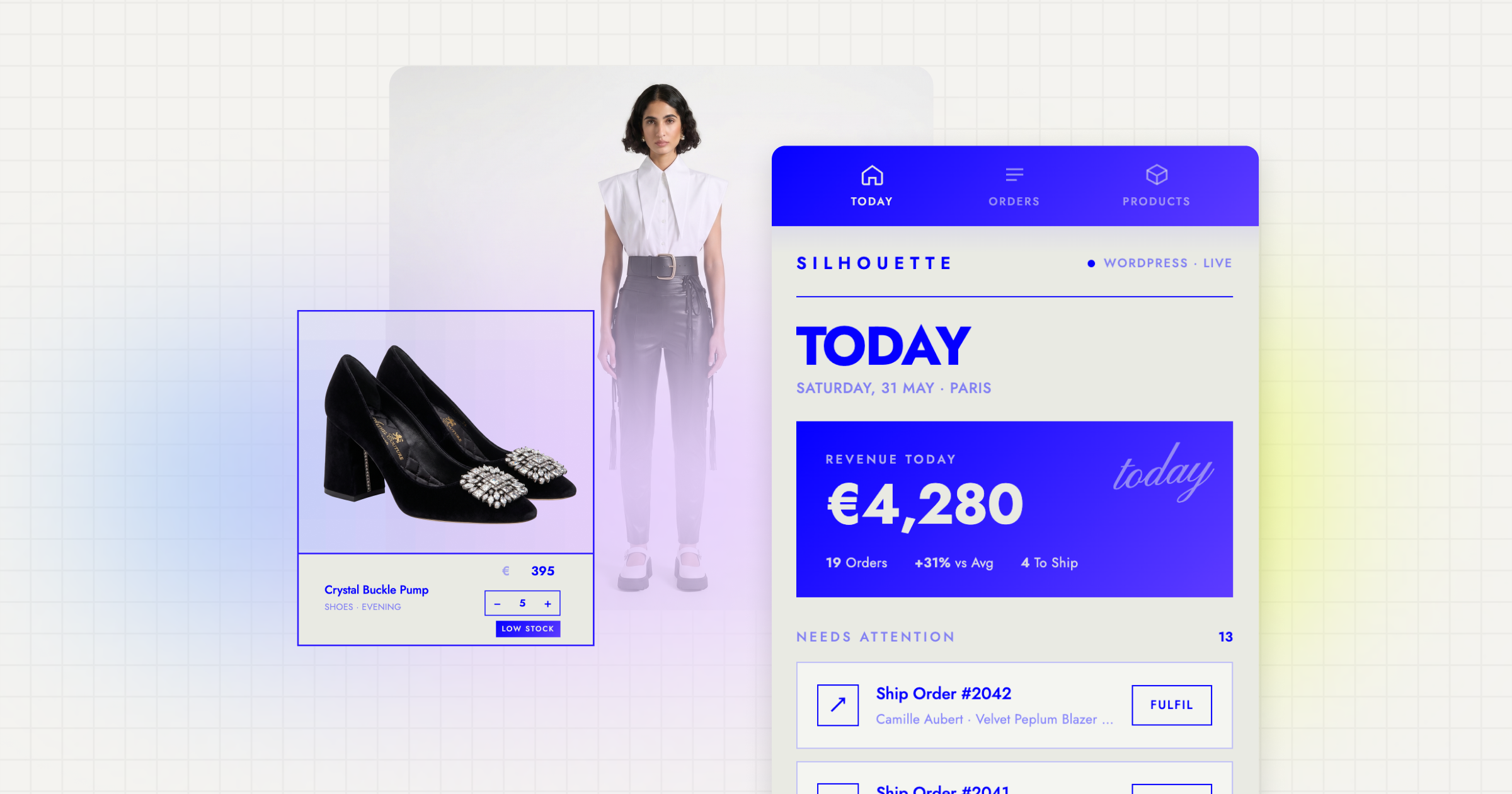
Most real apps need to hold onto something: form submissions, bookings, records, or user accounts. Sticklight builds these as database-backed tools rather than static pages, so a booking system, a lead tracker, or a member portal behaves like the working product it needs to be.
If you already run a site on WordPress or with Elementor, Sticklight connects to it and extends it. Your existing site stays the source of truth, and the app you build in Sticklight adds a new capability on top of it rather than asking you to start over somewhere else. We think of that as an additive relationship by design: WordPress and Elementor are strengths Sticklight builds on, not limitations it works around.
Step 5: Publish and connect your domain
Publishing is the third pillar of the Sticklight flow, after Prompt and Build, and it is built to make the app fully live, not merely previewable. SEO is built in, so pages are structured to be found. Every build runs through a security scan before it goes out. App hosting is included, so there is no separate infrastructure to set up.
The last step is connecting your own custom domain, so the app lives at the address you want instead of a shared subdomain. Once that is done, your app is a real, published product that founders and non-technical creators alike can point customers, teammates, or an audience to.
Built by the Elementor team. Powered by Claude.
Let it glow.
