

Restaurant app development: a complete guide

Restaurant app development is the process of turning a restaurant’s menu, ordering, and reservation workflows into a mobile or web app that guests and staff can use directly, instead of routing everything through phone calls or a paper ticket pad. Done well, it gives a restaurant its own digital front door, a place where a guest can browse the menu, place an order, book a table, and get updates, while the kitchen and floor staff see the same information in real time.
This guide covers what a restaurant app needs to do its job, the different paths for building one, and a practical way to build a customer app and a staff dashboard with Sticklight, from a first prompt to a published product connected to the restaurant’s existing site.
- A restaurant app succeeds or fails on five core features: a digital menu, online ordering, table reservations, loyalty, and notifications.
- Build paths range from custom native development to no-code tools to prompt-based platforms, each with different tradeoffs in speed, control, and cost.
- A staff-facing dashboard matters as much as the customer app. Orders and reservations need somewhere to land and someone to act on them.
- With Sticklight, you can prompt both the customer app and the staff dashboard together, then refine every detail on the canvas.
- Skills such as accessibility, performance, and design system add packaged expertise to the build without extra manual work.
- The app should connect to the restaurant’s existing website, not replace it.
What restaurant app development actually means
Restaurant app development is broader than designing a menu screen with a nice photo of the pasta. A real restaurant app connects two sides of the same business: the guest placing an order or booking a table, and the staff who need to see that request the moment it lands. Get the staff side wrong and tickets pile up with no one watching them.
That means a restaurant app project usually includes two connected experiences: a customer-facing app, and an internal dashboard for the kitchen, host stand, or manager. Menu data, order status, and table availability need to flow between them without someone manually re-entering information.
What every restaurant app needs to work
Whatever path you take, a restaurant app tends to need the same core set of features. Skipping one usually shows up as a gap in the day-to-day operation.
- A digital menu. Categories, items, descriptions, and prices that staff can update without waiting on a developer.
- Online ordering. A cart and checkout flow that supports the order types the restaurant runs, whether dine-in, pickup, or delivery.
- Table reservations. A way for guests to request a time and party size, and for the restaurant to confirm, adjust, or decline it.
- Loyalty. A simple way to recognize repeat guests, whether through points, visit tracking, or a rewards structure.
- Notifications. Order-ready alerts, reservation reminders, and the occasional update, so guests are not left refreshing a screen.
None of these need to launch fully built out on day one. But the app’s structure should leave room for all five, so adding reservations or loyalty later does not mean rebuilding the ordering flow from scratch.
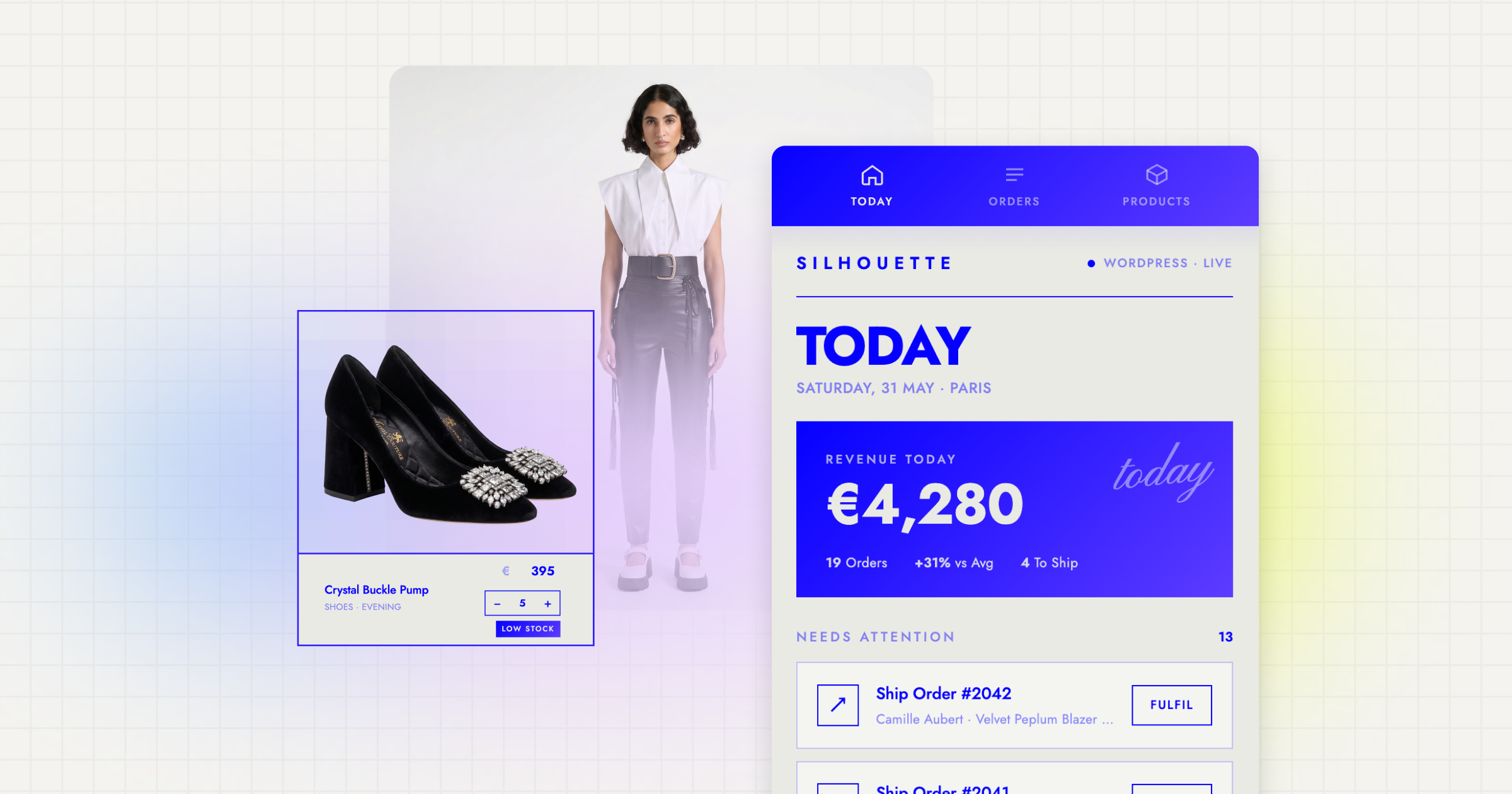
The build paths available for a restaurant app
The right build path depends on how much control the restaurant wants, how fast it needs to move, and who will maintain the app afterward.
- Custom native development. Hiring engineers to build an iOS or Android app gives the most control, but it is the slowest path and carries ongoing maintenance as operating systems and devices change.
- No-code or low-code app builders. These can get a basic ordering flow live quickly, but they often hit a ceiling once the restaurant needs something specific, like a staff dashboard that matches how the floor actually works.
- An agency build. An agency can produce a polished, tailored product, but it is a longer engagement with its own scoping and handoff process.
- Prompt-based platforms. A vibe-coding platform like Sticklight starts from a plain-language description and produces a production-ready starting point for both the customer app and the staff dashboard, which the restaurant or its agency can then refine by hand.
Building a restaurant app with Sticklight
Sticklight is the vibe-coding platform for professional web creators, built by the Elementor team and powered by Claude. It takes creators beyond websites into full-stack builds like this one. It turns a plain-language prompt into a production-ready starting point, then hands full control back to the person building it. For a restaurant app, that flow looks something like this.
1. Prompt the customer app and the staff dashboard
Start with a clear prompt describing both sides of the app: a customer app with menu browsing, cart, checkout, and reservation requests, and a staff dashboard with an order queue, table status, and a menu editor. Describing both together from the start keeps the data model consistent, so an order placed on the customer side shows up correctly for staff.
2. Refine on the canvas
Once the first build exists, adjust layout, branding, copy, and flow by hand directly on the canvas. This is where the restaurant’s actual voice and menu structure replace the generic starting point, and where details like how a modifier appears on a kitchen ticket get worked out.
3. Add Skills
Skills are packaged units of expert know-how that add to any prompt with one click during the build. For a restaurant app, the Accessibility Skill helps the ordering flow work for guests using assistive technology, the Performance Skill keeps checkout fast on a phone on a weak connection, and the Localization Skill helps a multilingual menu read naturally.
4. Connect menu and order data
Wire the app to the restaurant’s real menu, categories, items, and prices, and route incoming orders and reservation requests into the data the staff dashboard reads from. This is the step that turns a well-designed interface into an operational tool.
5. Publish and connect to the existing site
Publish the app, connect a custom domain if needed, and link it from the restaurant’s existing website so guests find ordering and reservations from the same place they already look for hours, location, and the menu.

Connecting the app to the restaurant’s existing website
A new app does not need to replace the site a restaurant already has. If the restaurant runs on WordPress or Elementor, that site remains the source of truth for the brand, the story, and the core information guests look for first. Sticklight is built to connect to and extend that kind of existing site, not compete with it.
In practice, this means adding clear links or buttons from the existing site into the app, for ordering, reservations, or joining the loyalty program, so the two feel like one experience even though they are built and maintained separately.
Common mistakes in restaurant app development
A few patterns show up repeatedly in projects that stall or underperform.
- Treating the app as a one-time project. Menus, hours, and promotions change constantly, and an app that is hard to update quickly falls out of date.
- Skipping the staff dashboard. If orders land somewhere staff do not naturally look, they get missed. The dashboard is not optional. It is half the app.
- Overcomplicating the menu structure. Too many nested categories or modifiers slow guests down right when they are deciding to order.
- Ignoring notifications. Guests who do not know their order status will call the restaurant instead, which defeats part of the point of the app.
- Keeping ordering and reservations disconnected. Without shared guest data, the restaurant loses the ability to recognize a repeat guest across both.
Keeping a restaurant app useful after launch
Launch is the start of the work, not the end of it. A restaurant app earns its place when it keeps matching how the restaurant actually runs, week over week. That means updating the menu as items change, watching the staff dashboard for bottlenecks during service, and treating new prompts and Skills as tools for ongoing iteration rather than a one-time build.
There’s a difference between watching someone build a page and building one badly yourself. The second version sticks.
Itamar Haim
Built by the Elementor team. Powered by Claude.
Let it glow.
