

Retail app development: a complete guide

Retail app development is the work of building software that helps a retail business run its operations and serve customers, whether that means a staff dashboard that tracks stock, a customer-facing app for browsing products, or both pulling from the same data. Most retail teams do not need one giant app that does everything. They need a small set of connected tools built around accurate inventory and sales data, and getting there does not require the long build cycle that retail app development has traditionally meant.
Retail operators, agencies delivering for retail clients, and founders launching their own products are increasingly building these tools directly, using platforms that turn a plain-language prompt into a working app. That shift changes how fast the first version arrives. It does not change what the app needs to do well once it is running the floor or the back office.
- Retail app development starts with a short, clear list of jobs the app must do, not a wish list of every feature a retailer could imagine.
- Most retail apps need five core pieces: inventory management, a store or staff dashboard, stock alerts, a customer-facing catalog or loyalty view, and reporting.
- Build paths range from custom development and off-the-shelf retail software to low-code platforms and prompt-based, AI-native platforms, each with different trade-offs in cost, control, and speed.
- A single, accurate source of truth for inventory matters more than any one feature on the list.
- Sticklight lets a retail team prompt an inventory and dashboard app, refine it on the canvas, add packaged Skills, connect product and sales data, and publish it connected to an existing store or WordPress site.
- The work does not end at launch. Stock alerts and reporting only stay useful if someone reviews and adjusts them as the business changes.
What retail app development needs to get right
Every retail app differs in the details, but the jobs it needs to do are consistent across most retail businesses. Before comparing build paths, it helps to separate what the app must handle from what can wait.
- Inventory management: a live, accurate record of what stock exists, where it sits, and how it moves between locations or sales channels.
- Store or staff dashboards: a working view built around the tasks the people running day-to-day operations actually do, not a generic admin panel bolted onto a database.
- Stock alerts: notifications when stock crosses a set threshold, so reordering happens before a product actually runs out.
- Customer-facing catalog or loyalty: a browsing view for customers, or a way to track and reward repeat purchases.
- Reporting: a way to see sales, stock movement, and performance without exporting spreadsheets by hand every week.
These five pieces do not have to ship on day one. Most teams, whether an in-house operator, an agency, or a founder, start with inventory management and a staff dashboard, then add the customer-facing pieces once the back office is solid.
The build paths for a retail app
Once the requirements are clear, the question becomes how to build the app. There are a few established paths, and each trades off cost, control, and speed differently.
- Custom development: hire a developer or an agency to build the app from scratch. Most control, highest cost, longest timeline.
- Off-the-shelf retail software: adopt an existing inventory or point-of-sale product and adapt processes to fit it. Fast to start, but customization stops where the vendor’s product does.
- Low-code and no-code platforms: assemble the app from visual building blocks. Faster than custom code, though these can hit limits once requirements get specific.
- Prompt-based, AI-native platforms: describe the app in plain language and get a production-ready build to start from, then edit it by hand. This is where a platform like Sticklight fits.
For agencies taking this on for a retail client, the build path also shapes the handoff: how much of the finished app the client’s own team can maintain once the project wraps.

Planning your retail app development project
The build path matters less than the planning that happens before it. A few questions are worth answering up front, regardless of which path a team chooses.
- Who uses this app day to day, and what task are they trying to finish each time they open it?
- Where does the current product and sales data already live, and how clean is it?
- What is the single source of truth for stock: a point-of-sale system, a spreadsheet, a WordPress site, or something else?
- What counts as a usable first version, versus a feature that can wait for a second pass?
Answering these up front saves time regardless of the build path chosen, and it is what turns a build from a demo into something a store actually keeps using.
A Sticklight path to building a retail inventory and dashboard app
Sticklight is the vibe-coding platform for professional web creators, built by the Elementor team and powered by Claude. It turns a plain-language prompt into a production-ready app, dashboard, or tool. Here is what that looks like for a retail inventory and dashboard build, step by step.
- Prompt the app. Describe the inventory and dashboard app in plain language: what it tracks, who uses it, and what the staff view should show first. We turn that prompt into a working build.
- Refine on the canvas. AI does the heavy lifting from the first prompt, and the creator keeps full control of every pixel, adjusting layout, fields, and flows on the canvas or directly in code.
- Add Skills. Layer in packaged expertise with one click during the build, such as the Accessibility Skill for staff using screen readers or the Performance Skill for a large catalog.
- Connect product and sales data. Link the app to the data that already represents the business, so inventory management and reporting reflect what is actually happening.
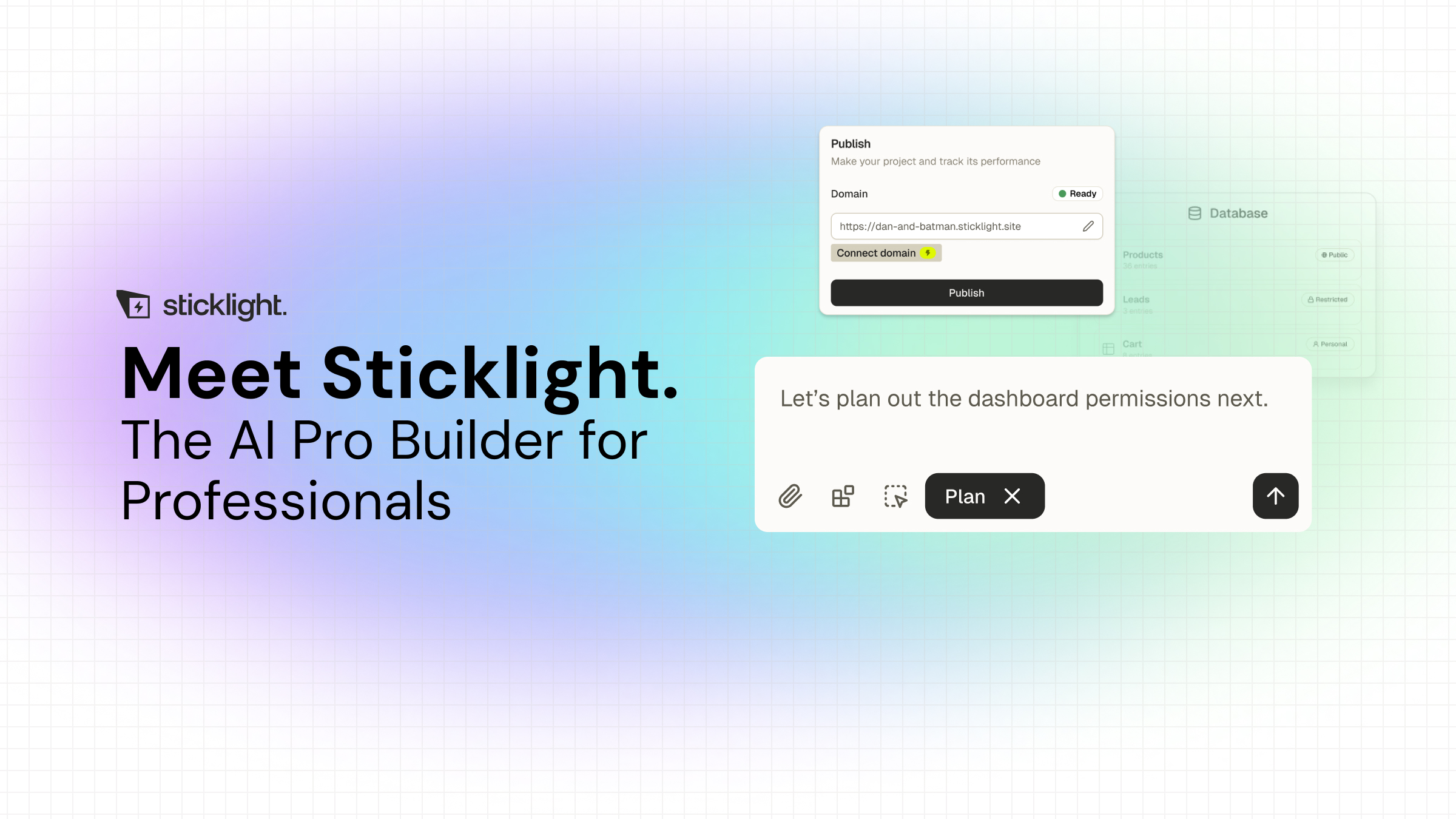
- Publish and connect. Publish with SEO and a security scan built in, then connect the app to a custom domain, an existing store, or a WordPress site.
None of this starts from a blank canvas. It starts from a clear prompt, followed by hands-on refinement.
Connecting the app to an existing store or WordPress site
A retail app rarely lives on its own. It sits next to a store, a WordPress site, or both, and it needs to work with them rather than duplicate them.
If the business already runs on WordPress, that site can remain the source of truth for content and product data. Sticklight connects to and extends an existing WordPress or Elementor site with an app layer for inventory, dashboards, or loyalty, instead of asking the business to migrate what already works. The same applies to an existing store: the app connects to it, rather than replacing it. On the publishing side, that includes a custom domain, a security scan on every build, and app hosting.
Keeping a retail app useful after launch
Retail app development does not stop at launch. Stock alerts only help if the thresholds match how fast a product actually sells. Reporting only helps if someone is reading it and using it to make decisions.
- Revisit stock alert thresholds as sales patterns shift with the season or a promotion.
- Review the dashboard with the staff who use it daily, and cut anything they route around.
- Add Skills as the app grows, rather than trying to plan for every future need in the first prompt.
- Treat the reporting view as a living tool that gets checked regularly, not a one-time export.
A retail app earns its place in daily operations by staying shaped after launch, not by getting frozen the day it goes live.
Small wins add up faster than people expect. Finish one concrete task this week and you’ll already think differently about the next one.
Itamar Haim
Built by the Elementor team. Powered by Claude.
Let it glow.
