
Ride-sharing app development: how to build your own

Ride-sharing app development means building a multi-sided product at once: a rider experience, a driver experience, a matching and dispatch engine, a payments layer, and a trust and safety system, all coordinated in real time. It is one of the more demanding categories of software to build end to end, and the honest answer to how you build one starts with knowing which parts are realistic to build with a prompt-driven platform and which parts need specialized real-time and mobile engineering.
This guide walks through what a real ride-sharing platform requires, where the genuine technical difficulty sits, and a practical path for the pieces Sticklight builds well: the rider-facing web app, the operations and dispatch dashboard, driver onboarding, pricing and zone management, and the admin back office. We also make the case for starting with a focused first version instead of trying to launch the whole platform on day one.
- A ride-sharing platform is multi-sided: rider experience, driver experience, dispatch, payments, and trust and safety, each with different technical demands.
- Live GPS tracking, matching logic, and native driver apps usually need specialized real-time and mobile infrastructure, not a general prompt-to-app platform.
- Sticklight fits well for the rider-facing web app, the operations and dispatch dashboard, driver onboarding, pricing and zone management, and the admin back office.
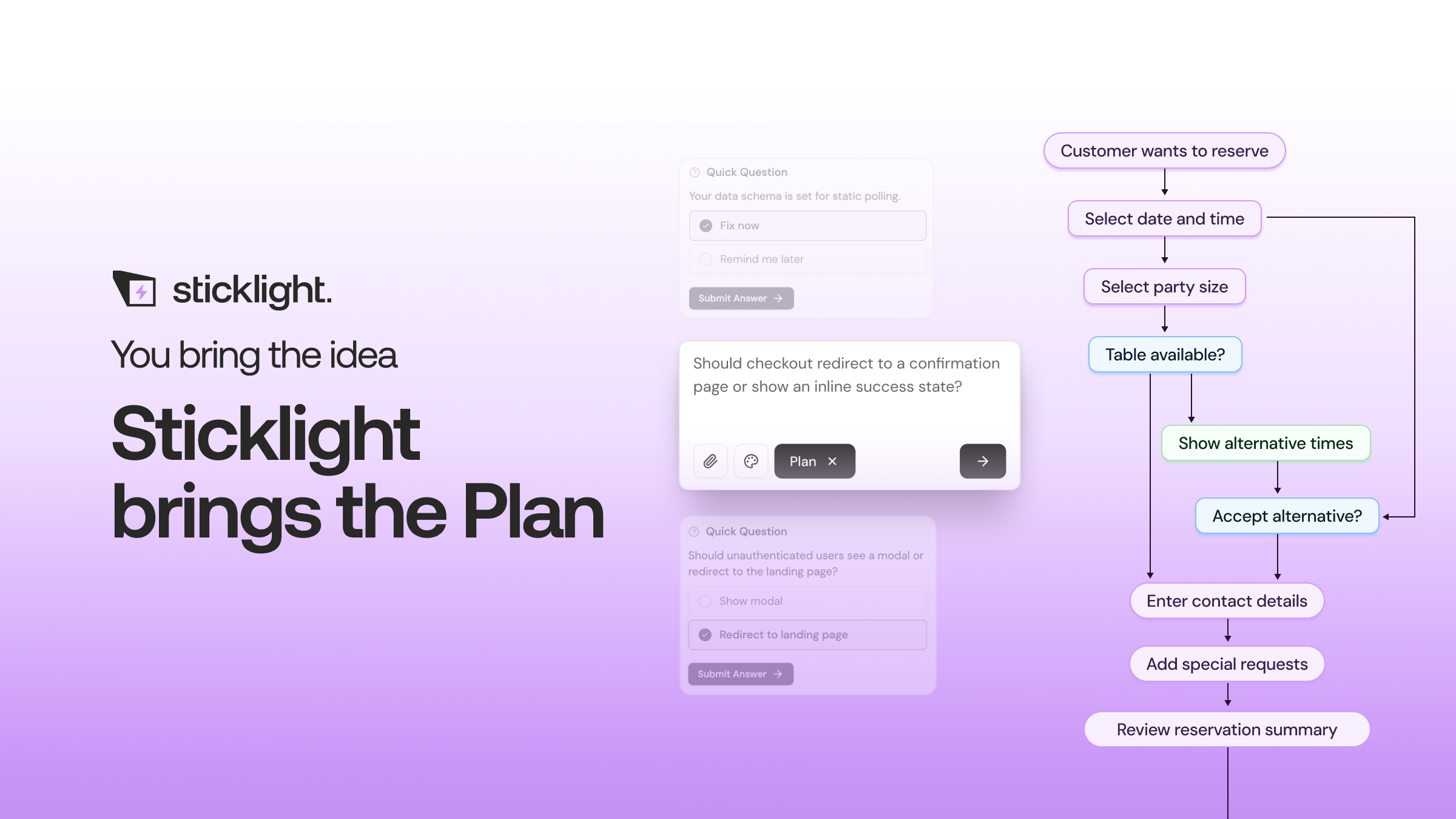
- Building with Sticklight starts with a plain-language prompt, then you refine layout, logic, and design directly on the canvas.
- Skills such as Accessibility and Design System can be added to any prompt, so internal tools and rider-facing screens hold to a consistent standard.
- A focused first version, one city, one vehicle type, and a manual dispatch fallback, is a more realistic starting point than a full platform.
What ride-sharing app development actually involves
Ride-sharing app development is not one app. It is a small set of connected products that all have to work together in real time. A rider opens an app, requests a trip, and expects a driver to show up within minutes. A driver runs a separate app that tracks location, accepts trips, and reports status.
Behind both sits a matching engine that pairs riders with nearby drivers, a pricing engine that calculates fares, a payments system that moves money safely, and a trust and safety layer that verifies drivers and handles disputes. The rider and driver apps are mostly interface and workflow, while the matching engine and live location tracking are closer to real-time systems engineering. Payments and background checks usually run through specialized third-party providers rather than being built from scratch.
The parts that need specialized engineering
We want to be direct about this, because a lot of build-your-own-ride-sharing-app advice glosses over it. Real-time location tracking, live driver and rider matching, and native driver apps are genuinely hard problems, and they usually need purpose-built components rather than a general prompt-to-app platform.
- Live GPS tracking at scale, with drivers reporting location every few seconds, needs infrastructure designed for constant real-time updates.
- A matching algorithm that accounts for driver proximity, vehicle type, and demand needs its own service, not a page of business logic added to a web app.
- Native driver apps need background location access, push notifications, and reliable offline behavior, which points toward dedicated mobile development.
- Payments and driver background checks are typically handled by specialized processors and verification vendors, integrated rather than built in-house.
None of this rules out building a ride-sharing product. It means treating the real-time core as its own component, built or sourced from specialists, and treating the interfaces people use to run and manage the business as a separate, buildable layer.

The rider-facing web app on Sticklight
The rider experience is where Sticklight is a strong fit. You can prompt for the core screens: a landing and sign-up flow, a trip request form, a fare estimate view, a trip history page, and account and payment settings. Sticklight turns that prompt into a working, production-ready web app, and you keep full control to adjust layout, copy, and logic afterward.
Live map tracking during an active trip typically connects to a mapping and location API rather than being built from scratch, and Sticklight’s canvas is where you wire that in and adjust the interface around it. Skills like Accessibility and Design System help the rider app hold to a consistent standard, and Localization is available if you launch in more than one market.
The operations and dispatch dashboard
Every ride-sharing business runs on an internal dashboard long before it runs on the rider app. Someone on your team needs a live view of active trips, drivers online, cancellations, and exceptions that need a person to step in. This is an internal tool, and internal tools are a category Sticklight builds well.
You can prompt for a dashboard with a trip list, status filters, a driver roster, and a way to flag or reassign a trip by hand. For an early version, manual dispatch tools matter more than a fully automated matching engine. A dispatcher who can see open trips and available drivers, and assign one to the other by hand, is a legitimate way to run a small operation while the automated matching layer is still being built.
Driver onboarding on Sticklight
Driver onboarding is a workflow problem: an application form, document upload for license and insurance, a status tracker, and a way for your team to approve or reject an application. That workflow, including the forms, the review queue, and the applicant-facing status page, is the kind of thing you can prompt and refine on Sticklight.
Background check results themselves usually come from a specialized verification vendor through an API. Sticklight’s role is building the interface around that data: showing status clearly to the applicant, giving your team a queue to review, and connecting the pieces together so nothing falls through the cracks.
Pricing and zone management screens
Fare rules, service zones, and surge or peak-time windows need somewhere for your team to configure them without touching code. This is exactly the kind of internal configuration tool Sticklight is built for: a form-and-table interface where an operator can define a zone on a map, set a base fare and per-mile rate, and adjust pricing rules for specific times or areas.
Because these screens are internal, you can prompt for the exact fields your pricing model needs, then refine validation, defaults, and layout directly on the canvas as your rules get more specific.
The admin back office
Behind the rider app, the dispatch dashboard, and the driver tools, most ride-sharing businesses need a back office: user and driver account management, ride history and reporting, support ticket handling, and basic analytics on trips and revenue. This is standard CMS and dashboard territory, and it is one of the clearest use cases for a prompt-first build.
Because the back office is internal-only, you have more room to iterate quickly. Prompt for the reports and management screens your operations team actually asks for, and add fields or views as the business grows.
Start with a focused first version
The most common way ride-sharing projects stall is trying to build the entire platform, rider app, driver app, live matching, payments, and safety systems, all at once before anything ships. A more realistic path is to pick one city, one vehicle type, and a manual or semi-manual dispatch process, and build the surrounding tools first.
Start with the rider-facing web app, the ops dashboard, driver onboarding, and the admin back office on Sticklight. Pair that with a specialized partner or vendor for real-time matching and the native driver app once your pricing model and operating rules actually work. If your marketing site already runs on WordPress or Elementor, it can stay exactly where it is. Sticklight connects to it rather than replacing it.
Debugging is just listening carefully to something that is trying to tell you what went wrong.
Itamar Haim
Built by the Elementor team. Powered by Claude.
Let it glow.
