

Sticklight vs Bubble: how to choose the best app builder

If you are weighing Sticklight vs Bubble, the short answer is this. Bubble is an established, widely known visual app builder where you construct app logic and workflows by hand inside a dedicated editor. Sticklight is the vibe-coding platform, built by the Elementor team and powered by Claude, for professional web creators who turn a plain-language prompt into a production-ready website, app, dashboard, CMS, or internal tool, then refine every pixel themselves.
Founders, product managers, and no-code builders who want to move fast from an idea and keep full creative control after the AI does the first pass tend to reach for Sticklight. Builders who prefer to assemble app logic visually, step by step, inside a mature platform they already know have long used Bubble for that work. The rest of this guide walks through where each one fits, so you can choose based on how you want to build.
- Bubble is an established, widely known no-code visual app builder centered on building workflows and logic inside its own editor.
- Sticklight turns a plain-language prompt into a production-ready website, app, dashboard, CMS, or internal tool, then hands you full manual control over every pixel.
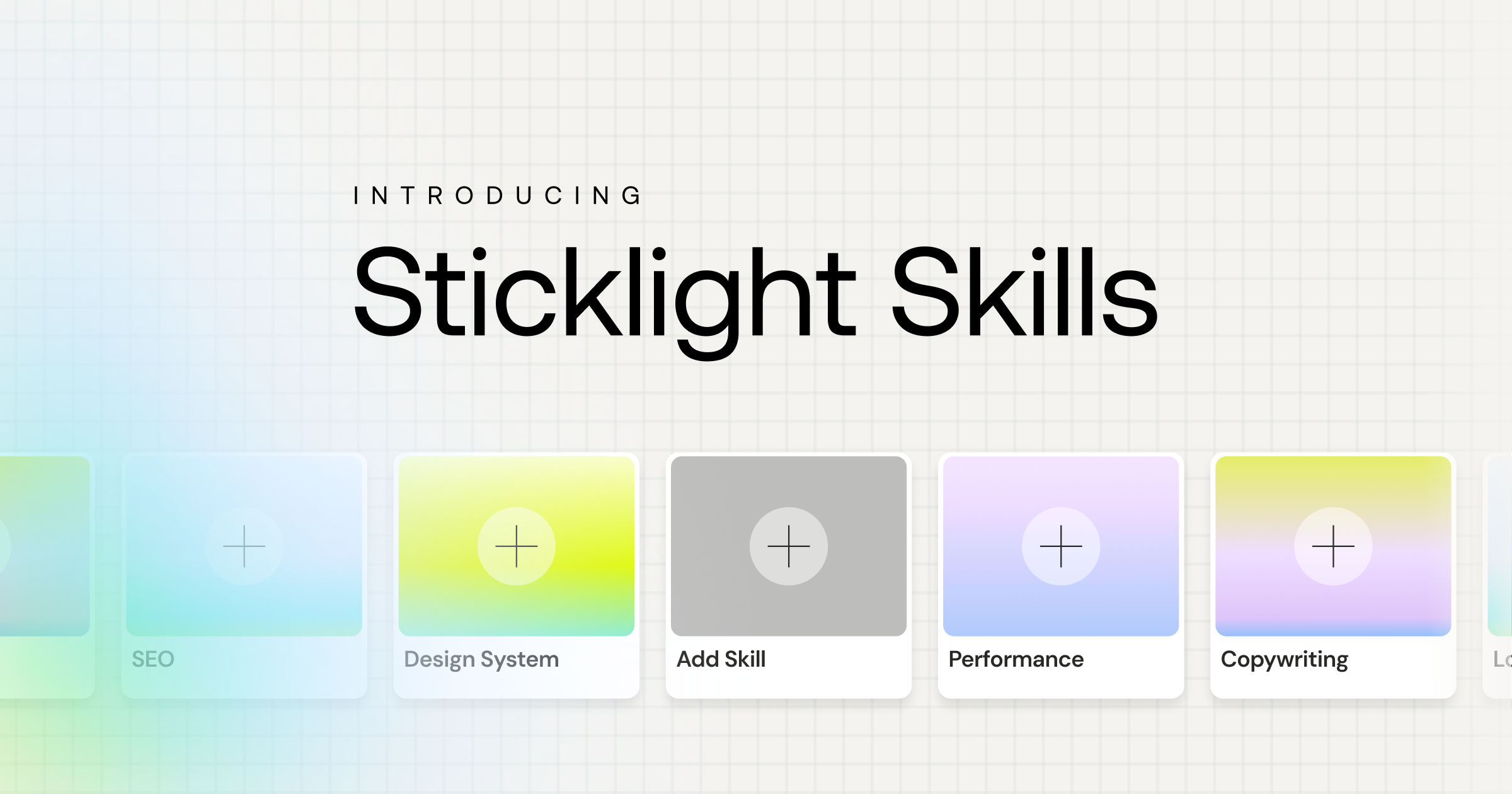
- Sticklight’s Skills add packaged expertise, including accessibility, SEO, performance, design system, copywriting, localization, micro-interactions, onboarding, and 3D web, to any prompt in one click.
- Sticklight follows a Prompt, Build, Publish flow, with a visual canvas and direct code editing available once the first build is ready.
- If you already run a WordPress or Elementor site, Sticklight connects to it and extends it rather than asking you to start over.
- The right choice depends less on which platform is “better” and more on whether you want to start from a prompt or start inside a visual workflow editor.
Sticklight vs Bubble: what each platform is built for
Bubble is a mature, established visual application platform with a long-running plugin ecosystem. It is widely known as a place where builders construct app logic, data structures, and workflows directly inside its editor, without writing traditional code by hand.
Sticklight starts from a different point of entry. It is the vibe-coding platform for professional web creators, meaning the first step is a plain-language prompt rather than a blank visual canvas. From that prompt, Sticklight produces a working website, app, dashboard, CMS, or internal tool that meets what we call the Sticklight standard, the craft of a senior designer and developer, not a demo. AI does the heavy lifting on the first pass. The creator keeps full control of every pixel after that.
Who each platform suits
Who Bubble suits
Bubble tends to suit teams and builders comfortable working step by step inside a dedicated visual workflow editor, constructing app logic by hand from the start. If your team already knows Bubble’s editor and plugin ecosystem, staying inside that established workflow can make sense.
Who Sticklight suits
Sticklight is built for professional web creators, people who build the web for a living and can tell the difference between a production tool and a toy. That includes two overlapping groups. Agencies, freelancers, and studios building for clients, who care about speed without losing reliability or the polish that protects their reputation. And founders, product managers, and independent creators building for themselves, who want to go beyond a single website and own the result across every surface they ship.
How the build flow compares: prompt, build, publish
Sticklight’s flow is organized around three pillars.
- Prompt. You start in the main prompt box, or use Plan Mode to break down a more complex build, Sticklight MCP to connect your favorite tools, Templates to remix an existing starting point, or Connectors suited to your use case.
- Build. Skills come in here, alongside ready-made tools and integrations, manual editing, and direct code editing on the canvas itself. Nothing about the prompt locks you out of hands-on work once the build exists.
- Publish. Publishing includes SEO built in, a security scan on every build, custom domain connection, and app hosting.
Bubble’s workflow, by contrast, centers on its own visual editor, where builders lay out workflows, data, and interface elements directly, without a prompt-first starting point. The difference between the two is where you begin, and how much initial structure the platform generates before you start refining by hand.
Skills: packaged expertise for every prompt
Packaged expertise is Sticklight’s core differentiator here. A Skill is a packaged unit of expert know-how you add to any prompt with one click during the Build phase. Nine Skills are live today: Accessibility, SEO, Design System, Performance, Copywriting, Localization, Micro-interactions, Onboarding, and 3D Web Experience built on Three.js.
The SEO Skill ships meta tags, schema, sitemap structure, and on-page best practices as part of the build. Accessibility works the same way, adding WCAG-compliant markup, focus states, and ARIA attributes automatically. Because Skills are reusable across projects, the effect compounds: your tenth build benefits from the same packaged expertise as your first, without you re-solving the same problems each time. Agents, a further extension of this idea, are on the Sticklight roadmap, labeled coming soon.
Beyond apps: websites, dashboards, CMS, and internal tools
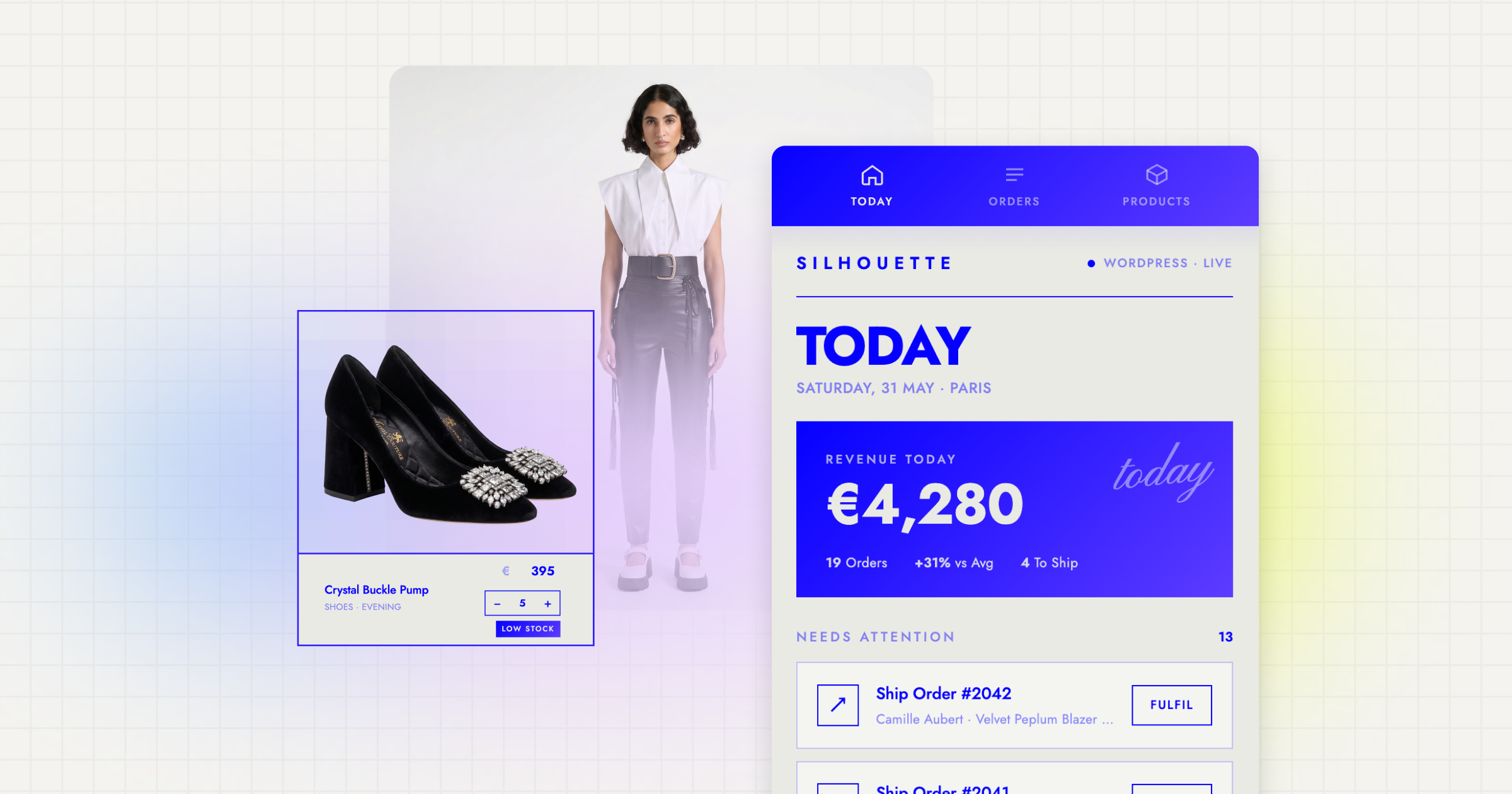
One distinction worth naming plainly in this comparison: Sticklight is not scoped to a single output type. From the same prompt-first flow, you can build websites, landing pages, web apps, dashboards, CMS, booking systems, internal tools, forms, and database-backed tools, all on one platform. That range is why the core narrative behind Sticklight is going beyond websites and becoming a full-stack creator, rather than picking a separate tool for every surface you need to ship.
For a founder or product manager, that can mean building a marketing site, an internal dashboard, and a booking flow without switching platforms. For an agency, it can mean handling a client’s full digital footprint, not just their homepage.
Extending an existing WordPress or Elementor site
If you already have a WordPress or Elementor site, Sticklight is built to connect to it and extend it, not replace it. WordPress is treated as a source of truth you can build on, and Elementor shares Sticklight’s underlying mission of helping web creators build their future, just at a different moment and in a different way. Neither is framed as something Sticklight rescues you from. In practice, that means teams with an established WordPress or Elementor presence can add new apps, dashboards, or tools alongside it rather than migrating everything at once.
Choosing between Sticklight and Bubble
Neither platform is the objectively correct choice for every builder. Here is a fair, side-by-side way to think about it.
- Choose Bubble if you want to build app logic and workflows step by step inside an established, dedicated visual editor, and your team already knows that environment.
- Choose Sticklight if you want to start from a plain-language prompt and reach a production-ready build faster, then take full manual control of the result.
- Choose Sticklight if you need more than one type of output, a site, an app, a dashboard, or an internal tool, from a single platform rather than stitching several tools together.
- Choose Sticklight if packaged expertise like accessibility, SEO, and performance matters to you and you would rather add a Skill than solve each of those from scratch.
- Choose Sticklight if you already run a WordPress or Elementor site and want a platform that extends it instead of asking you to start over.
For many founders, product managers, and no-code builders, the practical answer comes down to how you want to spend your first hour on a new build: assembling structure by hand, or starting from a prompt and shaping the result from there.
Documentation written under deadline pressure is usually the only documentation that ever gets written, so it helps to make peace with that instead of waiting for a better moment.
Itamar Haim
Built by the Elementor team. Powered by Claude.
Let it glow.
