
Sticklight vs Replit: choosing the AI app builder that fits

Sticklight suits professional web creators, agencies, freelancers, and studios who want a plain-language prompt to turn into a production-ready website, app, dashboard, or CMS, with full control to edit every pixel afterward. Replit suits people who want a browser-based coding and app-building environment where an AI assistant sits alongside a familiar development workspace. The right pick mostly comes down to what you are shipping and how you like to work, inside a code-first environment, or on a visual canvas built for finished client and product work.
A Sticklight vs Replit comparison is not really about naming a winner. It is about matching the platform to the surfaces you build, the audience you build for, and how much of the traditional coding environment you want to manage yourself.
- Sticklight is a prompt-to-production platform for professional web creators, covering websites, apps, dashboards, CMS, and internal tools in one flow.
- Replit is a browser-based coding and app-building platform with AI assistance, built around a familiar developer workspace.
- Sticklight’s Skills add packaged expertise, such as accessibility, SEO, performance, and localization, to any prompt during the build.
- Instead of asking creators to start from zero, Sticklight plugs into an existing WordPress or Elementor site and builds on it.
- Both platforms use AI to speed up building, but they start from different places: a visual canvas versus a code-first workspace.
- Sticklight plans scale with seats and features, from a Free plan through Pro, Team, and Enterprise.
Sticklight vs Replit: the short answer
In the Sticklight vs Replit decision, think about the shape of the work first. Sticklight is built for professional web creators who ship production websites, apps, dashboards, CMS instances, and internal tools, then hand full control back to the creator once the prompt has done its part. Replit is built around a coding environment in the browser, where an AI assistant helps write and run code inside a workspace that developers already recognize.
Neither approach is wrong. They answer different questions. Sticklight answers how to get a client-ready product published fast, with SEO and security handled, while still being able to fine-tune every detail. Replit answers how to code and run a project without setting up a local environment.
What Replit is, at a high level
Replit is a browser-based coding and app-building platform with AI assistance. It gives developers a workspace in the browser rather than a local setup, and it pairs that workspace with AI help for writing and iterating on code. That combination has made it a familiar option for people who think in code first and want to keep that workflow close at hand.
We keep our description of Replit at this level on purpose. We have not tested its specific features, pricing, or performance, so we will not repeat numbers we cannot verify. For feature-level detail, Replit’s own product pages are the right source.
What Sticklight is built to do
Built by the Elementor team and powered by Claude, Sticklight is a vibe-coding platform aimed squarely at professional web creators. A prompt is the starting point, not the whole product. It turns that prompt into a production-ready website, landing page, app, dashboard, CMS, booking system, form, database-backed tool, or other digital experience, with the craft of a senior designer and developer behind the output.
The core narrative is simple: go beyond websites, and become a full-stack creator. That means Sticklight is not scoped to one output type. The same prompt-first flow that builds a marketing page can also build an internal dashboard or a booking system, which matters for creators who are asked to deliver more than a single kind of site.
Prompt, build, publish: how Sticklight’s flow works
Sticklight organizes creation around three pillars: Prompt, Build, and Publish.
- Prompt. You start from the main prompt box, or from Plan Mode when a task is complex enough to benefit from a plan first. Templates let you remix an existing starting point, and Connectors bring in tools based on your use case.
- Build. Skills get added here, ready-made tools and integrations get connected, and you can edit manually or work directly in code on the canvas. The AI does the heavy lifting from the first prompt, but the creator keeps full control of every pixel from here on.
- Publish. SEO is built in, every build runs through a security scan, and you can connect a custom domain and host the app, all without leaving the platform.
That three-part flow is what lets Sticklight describe its output as production-ready rather than demo-ready. The build does not stop at a working preview. It carries through to something you can actually publish and hand to a client or a team.
Skills: packaged expertise for every build
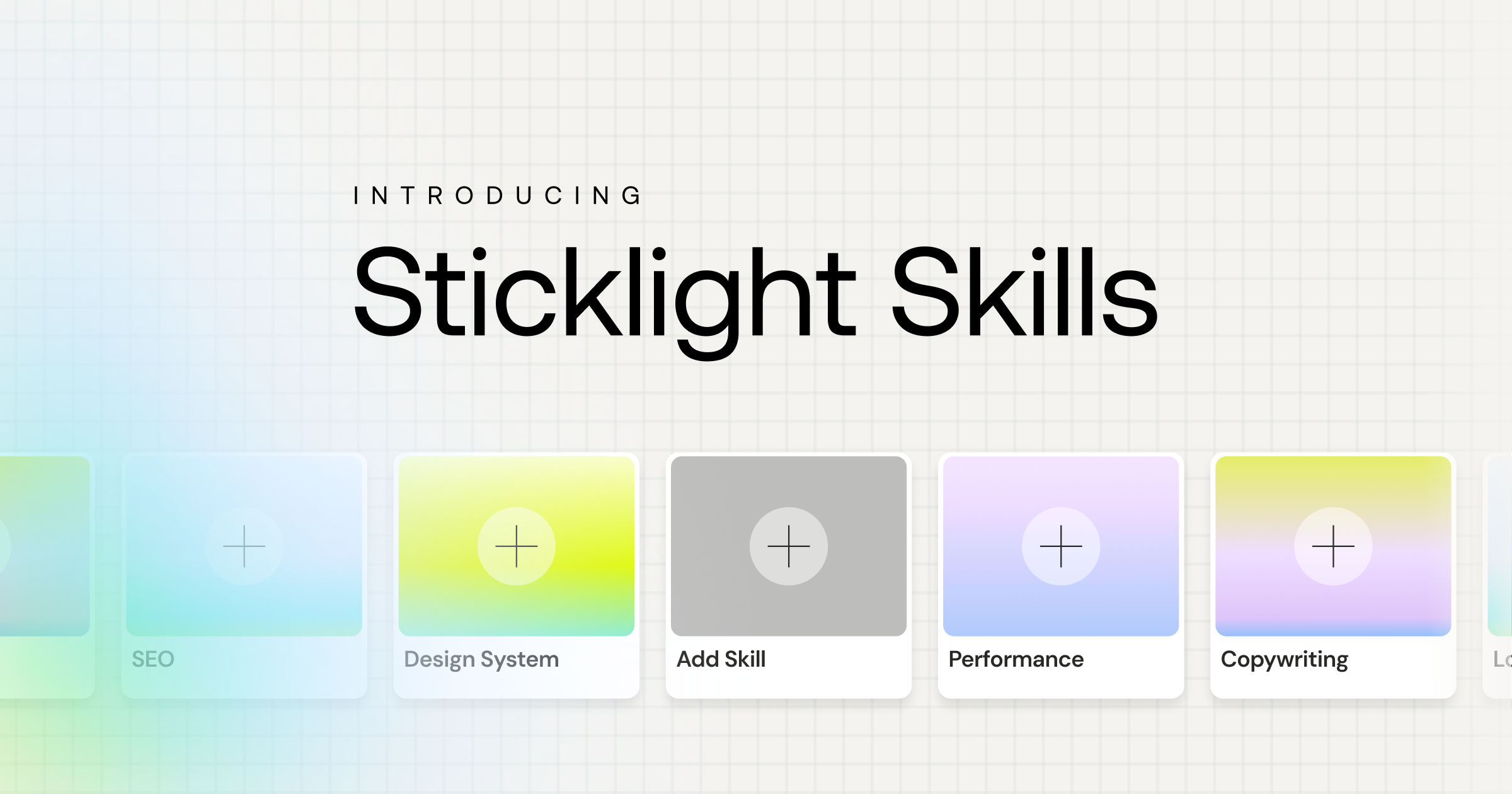
Sticklight’s core differentiator is Skills: a packaged unit of expert know-how you add to any prompt with one click during the Build phase, instead of writing out detailed instructions yourself every time. A growing set of Skills is live today, covering areas like accessibility, SEO, performance, and localization.
Turn on the Accessibility Skill and it hands back WCAG-compliant markup, focus states, and ARIA attributes. The SEO Skill ships meta tags, schema, sitemap handling, and on-page best practices. Skills also compound across projects, so a creator who has shipped several products with Sticklight tends to move faster on the next one.
Agents are on Sticklight’s roadmap, labeled coming soon and not available today. Skills are live and usable now.
Working with an existing WordPress or Elementor site
A lot of professional web creators are not starting from a blank canvas. They already have a WordPress site, often built with Elementor, and the real question is how new work fits alongside it. Sticklight treats that existing site as something to build on, not something to replace.
WordPress is a source of truth you can connect to and extend, and Elementor shares the same underlying mission as Sticklight, helping web creators build their future, just expressed at a different moment. In practice, a creator can add a new app, dashboard, or landing page with Sticklight while keeping the existing WordPress or Elementor site intact as the foundation.
Side-by-side: choosing between Sticklight and Replit
Here is a fair, factual way to line the two up, without pretending either one covers ground it does not:
- Primary workspace. Sticklight centers on a visual canvas with direct code editing available when you want it. Replit centers on a browser-based coding environment.
- Starting point. Sticklight starts from a plain-language prompt and a Prompt, Build, Publish flow. Replit starts from a coding workspace with AI assistance layered in.
- Output range. Sticklight is scoped to production websites, apps, dashboards, CMS, and internal tools, published from the same platform. Replit is scoped around building and running code projects in the browser.
- Existing sites. Sticklight is built to connect to and extend an existing WordPress or Elementor site. Replit is not positioned around an existing WordPress site as a starting point.
- Expertise on demand. Sticklight’s Skills package expertise like accessibility and SEO directly into a build with one click. This is specific to Sticklight’s workflow.
- Audience. Sticklight is built for professional web creators, agencies, freelancers, and studios shipping client or product work. Replit is a familiar option for developers who want an AI-assisted coding environment.
Who should choose which
If you are an agency or freelancer delivering client websites, apps, or dashboards on a deadline, and you need the output to meet a professional standard with SEO and security handled, Sticklight is built for exactly that job. The same is true if you already run a WordPress or Elementor site and want to extend it with a new app or tool without starting over.
If your day-to-day work is closer to writing and running code directly, and you want an AI assistant inside that coding workflow, a browser-based environment like Replit fits that pattern. Some developers and founders will use both: a code-first environment for certain projects, and Sticklight when the goal is a published, client-ready product built from a prompt with full creative control kept in hand.
I’ve watched real users break things in ways no test plan ever anticipated, which is why shipping early beats testing forever.
Itamar Haim
Built by the Elementor team. Powered by Claude.
Let it glow.
