
14 top app ideas to build now

The best app ideas to build right now are small, useful tools that solve one real problem for you or your clients: a dashboard, a booking flow, a community space, a tracker. You do not need a sprawling roadmap for a first build. You need a problem you already understand, a scope you can finish, and a plan to publish it somewhere real instead of leaving it as a mockup.
Below are 14 app ideas to build, grouped by the kind of problem they solve, for founders, solo builders, and developers who want their next project to ship rather than sit in a folder. Each one works as a plain-language prompt, and each one can grow once it is live.
- Good first apps solve a problem you already have, not a hypothetical user’s problem.
- The 14 ideas here span business tools, community, commerce, and personal productivity.
- Small, well-defined scope beats an ambitious app that never ships.
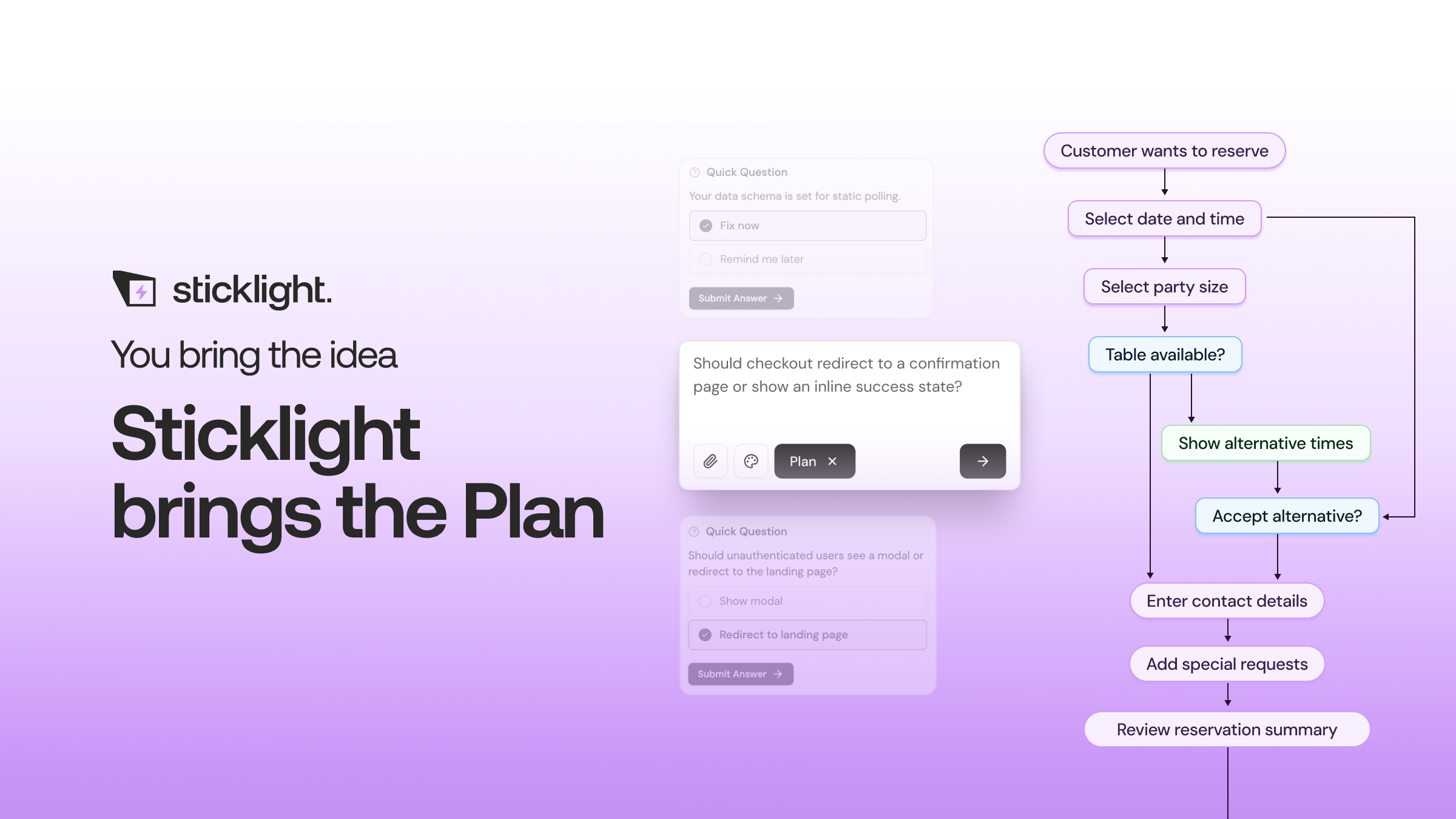
- Sticklight turns a plain-language prompt into a working app through Prompt, Build, and Publish, with Skills adding packaged expertise like accessibility and SEO along the way.
- Picking an idea is mostly about honesty: what do you check manually every week that a small app could handle instead?
Business app ideas to build for founders and teams
Founders and small teams tend to need the same handful of tools: something to see the state of the business at a glance, something to track client work, something to get paid. These make strong first builds because the data is familiar and the payoff shows up fast.
Internal ops dashboard
A single screen that pulls together tasks, approvals, and the numbers you check most often. It is a good first build because the layout mirrors the data you already track in spreadsheets, so there is little guesswork in the design.
Client or project tracker
A shared view of status, deadlines, and files for every active client or project. Agencies and freelancers use this to replace the “where are we on this” thread with one page everyone can check.
Invoicing and billing tool
A lightweight tool to generate invoices, log payment status, and see who owes what. It is a natural first build for a solo builder because the rules are clear and the value is immediate: fewer forgotten invoices.
Community and membership apps
If your product or audience already exists, a place for people to gather and a way to gate content are two of the most useful apps you can build next.
Community hub or discussion board
A space where members post, reply, and react around a shared topic. This is a good first build for anyone with an existing audience on social platforms who wants a home base they control.
Course platform or member portal
Lessons, progress tracking, and gated content behind a login. It suits creators and educators ready to move past a folder of PDFs into something that feels like a real product.
Commerce and booking apps
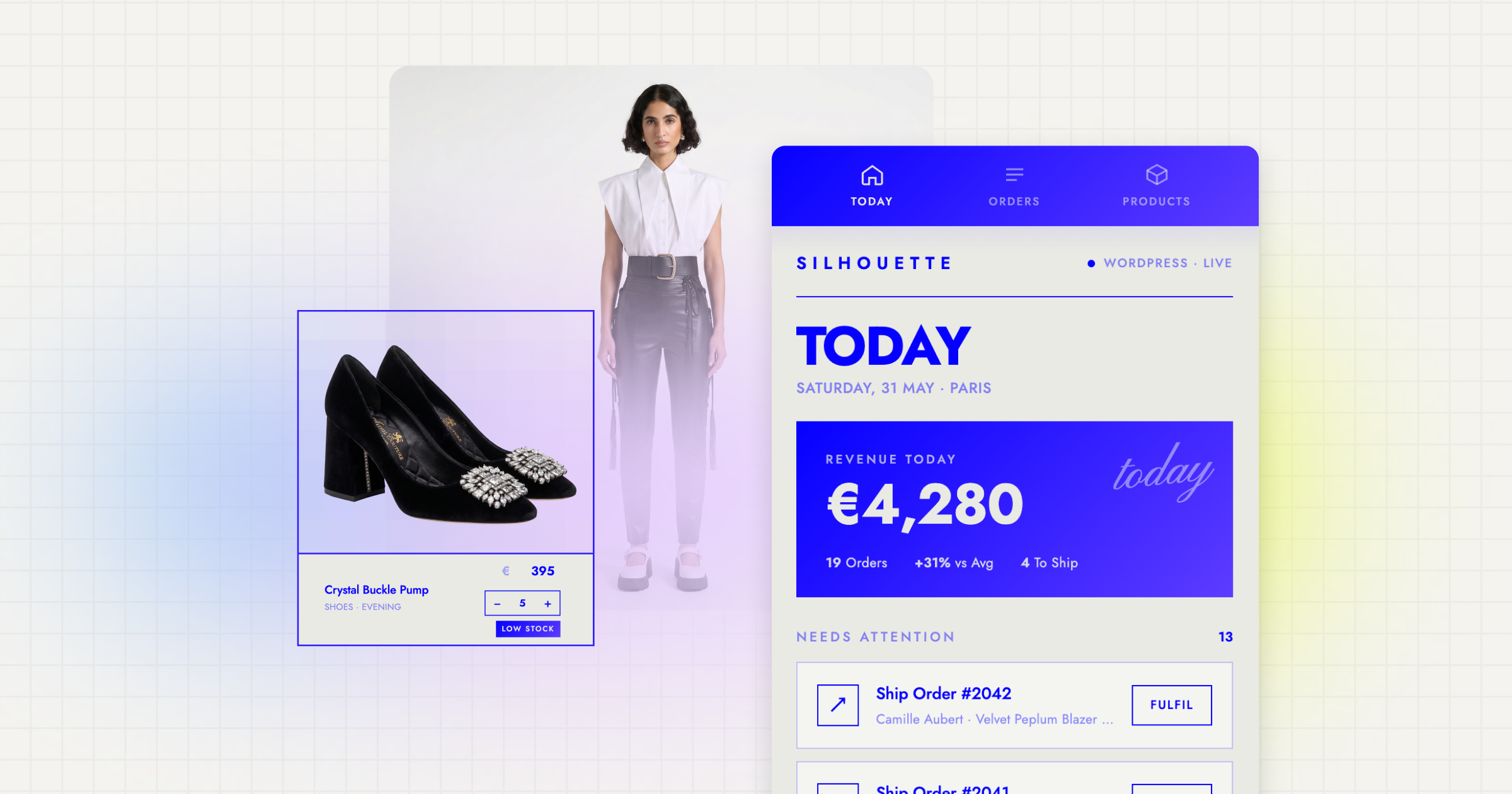
These ideas turn a service or product into something people can act on directly, without a phone call or an email back and forth.
Service booking app
A calendar, a booking form, and automatic confirmations for anyone who takes appointments: consultants, studios, clinics, and trades. It is a strong first build because the logic (available slots in, confirmed bookings out) is straightforward to follow.
Product launch page with checkout
A focused landing page paired with a small store for one product or one drop. DTC operators and indie makers use this to test demand before investing in a full storefront.
Local directory or marketplace listings
A searchable list of vendors, services, or listings with filters. It works well as a first build because you can launch with a handful of listings and grow the directory over time.
Personal productivity apps
Not every app needs an audience. Some of the most useful first builds are tools that only you will ever open.
Habit and goal tracker
A place to log daily habits, see streaks, and check straightforward progress charts. It is a favorite first project because the data model is tiny and the reward, watching a streak grow, is immediate.
Personal CRM
A lightweight system for tracking contacts, notes, and follow-ups outside a heavyweight sales tool. Solo builders and freelancers use this to stop losing track of who they promised to email back.
Content calendar and publishing tracker
A board that shows what is drafted, scheduled, and published across every channel you write for. It is a practical first build for anyone juggling a blog, a newsletter, and social posts at once.
Content and creative tools
The last set of ideas is for people whose work is the product: portfolios, documentation, and the tools that support them.
Portfolio with structured case studies
A personal brand site where each project gets a real case study page instead of a single thumbnail. It is a good first build because you likely already have the project details, and mainly need a structured place to put them.
Client-facing knowledge base
A documentation hub where clients or users can find answers without emailing you directly. Agencies and product teams use this to cut down on repeat support questions.
Feedback and survey tool
A short form paired with a response dashboard, so you can collect feedback and see the results without exporting spreadsheets by hand. It rounds out this list as a low-risk first build with a clear before-and-after.
How to pick your first app idea
With 14 options on the table, the fastest way to narrow it down is to ask what you already do manually, every week, that annoys you. That recurring task, the spreadsheet you re-open, the email thread you re-read, is usually your best first app idea to build, because you already understand the problem better than any outside brief could explain it.
A few questions worth running through before you commit:
- Can you describe the app in two or three plain-language sentences? If not, the scope is still too fuzzy.
- Does it solve a problem you or a real client has today, not a problem you are guessing someone might have?
- Could you use a working version of it within a day, even a rough one?
- Does it need to be public right away, or can it start as an internal tool you refine before anyone else sees it?
This is where the Prompt, Build, Publish flow helps: you describe the idea in plain language, the first working version comes back fast, and you keep full control to adjust every pixel from there. On Sticklight, adding a Skill, such as accessibility or SEO, packages in expert-level polish without you having to research the requirements yourself, and the same platform covers the dashboard, the booking app, and the store, so you go beyond a single website without learning a new tool for every idea on this list.
Vibe coding gets a bad name from people who stop at the vibe and never get to the coding. The craft still lives in the details nobody sees.
Itamar Haim
Built by the Elementor team. Powered by Claude.
Let it glow.
