
What is a generative AI app builder? All you need to know

A generative AI app builder is a tool that uses generative AI models to produce an application, its interface, its data structure, and its underlying logic, from a plain-language description of what you want. You describe the app, the tool generates a working version, and you refine it back and forth in conversation until it matches what you had in mind.
This is different from clicking together screens in a visual editor or writing every line by hand. The AI does the first pass of turning your idea into something that actually runs. You still guide the outcome, adjust the details, and decide what ships, which is why these tools work best in the hands of someone who already knows what a good app looks like.
- A generative AI app builder generates the UI, data structure, and logic of an app from a natural-language prompt, then refines it through conversation.
- It differs from a plain no-code builder, which requires you to assemble screens and logic yourself inside a visual editor.
- It differs from AI-assisted coding tools, which help a developer edit code inside an existing codebase rather than generating a full app from a prompt.
- The core loop is generate, then refine. Each round trip narrows the gap between what you described and what you actually need.
- A good generative AI app builder hands you a working app, not a demo, and lets you keep editing by hand after the AI’s first pass.
- Sticklight is one example: it turns a prompt into production-ready websites, apps, dashboards, and other tools through a Prompt, Build, Publish flow.
What is a generative AI app builder, exactly?
Three pieces make up a generative AI app builder: a generative AI model, a set of rules for turning a description into working software, and an environment where the result actually runs. You type a description of what you want, a booking system for a small studio, or a dashboard that tracks weekly sales, and the tool generates a functioning first version rather than a mockup or a list of suggestions.
That first version usually includes the interface, the data model behind it, and the logic that connects the two. It is meant to run, not just look right in a preview. From there, you describe changes in plain language and the tool updates the app, which is what separates it from a text or image generator that hands you a single static output.
Generative AI app builder vs. no-code builder vs. AI-assisted coding
These three categories often get lumped together, but they solve different problems for different people.
- No-code builder: you assemble the app yourself from prebuilt blocks and logic inside a visual editor. Nothing is generated from a description, you place every piece by hand.
- AI-assisted coding: a tool suggests or edits code inside an existing project, usually inside an IDE, for developers who already have a codebase and want faster edits, not a generated app.
- Generative AI app builder: a prompt is the starting point, and the tool generates the full first version, interface, data, and logic together. You refine it in conversation, and can open the code directly when you want to.
How the generation-then-refinement loop works
Every generative AI app builder runs on the same basic loop, even when the interface looks different. Understanding it helps you use the tool well instead of fighting it.
- Describe what you want to build, in plain language, including the purpose and who it is for.
- The tool generates a working first version: the screens, the data behind them, and the logic connecting them.
- You review the result against what you actually needed, not just against what you literally asked for.
- You refine it, either by describing a change in conversation or editing directly, and the tool updates the app.
- You repeat the review and refine steps until the app is ready to publish.
The tighter your first description, the shorter this loop tends to be. A prompt that names the audience, the core action, and any must-have fields saves several rounds of back and forth.
What makes a good generative AI app builder
Not every tool in this category is built to the same bar. A few traits separate the ones worth using for real work from the ones that are fun to try once.
- Production-ready output. The first generation should be closer to a shippable product than a throwaway demo.
- Room to go beyond one page type. A tool limited to marketing pages cannot follow you into a dashboard or an internal tool as the project grows.
- Full control after generation. You should be able to edit every pixel, and the code itself when needed. AI starting the work should never mean you lose the ability to finish it your way.
- Packaged expertise you can add on demand. Accessibility, SEO, and performance are easy to skip under deadline pressure. A tool that lets you add that expertise with one click closes real gaps.
- A publish path, beyond a preview. Security checks, a real domain, and hosting matter as much as the generation step.

Realistic use cases for a generative AI app builder
The most common uses fall into a handful of patterns: running an agency, building your own product, or supporting a team internally.
- Client websites and landing pages for agencies, where speed matters but design control and a real code handoff still matter more.
- Internal dashboards for sales, revenue operations, or finance, built without waiting on an engineering queue.
- Booking systems, forms, and other database-backed tools that used to require a developer for even small changes.
- Programmatic SEO pages at scale, where structure and schema need to stay consistent across many pages.
- Prototypes a product manager can put in front of users or stakeholders before committing engineering time to build it properly.
- CMS-backed content products and member portals for course creators and content-heavy businesses.
Where human judgment still matters
A generative AI app builder speeds up the first pass and most of the iteration after it, but it does not replace the decisions that make a product actually good. Business logic edge cases, the right information architecture for your specific users, brand voice, and compliance requirements still need a person who understands the context the AI does not have.
The same is true for taste. Two apps can both work correctly and still feel completely different to use, and that gap comes from the small calls a founder, developer, or product manager makes while reviewing what the AI generated. Treat the AI’s first version as a strong starting point, not a finished decision.
Sticklight as an example of a generative AI app builder
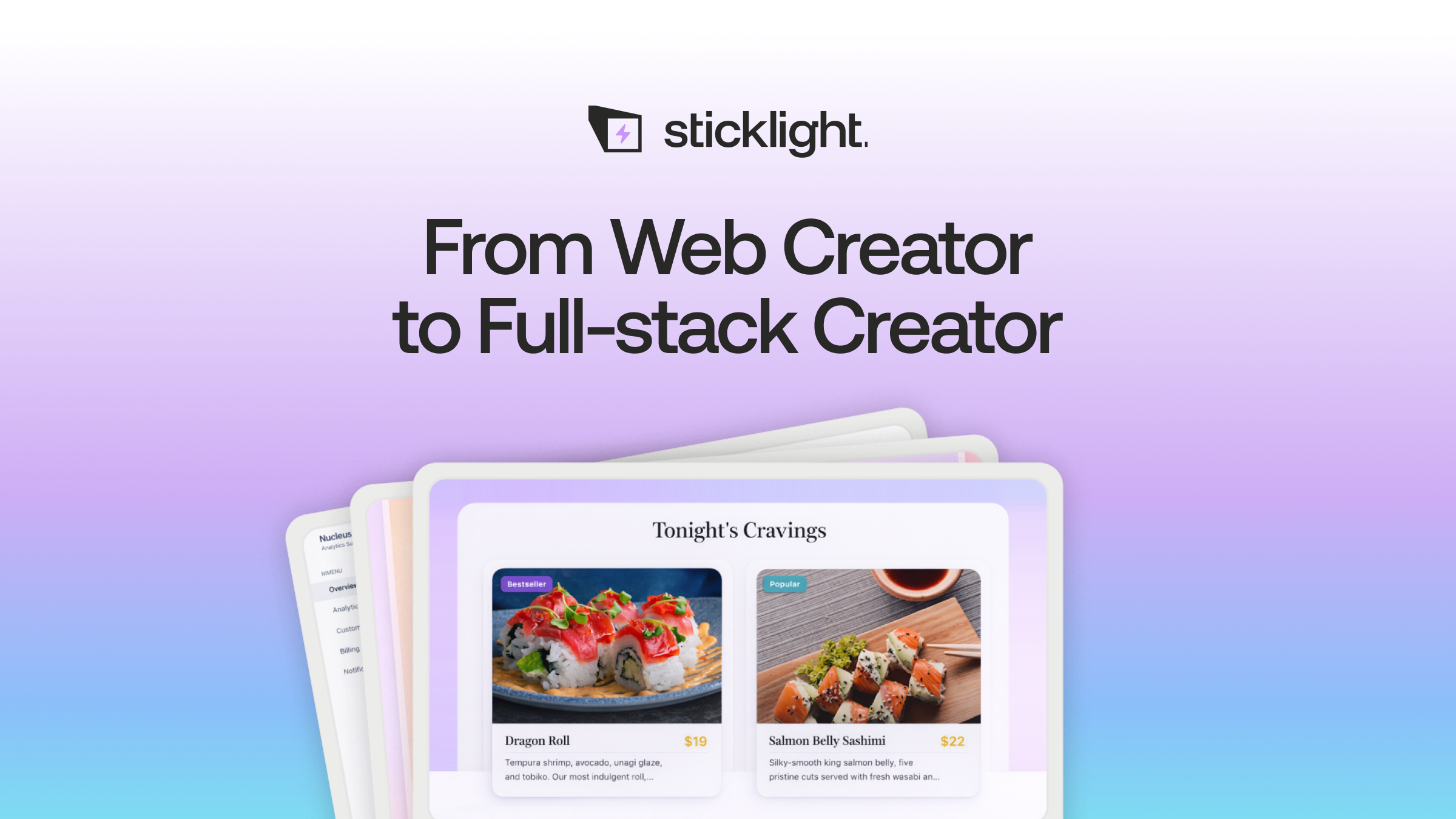
Built by the Elementor team and powered by Claude, Sticklight is a vibe-coding platform for professional web creators. It turns a prompt into production-ready websites, landing pages, apps, dashboards, CMS, and other tools, built to the standard of a senior designer and developer rather than a demo standard.
The flow follows three pillars: Prompt, Build, and Publish. You start with a prompt, or with Plan Mode for more complex projects, and Sticklight generates a working first version. During Build, you can add a Skill, a packaged unit of expert know-how such as accessibility, SEO, performance, design system, copywriting, localization, micro-interactions, or onboarding, with one click. You can also edit by hand or drop directly into the code on the canvas.
Sticklight goes beyond websites on purpose. The same prompt-first flow can produce a dashboard, a booking system, an internal tool, or a CMS, not only a marketing page. It also connects to and extends an existing WordPress or Elementor site rather than treating either as something to replace.
Go beyond websites. Become a full-stack creator.
Ask ten builders what vibe coding means and you’ll get ten different answers. Ask them what they shipped last month and the good ones all sound the same.
Itamar Haim
Built by the Elementor team. Powered by Claude.
Let it glow.
