
What is a no-code app builder? (and how it works)

A no-code app builder is a platform that lets you create a working application, something with screens, data, logic, and user actions, without writing traditional code yourself. You describe or arrange what you want, and the platform generates the structure, interface, and functionality for you.
Some no-code app builders work through visual drag-and-drop editors, where you place buttons, forms, and data tables on a canvas and wire them together with rules. A newer generation works through plain-language prompts, where you describe the app in a sentence or two and the platform builds it, then hands you a working product to refine by hand. Both count as no-code. The difference is how you get from idea to build.
- A no-code app builder generates the interface, data, and logic for a working app without you writing traditional code.
- Two broad styles exist: visual drag-and-drop builders and newer prompt-based, AI-native builders like Sticklight.
- Output can span websites, apps, dashboards, CMS, booking systems, and internal tools, well beyond basic forms.
- No-code has real limits around deep custom logic and unusual integrations, so direct code access matters.
- Sticklight turns a prompt into a production-ready build, then hands you full control to edit by hand or in code.
What a no-code app builder actually does
A no-code app builder handles three layers that used to require a developer: the interface (what users see and click), the data (where information lives and how it is structured), and the logic (what happens when a user submits a form or filters a list). Traditionally, each layer meant writing and maintaining code. A no-code platform generates or assembles that code for you, based on your input.
The output is not a mockup. A functioning no-code app builder produces something you can actually use: a booking system that stores real appointments, a dashboard that pulls in real numbers, an internal tool your team logs into daily. “No-code” describes how you build it, not how finished the result is.
The two broad styles of no-code app builders
Most no-code app builders fall into one of two camps, and knowing the difference helps you pick the right one for how you work.
Visual, drag-and-drop builders
This is the style most people picture first. You work on a canvas, dragging in components (a text field, a data table, a button), then connect them with visual logic, often called workflows or bindings. You are still building by hand, with shapes and menus instead of syntax. This style rewards people who like to see every piece and control placement from the first click.
Prompt-based, AI-native builders
The newer style starts with a plain-language description. You write what you want the app to do, and the platform generates a working first version: screens, structure, and logic included. From there, you refine by hand, adjusting layout, wording, and behavior until it matches what you had in mind. This style rewards people who want to start from something real instead of a blank canvas.
Sticklight, the vibe-coding platform built by the Elementor team and powered by Claude, represents this second style. A prompt turns into a production-ready app, dashboard, CMS, booking system, or internal tool, built with the combined craft of a senior designer and developer. AI does the first pass. You keep full control of every pixel after that, editing by hand or directly in the code on the canvas.

What you can build with a no-code app builder
The range is wider than the name “app builder” suggests. Depending on the platform, no-code tools can produce:
- Internal tools and admin panels for managing data or operations
- Booking and scheduling systems
- Forms and database-backed workflows
- Dashboards for revenue, marketing, or operations reporting
- Customer-facing web apps and member portals
- CMS-driven sites for content-heavy products
Sticklight covers this same range from one prompt-first flow: websites, apps, dashboards, CMS, booking systems, forms, and databases, all built and published on one platform rather than stitched together from separate tools.
What a no-code app builder cannot do
No-code has real limits, and an honest answer has to include them. Very deep custom logic, unusual integrations with legacy systems, or highly specialized performance requirements can outgrow what a no-code platform handles cleanly. A proprietary algorithm at the core, or an obscure internal system with no standard connector, may eventually need custom engineering alongside or instead of a no-code layer.
The best no-code platforms narrow this gap by giving you direct code access when you need it, rather than locking you into a fixed set of blocks. Sticklight lets you edit directly in the code on the canvas after the initial build, so a prompt-generated app is not a dead end when you need something more precise. That combination, AI to start and real code underneath, is what separates a production tool from a toy.
The honest pros and cons
No-code app builders solve real problems, but they are not free of trade-offs.
The upside
- You go from idea to working app in a fraction of the time a traditional build takes, with no environment setup or boilerplate to write first.
- Non-technical founders and small business owners can ship real tools without hiring a developer for every change.
- Iteration is fast. Adjusting a form field, a dashboard chart, or a booking rule is a direct edit, not a development ticket.
- Skills-based platforms like Sticklight let you add packaged expertise, accessibility, SEO, performance, a design system, with one click instead of researching best practice yourself.
The trade-offs
- Not every platform produces output that holds up in production. Some generate demos that were never meant to run real traffic or data.
- Highly specialized or unusual technical requirements can exceed what any no-code layer supports cleanly.
- Learning a visual builder’s own logic system still takes time, even without syntax to memorize.
The gap between a demo that looks right and a product that ships is the biggest thing to check before you commit to any no-code app builder.
When a no-code app builder is the right choice
A no-code app builder is the right choice when you need a working product, not a proof of concept, and you do not want an engineering bottleneck between idea and launch. That covers a small business owner who needs a booking system live this month, a founder validating an idea before hiring a team, or a non-technical creator who wants a member portal without learning to code.
It is a weaker fit when your project depends on one unusual piece of custom logic no platform ships out of the box, or when you already have an engineering team a new platform would need to plug into rather than replace. In those cases, a tool that also exposes real code travels further as requirements grow.
How Sticklight fits into the no-code app builder category
Sticklight sits in the prompt-based half of the category, built for professionals who build the web for a living, not just for a first idea. A prompt starts the build. The Sticklight standard, the craft of a senior designer and developer, is the bar the output has to meet before it counts as done. That is the line the brand draws against generic AI builders that stop at demo-ready.
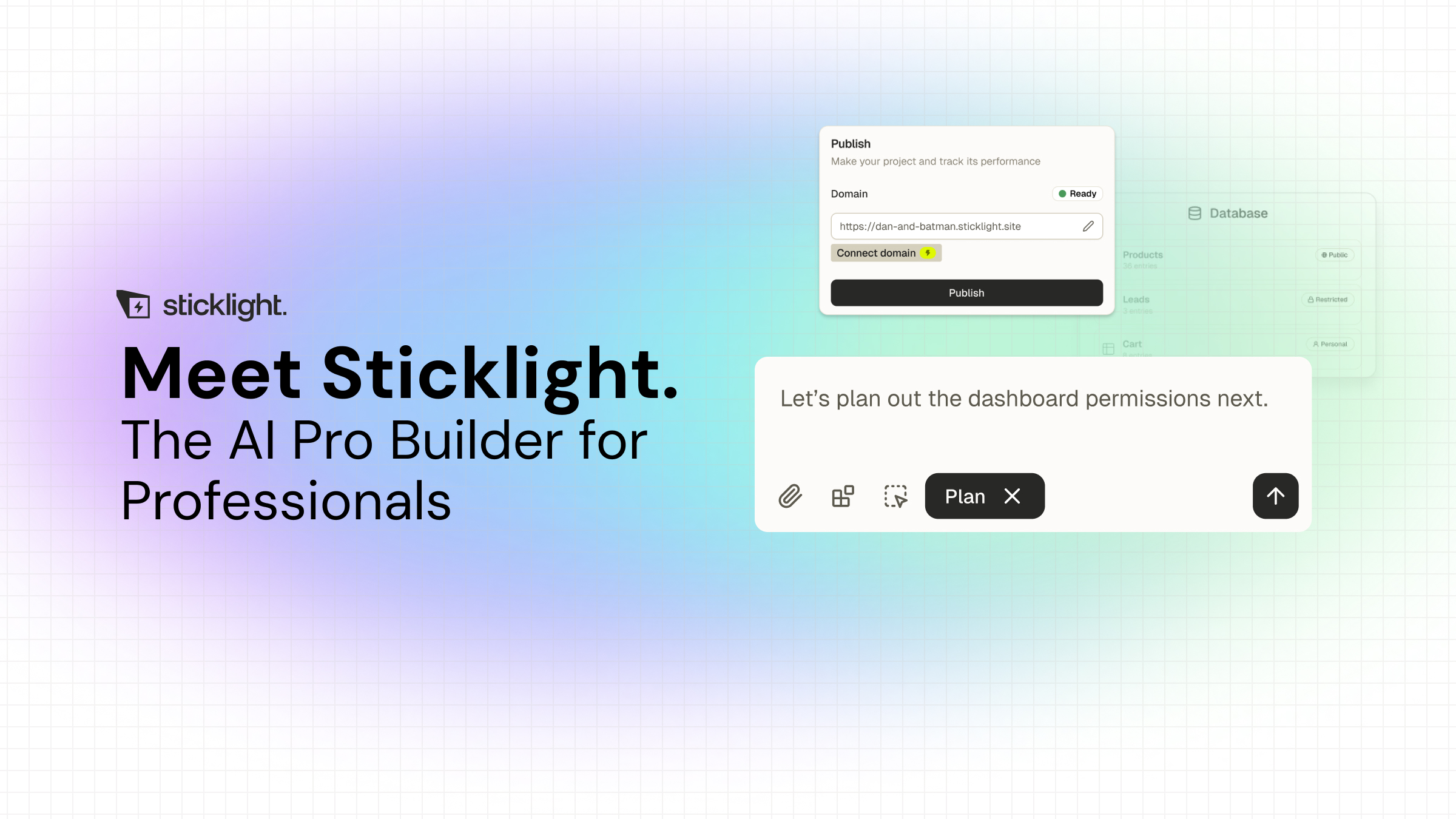
Three pillars carry a project from start to live: Prompt, Build, and Publish. You start in the main prompt box, with Plan Mode for more complex builds, or by remixing a Template. During Build, you can add Skills, packaged units of expert know-how such as Accessibility, SEO, Design System, and Performance, layered onto the prompt with one click. Publish handles the practical side of shipping: SEO built in, a security scan on every build, custom domain connection, and app hosting.
Sticklight also connects to and extends an existing WordPress or Elementor site rather than replacing it, so teams already invested in WordPress can add app or dashboard capability without starting over. Agents, an automation layer beyond Skills, are on the roadmap and labeled coming soon rather than available today.
Before AI, a small idea took a weekend to test. Now the test takes an afternoon, and the idea either survives contact with real users or it doesn’t.
Itamar Haim
Built by the Elementor team. Powered by Claude.
Let it glow.
