

What is an AI app builder?

Plain language goes in, a working application comes out. That is what an AI app builder is built to do: you describe what you want in ordinary sentences, and the platform generates the interface, the logic, the data handling, and the deployment, so you do not write code by hand.
Modern AI app builders handle multi-step logic, real databases, and functioning back ends, so the line between a builder and traditional software development has gotten thinner. Here is a straight picture of what these tools do, and what they still leave for you to decide.
- An AI app builder generates a working application, interface, logic, database, and deployment, from a written prompt.
- It differs from traditional coding because you describe outcomes in language instead of writing every line yourself.
- It differs from older drag-and-drop no-code tools because natural language, not a component palette, is the primary way you build.
- You still make the product decisions, and you still test and refine the output before real users touch it.
- Sticklight is an AI app builder that goes beyond websites into apps, dashboards, CMS, and internal tools, with a Skills system and a path to connect to an existing WordPress or Elementor site.
What is an AI app builder?
Feed it a description of what you want, and an AI app builder produces a functioning piece of software from it: a customer-facing web app, an internal dashboard, a booking system, a content setup, or a small tool that automates one job for your team. The word “app” here is broader than a phone app. It covers anything with a working interface, some logic behind it, and usually a place to store and retrieve data. A form that saves submissions to a database is an app, and so is a dashboard that pulls numbers and displays them. An AI app builder is built to generate all of these from a prompt, not only a static page.
How an AI app builder differs from traditional coding
Traditional software development starts with a spec, then a developer translates that spec into code, line by line, across a front end, a back end, and a database. An AI app builder collapses much of that translation work. You describe the outcome in plain language, and the platform writes the interface, the logic, and the data layer for you. That does not remove code from the picture. The output is still real, working code, and it changes who writes the first draft, not whether code exists at all.
What stays the same is judgment. You still decide what the product should do and for whom, and a good AI app builder lets you open the generated code and adjust it directly when a prompt alone will not get you the last mile.
How an AI app builder differs from classic no-code tools
Drag-and-drop no-code platforms came before AI app builders and solved a real problem: you could assemble a working product from prebuilt blocks and connectors without writing code. The tradeoff was that you were building inside the vendor’s component library, and anything outside those pieces usually meant a workaround or a plugin.
An AI app builder starts from language instead of a palette of boxes. You describe logic and behavior that a fixed set of components was never designed to express, and the platform generates it directly. Even so, the strongest AI app builders still let you edit visually and by hand once the first version exists, so you get the precision of no-code tools alongside the range of a builder that writes actual code.
How an AI app builder works, at a high level
The mechanics vary by platform, but the general flow looks like this.
- You write a prompt describing the app: what it does, who uses it, and what it needs to store or connect to.
- The platform generates the interface (the screens a user sees), the logic (the rules and workflows), and the data handling (the database structure and connections).
- You review the result and refine it with more prompts or direct edits.
- You publish, which typically includes hosting, a custom domain, and production concerns like security and search visibility.
Nothing here replaces your role in deciding what “correct” looks like. It replaces the manual labor of getting from a description to a working first version.

What you can build with an AI app builder
The honest answer is more than most people expect. Beyond marketing pages and simple sites, an AI app builder can typically produce:
- Web apps and management platforms with real logic behind them
- Dashboards for operations, finance, or sales reporting
- Content management systems for content-heavy products
- Booking systems with availability and scheduling rules
- Forms and database-backed tools for organizing information
- Internal tools a team uses daily instead of a spreadsheet
The common thread is that each of these needs an interface, some logic, and a place to keep data, the exact combination an AI app builder is designed to generate from one prompt-first flow.
Who an AI app builder is for
Non-technical creators use an AI app builder to turn an idea into something real without learning to code first, testing it with actual users instead of a slide deck. Founders use it to validate a product before committing to an engineering hire, since a working app tells you more than a mockup does. Freelancers and agencies use it to widen what they offer clients, delivering a booking system or an internal dashboard as part of the same relationship, without bringing on a developer for every request.
The honest benefits, and the limits
The real benefit is speed from idea to something usable. What used to take a development sprint can take an afternoon of prompting and refining, which lowers the cost of trying something and means more ideas actually get tested.
The limits are just as real. An AI app builder does not make your product decisions for you. You still decide what problem the app solves, who it is for, and what “done” looks like, and you still need to test it with real data before customers see it. Treat an AI app builder as a way to skip the blank page, not as a replacement for the thinking that makes a product good.
Sticklight as an AI app builder for professional creators
We built Sticklight as an AI app builder for people who build the web for a living, not only as a way to spin up a landing page. A prompt on Sticklight can turn into a production-ready website, a web app, a dashboard, a CMS, a booking system, or an internal tool, with the craft of a senior designer and developer behind the output.
The flow has three parts: prompt, build, and publish. You start with a prompt, or Plan Mode for more complex projects, refine it during the build phase with manual edits and direct code editing on the canvas, and publish with SEO built in, a security scan on every build, custom domain support, and app hosting.
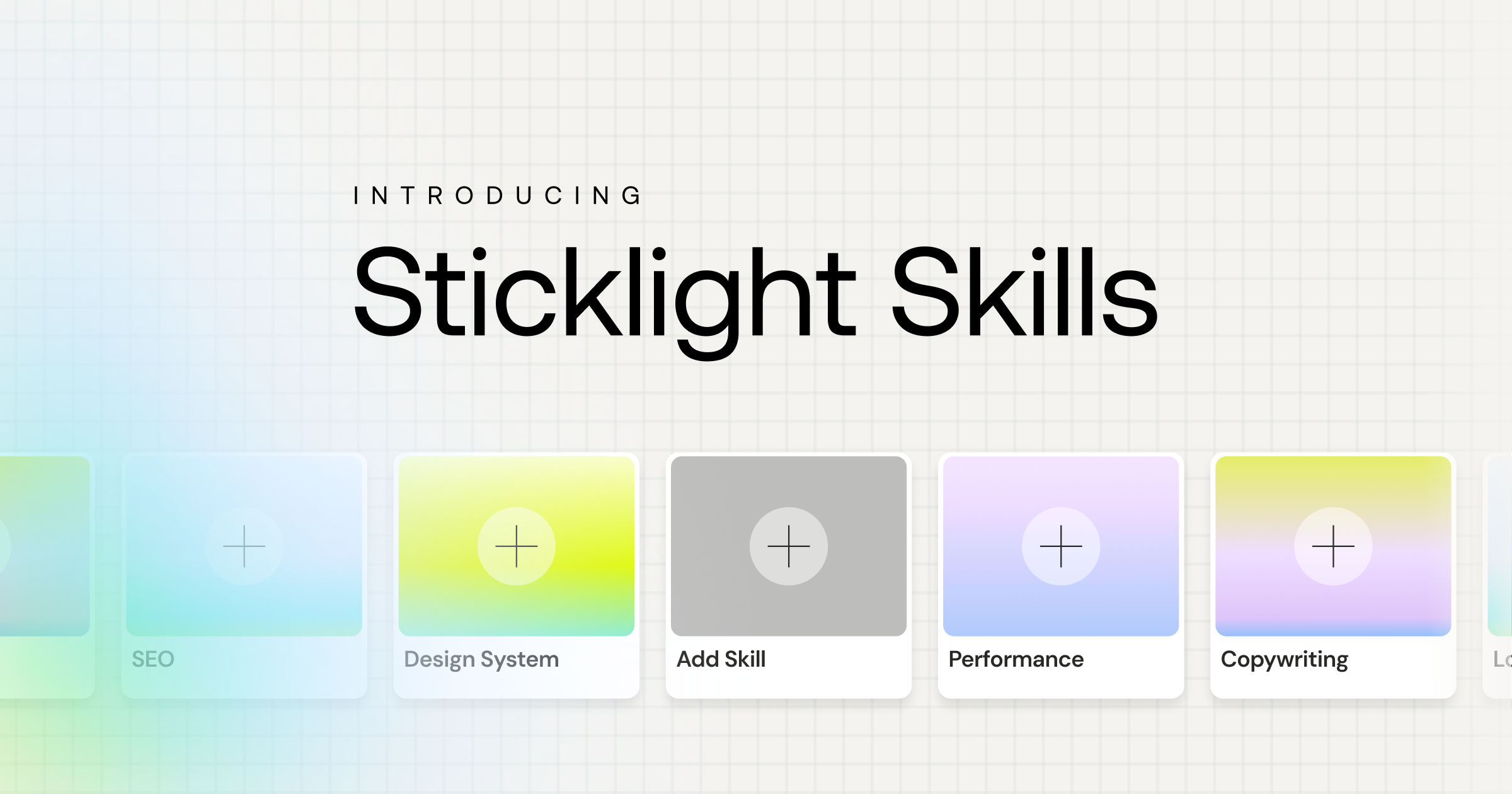
During the build phase, you can add a Skill with one click: packaged expertise like accessibility, SEO, performance, design system, copywriting, localization, micro-interactions, onboarding, or a 3D web experience, layered onto your prompt. Skills are how Sticklight compounds, so the tenth product you ship is faster and sharper than the first.
Sticklight is also built to connect to, not replace, the tools you already use. WordPress is a source of truth you can build on and connect to, and Sticklight extends an existing WordPress or Elementor site rather than asking you to start over. Pricing scales with the size and needs of your team, so solo creators and larger studios can each find a plan that fits.
Most people treat an AI’s first draft like a finished product, when it’s really just a rough sketch that still needs your hand on it.
Itamar Haim
Built by the Elementor team. Powered by Claude.
Let it glow.
