

What Is an API?

An API, or application programming interface, is a defined way for one piece of software to ask another piece of software for something and get a usable answer back. It is the set of rules and formats that let a weather app pull today’s forecast from a weather service, or let a checkout page ask a payment processor to approve a charge, all without either side needing to know how the other was built.
If you have been asking yourself what is api and why developers bring it up constantly, this article breaks it down in plain terms. You will see how a typical API exchange works, where APIs are already quietly running in the apps you use every day, the main types you are likely to encounter, and why they matter once you start building anything more than a single, isolated page.
What is an API
Think of an API the way you would think of a waiter in a restaurant. You do not walk into the kitchen and cook your own meal, you tell the waiter what you want from a menu, the waiter carries that order to the kitchen, and brings your food back to the table. An API plays the same role between two pieces of software, carrying a request from one program to another and returning the result.
The menu itself matters too. It lists exactly what you are allowed to order and how to ask for it, and the kitchen does not need to explain its recipes to you. In software terms, the API is that menu, a published, predictable interface that hides the messy internal code on the other side.
How an API works
A typical API exchange has three moving parts, a request, an endpoint, and a response. Your app sends a request to a specific endpoint, which is really just a web address that represents one particular action, like get-current-weather or create-order. The other system receives that request, does the work, and sends a response back.
That response usually arrives as JSON, a lightweight text format that organizes data into simple labeled pairs, so a program can read it without guesswork. A weather endpoint might return JSON with a temperature, a condition, and a city name, and your app then decides how to display that on screen.
What APIs are used for
APIs are already working behind almost everything you touch online. A map app calls a mapping API to draw streets and calculate routes. An online store calls a payment API to process your card. A signup form calls an email API to send your welcome message.
- Maps and directions, like route calculation and live traffic
- Payments, like charging a card or checking a balance
- Email and messaging, like sending receipts or notifications
- Weather, currency, and other live data feeds
In each case, the business building the app does not have to invent mapping, payment processing, or email delivery from scratch. They connect to a service that already does it well, through its API.
Common types of API
Most APIs you will hear about fall into a few families. REST is the most common, using plain web addresses and standard actions like get, create, update, and delete. GraphQL lets an app ask for exactly the fields it needs in one request, which can be more efficient for complex screens.
APIs also differ by audience. An internal API is built for a company’s own teams and stays private. A public API is documented and opened up so outside developers can build on top of it, which is how much of today’s connected software gets made.
Why APIs matter for modern software
Modern software is rarely built from nothing. Almost every app you use is a combination of its own original logic plus a handful of outside services stitched together through APIs, from login and payments to maps and analytics. That is what lets a small team ship something that looks and behaves like a product built by hundreds of engineers.
Understanding APIs also changes how you plan a project. Instead of asking whether something is possible, the more useful question becomes which service already does this well, and how you connect to it. That shift in thinking is often the difference between a slow custom build and a fast, reliable launch.
Where Sticklight fits
Sticklight takes everything above off your plate. Describe what you want to build in plain language, and Sticklight turns that prompt into a production-ready website, app, dashboard, CMS, or internal tool, wiring up the API connections your project needs along the way, whether that means payments, maps, email, or a data feed. You get the benefit of APIs without having to hand-write the plumbing yourself.
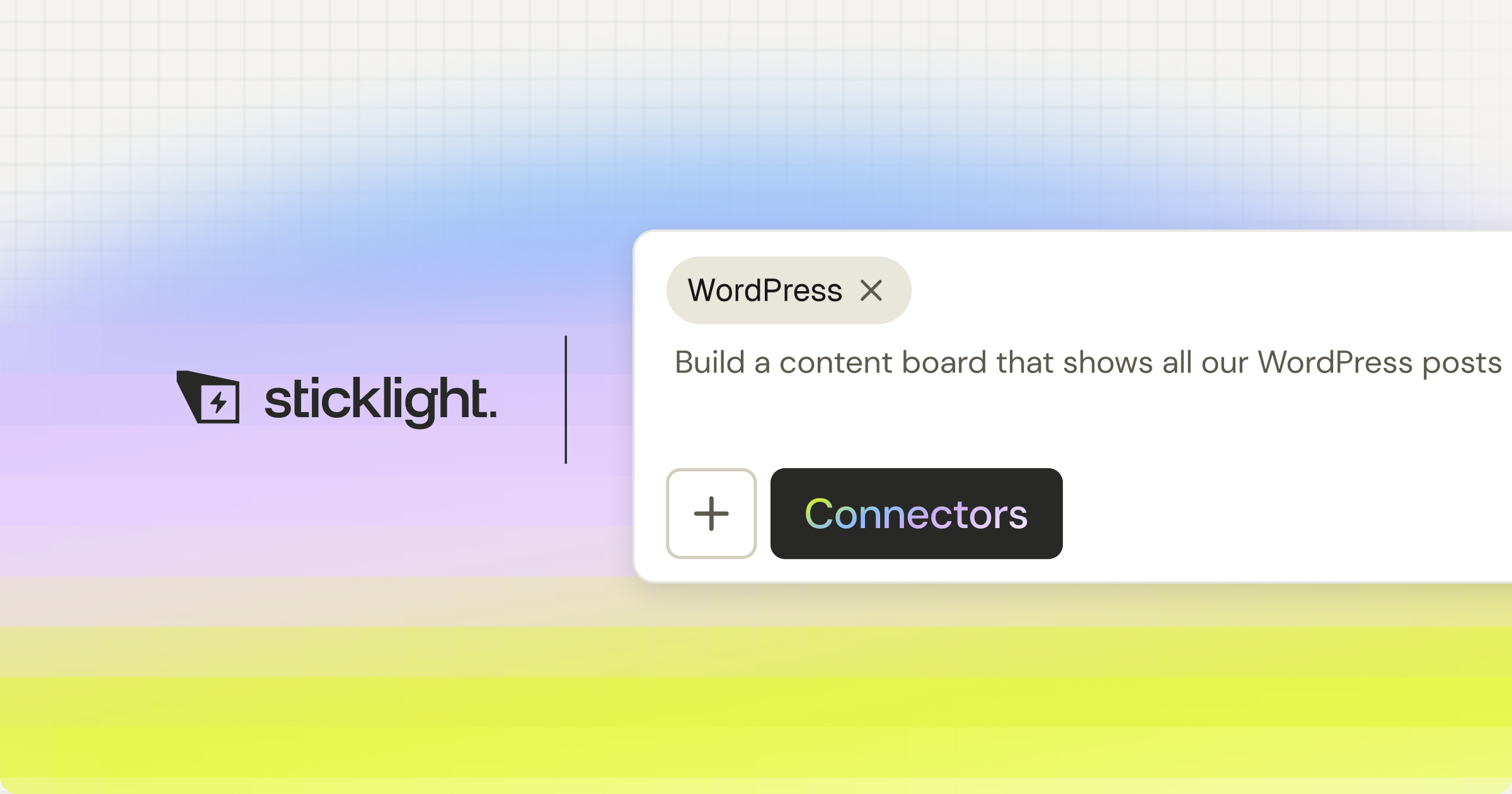
That makes you a full-stack creator, someone who can go from idea to working software without needing a separate team for the backend wiring. And Sticklight is additive, it fits comfortably alongside an existing WordPress or Elementor site, handling the app or tool piece, rather than asking you to replace what you already have.
Frequently asked questions
What is an API?
An API, or application programming interface, is a set of rules that lets two pieces of software talk to each other. One program requests data or an action, and the other responds in a predictable format.
How does an API work?
One app sends a request to an endpoint, often over the web, with any needed details. The other app processes it and returns a response, usually as structured data such as JSON.
What is an API used for?
APIs let apps share data and features, such as showing a map, taking a payment, sending an email, or pulling in weather, without building each capability from scratch.
What are the main types of API?
Common types include REST and GraphQL for web services, plus internal, partner, and public APIs depending on who can use them.
Do I need to code to use an API?
Connecting APIs usually involves some development, though no-code tools and AI build tools can handle many common integrations for you.
Built by the Elementor team. Powered by Claude.
Let it glow.
