
What’s the best AI app builder?

The best AI app builder is not one specific product. It is whichever platform matches how you work: the output you need, how much control you want to keep after the AI does its part, and how big a project you have in mind, a landing page or something closer to a full application. For founders, freelancers, and non-technical creators, the right choice usually comes down to a handful of practical criteria rather than a popularity contest.
This guide covers what separates a good AI app builder from a forgettable one: output quality, flexibility beyond templates, whether it extends a site you already run, how much control you keep, the learning curve, and pricing that still makes sense once you are shipping real work. We also show where Sticklight fits for creators who want to go beyond a website into apps, dashboards, and tools.
- Output quality is the first filter: a tool that ships production-ready work saves more time than one that ships a demo you still have to rebuild.
- Flexibility beyond templates matters if your project is anything other than a standard marketing page.
- If you already run a WordPress or Elementor site, look for a builder that extends it rather than asking you to start over.
- Control after the AI builds, meaning manual editing and direct code access, decides whether you can finish the details yourself.
- A learning curve that matches your comfort with code keeps you building instead of stuck in documentation.
- Pricing that scales with seats and features, not with every page you publish, holds up better as you grow.
How to choose the best AI app builder for your project
Before comparing tools, name what you are actually optimizing for. A solo freelancer shipping one client site a month has different priorities than a founder who needs an internal dashboard, or a non-technical creator launching a first product. The best AI app builder for you is the one that scores highest on the criteria that matter most for that job, not the one with the longest feature list.
Broadly, AI-assisted building tools fall into a few categories: fast prompt-to-marketing-site tools that stop at a single page, code-editor tools built for engineers who read and write code directly, and visual, drag-and-drop app platforms that added AI features to an existing product. None of these categories is wrong. They are built for different jobs. Once you know which one you actually need, weigh the criteria below against your own goals.
Output quality: production-ready versus demo-ready
The biggest difference between AI app builders is what comes out the other end. Some tools optimize for something that looks finished in a screenshot but does not hold up once you check accessibility, SEO, or security. Others are built to ship something you could hand to a client or put in front of real users the same day.
Sticklight is built around this distinction. It works toward what the team calls the Sticklight standard, the combined craft of a senior designer and a senior developer, applied from the first prompt. The AI handles structure and code, but the bar is a working product, not a demo.
Ask a direct question when evaluating a tool: if you published what it just generated right now, would it hold up? If the honest answer is no, you have found the real cost of that tool, even if the sticker price looks appealing.
Flexibility beyond templates
Plenty of AI builders are excellent at one thing: a landing page, a portfolio, a simple site. That is fine if a landing page is genuinely all you need. But founders and freelancers increasingly need more: a booking system, a form connected to a database, an internal dashboard, or a small app for customers to log into.
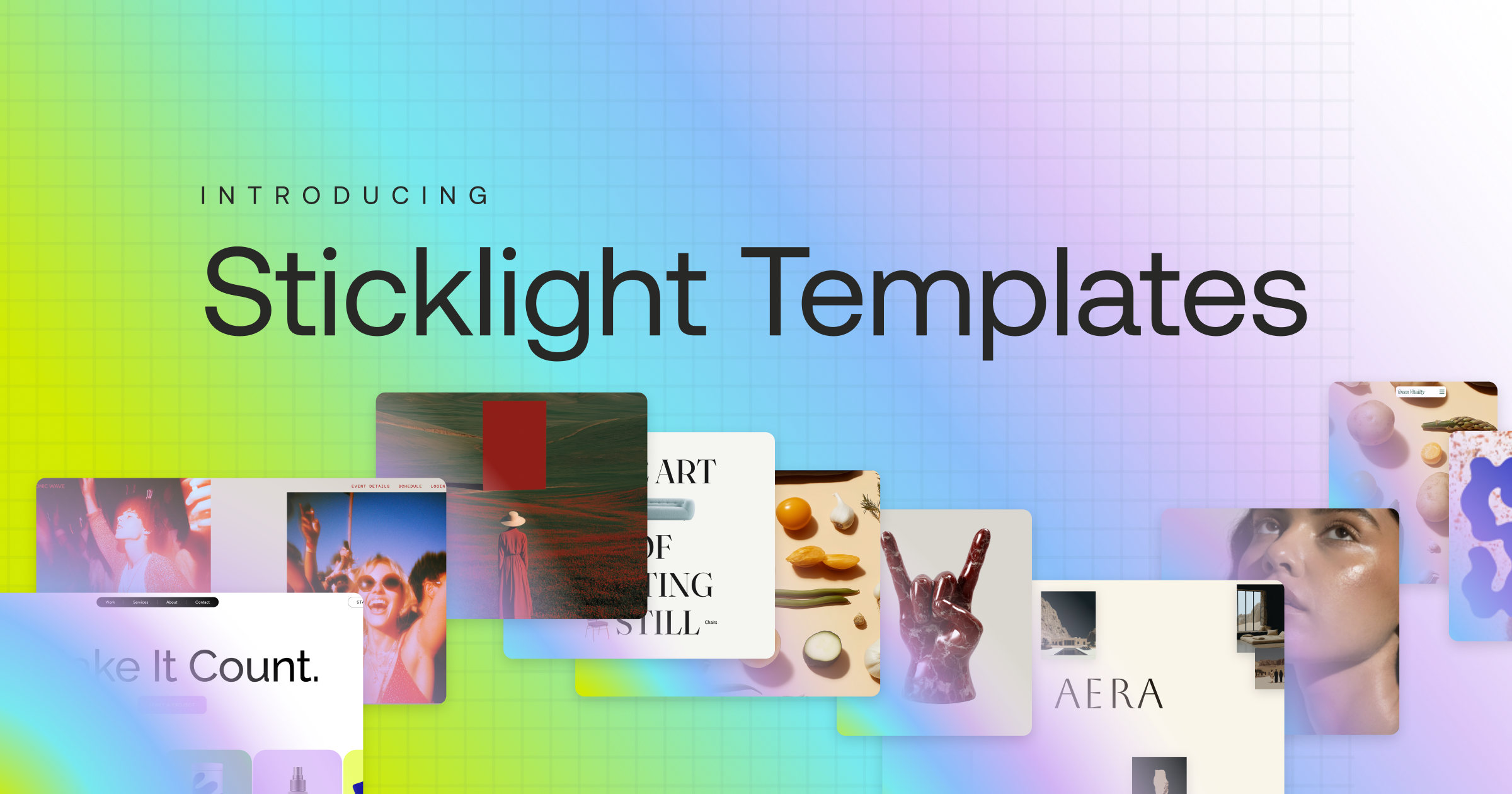
Template-first tools are built around that narrower scope by design. Sticklight is built to go beyond websites from the same prompt-first flow, covering web apps, dashboards, CMS, booking systems, forms, databases, and other digital experiences on one platform.
- Client websites and landing pages
- Web apps and internal tools
- Dashboards for operations, revenue, or finance data
- Booking systems and database-backed forms
- Content management systems for content-heavy products
If you can already picture your project outgrowing a single page, factor that in now rather than after you have invested weeks in something narrower.
Extending a site you already run
Most founders and freelancers are not starting from zero. There is usually a WordPress site, an Elementor build, or some existing web presence already carrying traffic and reputation. A good AI app builder should treat that as a foundation, not something to throw away.
Sticklight treats WordPress as a source of truth you can build on and connect to, and treats Elementor as parallel craft from the same team, not a legacy tool to abandon. If your next project is an app or dashboard that needs to live alongside a site you already have, that connection matters more than most feature lists.
Control over the result after the AI does its part
Getting locked out of the final product once an AI app builder generates something is a liability, not a convenience. The prompt gets you most of the way, but real projects always need a pixel moved, a color adjusted, or a piece of logic changed by hand.
Sticklight’s approach is to let AI do the heavy lifting from the first prompt, then hand the creator full control of every pixel, including manual editing and direct code editing on the canvas.
AI does the heavy lifting from the first prompt. The creator keeps full control of every pixel.
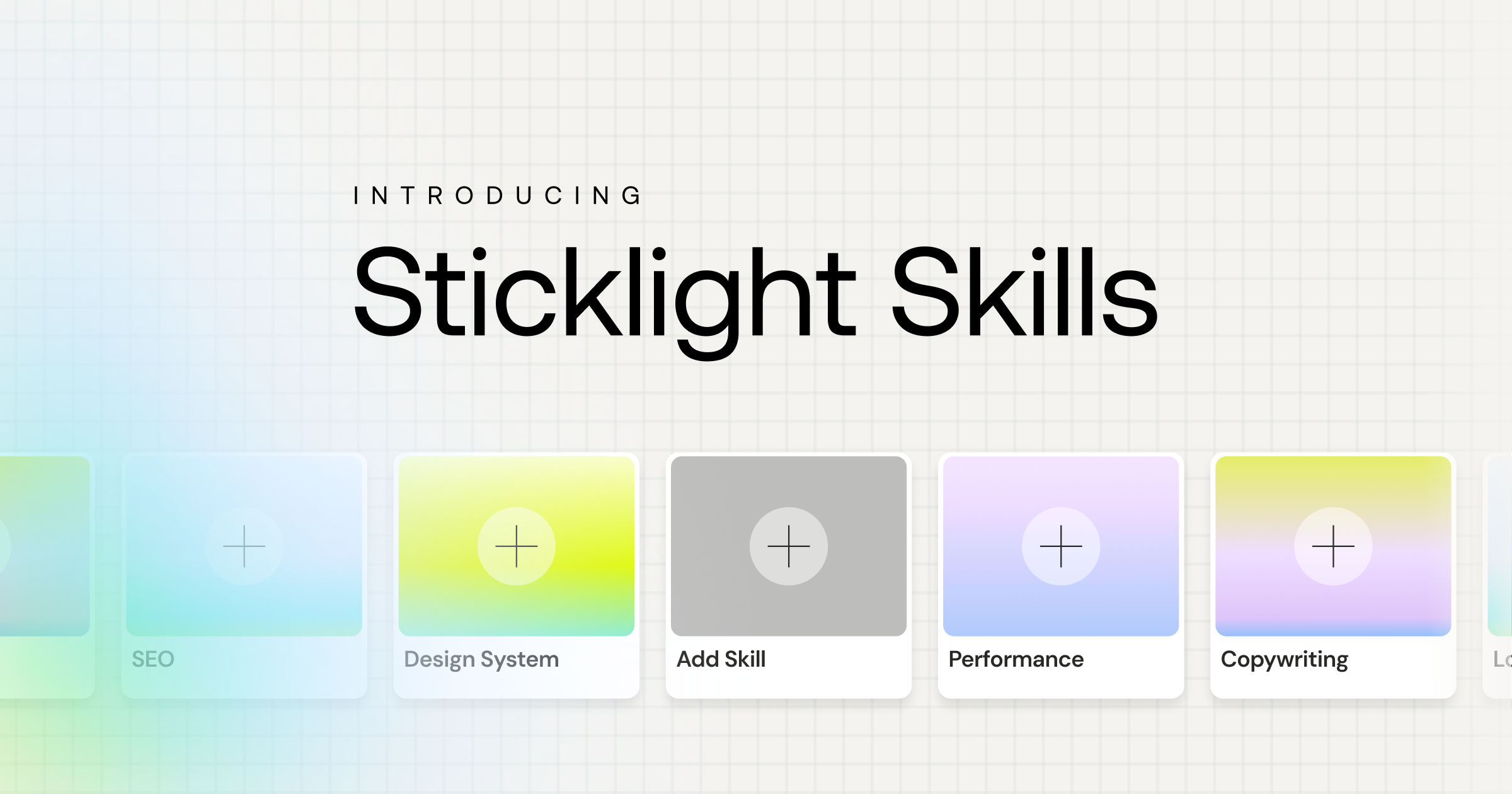
Part of that control comes from Skills, packaged units of expert know-how you add to a prompt with one click. Today’s library includes options like accessibility, SEO, design system, and performance, and they compound as you use them, so later projects move faster than your first. Agents, which would automate more of the workflow, are on the roadmap and labeled coming soon rather than available today.
The learning curve you are actually willing to climb
Code-editor tools assume you are comfortable reading and writing code yourself, a fair choice for engineers who want fine-grained control from line one. It is a steeper climb for a founder or non-technical creator who wants to describe what they need in plain language and get a working result.
Sticklight is built around natural language as the primary interface. You start in the main prompt box, or use Plan Mode to break a complex project into steps before building. Templates give you a starting point to remix, and Connectors help you wire up tools by use case. None of it requires you to write code first, though direct code editing is there when you want it.
A pricing model that scales the way you grow
Pricing is where AI app builders can catch you off guard. A model that charges by page count or usage volume can turn a growing project into an unpredictable bill. Look for a structure that scales with your team and feature needs instead.
Sticklight offers a free plan to try the platform and ship real work, a Pro plan for independent creators and freelancers, a Team plan for multi-seat collaboration with more Skills and higher capacity, and an Enterprise plan with SSO, security review, and dedicated support. A bring-your-own-keys option is available on select plans for anyone who wants more control over AI costs. Pricing scales with seats and feature access, not with how many pages you publish.
Ugly working code beats a beautiful plan every time. Get something clickable in front of people, then let the AI help you fix what they complain about.
Itamar Haim
Built by the Elementor team. Powered by Claude.
Let it glow.
