
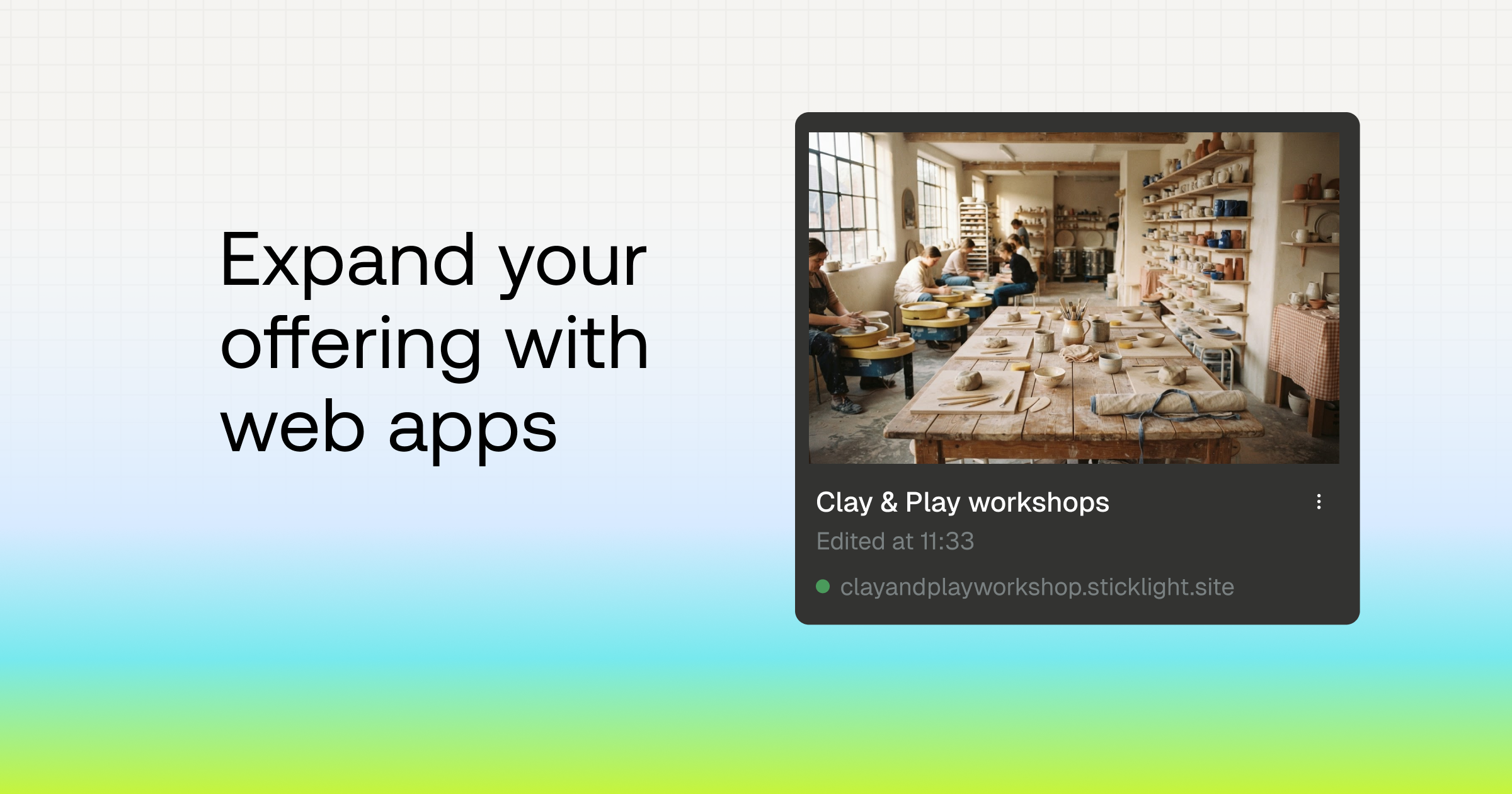
From website to web app: build more you can charge for

You launch a client’s site. They love it. A week later they’re back with a new request: “Can our customers log in and book their own appointments?” Or: “Can the team see every new lead in one place?”
That isn’t a website request anymore. It’s a web app. And if you know how to build a web app without code, it’s also the start of a bigger, longer project.
This guide covers what a web app is, how to spot when a client needs one, and how to build your first one in Sticklight.
What’s the difference between a website and a web app?
A website shows information. A web app lets people do something with it: sign in, submit data, track progress, or see results that change based on who they are.
Here’s the simple version:
| Website | Web app | |
|---|---|---|
| Main job | Present a business, product or story | Help people complete a task |
| Content | Mostly the same for every visitor | Changes based on who’s signed in and what they’ve saved |
| Data | Little or none stored | Stores, updates and displays data |
| Examples | Agency site, portfolio, landing page | Client portal, booking system, internal dashboard |
The line isn’t always sharp. Many projects start as a site and grow app features over time. That’s normal, and it’s where the opportunity is.
How to tell if your client needs a web app
If your client says any of these, they’re describing a web app:
- “Our customers need their own login.”
- “We want to collect requests and track them.”
- “Can we see all of this in one dashboard?”
- “We’re doing this in spreadsheets and email, and it’s a mess.”
- “Can the price update based on what people choose?”
The last two are the ones to listen for. Spreadsheets and email threads are usually a web app that hasn’t been built yet.
Web apps you can build for clients
You don’t need to pitch something new. The best web app projects grow out of problems your clients already have. For three of them, we’ve included a prompt you can paste into Sticklight to see a working version in minutes.
Quote or pricing calculator
Let visitors pick options and get an instant estimate. For service businesses, this turns a static pricing page into a lead-capture tool.
Try it: Give a home renovation company a “Get an Estimate” form that branches by project type and updates a price range as visitors answer. Every submission lands in an admin view with its estimate.
Booking and intake system
A contact form sends an email. A booking system collects structured requests, stores them in a database, and shows the team what’s booked, what’s full and what’s coming up.
Try it: Give a ceramics studio a booking system for 2-hour, 3-hour and half-day workshops, each with limited seats. Clients book for their group and only see sessions with space left. Swap the details and it works for yoga, cooking classes or tours.
Lead-gen quiz
Turn “Which option is right for me?” into a quiz that matches visitors to the right offer and captures their email along the way. Your client gets qualified leads, and their visitors get a clear answer.
Try it: Give a training studio a quiz that scores each answer, matches visitors to the right program and captures their email before showing results. The owner sees completions and how results split in one dashboard.
Want a few more ideas?
Client portal
Give your client’s customers one place to sign in, see project updates, download files and send requests. A portal replaces long email threads, and it’s the kind of tool clients use every day.
Internal dashboard
Pull leads, orders or tasks into one view the team checks every morning. Internal tools are often the most valuable thing you can build for a client, because they save hours every week.
Why web apps are worth more than one-off sites
A website is often a one-time project. A web app becomes part of how your client runs their business.
That changes the conversation. Your client isn’t paying for pages, they’re paying for time saved and processes that work. Tools that teams rely on daily also need updates, new features and support. That’s ongoing work, not a single invoice. And when you’re ready to hand it over, you can transfer the project to your client’s workspace.
You already know how to scope, sell and deliver client projects. Web apps let you sell more of what you’re good at.
How to build a web app without code in Sticklight
Sticklight is an AI app builder. You describe what you want in plain language, and Sticklight creates it: the interface, the logic and the data behind it. You stay in charge of every decision.
Here’s how to go from idea to a working app:
- Describe it in the Workspace. Start with the problem and who uses it. For example: “A client portal where customers sign in, see their project status and upload files.”
- Plan before you create. Use Plan mode to have Sticklight map the pages, data and flow before anything is created. Adjust the plan until it matches what your client needs.
- Create and review. Sticklight creates the first version. Check it in Preview.
- Add a Database when you need one. Store customer records, requests or orders so your app remembers what people submit. Need logins? Ask Sticklight to add sign-in, and your client’s customers can log in with Google or create their own account with an email and password. There are no APIs to connect.
- Refine it. Ask for changes in the Chat panel, or use Edit mode to adjust text, layout and styling directly.
- Publish. Share it with your client and their users. On the Free plan, you get one 24-hour publish per project, which is enough to test it. To keep it live on a subdomain or your client’s own domain, and to transfer the project to your client when it’s done, upgrade to Pro.
If you’d rather not start from a blank page, remix a template and change it with a prompt. The pages and layout are already there, so you swap in your client’s content and logic.
Start with a site, grow into an app
You can build a regular website in Sticklight too. Many people start there, then add a Database once the project needs logins, forms that save data, or dashboards. You don’t have to decide on day one.
Bring your client in, then hand it over
On Pro, you can invite your client to the project as a Collaborator. They only see the projects you invite them to, never your other work or billing. Give them Viewer access to review and comment, which doesn’t use your credits, or Editor access if they’ll make changes. Learn more about roles and permissions.
When the project is done, transfer it to your client’s workspace. The code, files, Database and published site move with it and stay live, and your client takes over billing. You stay on as an Editor, so you can keep supporting it. Read how to transfer a project.
How your web app works with your website
Your website and your web app don’t need to live in the same place to work together. Here’s how they connect.
Link to your app from your site
When you publish, your app gets its own URL on sticklight.app. On Pro, you can connect your own domain, like portal.yourclient.com. Then add a button or menu link on your client’s site that opens the app. If you built the site with Elementor, it stays in Elementor, and nothing about it changes.
Link to your app rather than embedding it inside a page. Linking keeps logins and saved sessions working the way they should.
Use your WordPress data in your app
If your client’s site runs on WordPress, the Connector for WordPress lets your Sticklight app read and update live WordPress data, like posts, WooCommerce products and orders, and forms. You connect one WordPress site per project with your own WordPress account, and Sticklight’s access follows your WordPress role. It’s available on all plans.
The connector doesn’t move or replace the WordPress site. It brings the site’s data into the app you build. Here are a few projects it opens up:
- A sales dashboard built on your client’s WooCommerce store
- A product recommendation guide that recommends items from your client’s WooCommerce catalog
- An internal tool that lets the team manage posts or orders without opening wp-admin
Sticklight has other Connectors too, so you can bring in data from the tools your clients already use.
How people sign in to your web app
Most client apps need logins. A portal shows each customer their own projects. A member area keeps content private. A dashboard is only for the team.
In Sticklight, you add sign-in by asking for it. There are no APIs to connect, and it’s ready in minutes. Your app’s users can sign in two ways:
- Google sign-in: people log in with their Google account in one click.
- Email and password: people create their own account with an email and password.
Accounts are saved in your app’s built-in Database, so you can set roles and decide what each person sees. For example, customers see only their own orders, while your client’s team sees everything.
Your WordPress login is just for you
If you use the Connector for WordPress, you connect it with your own WordPress credentials. That login links your WordPress site to your Sticklight project. It isn’t how visitors sign in to your app. Your app’s users always sign in with Google or their own email and password.
Your next client request is a bigger opportunity
The next time a client asks for logins, dashboards or a better way to track requests, you don’t have to turn it down or pass it on. You can build it yourself, scope it as a new project, and keep supporting it as their business grows.
Ready to try it? Start your first web app in Sticklight and see how far one prompt can take you. Pick a problem one of your clients has right now, and create the tool that solves it.
FAQs
Do I need to know how to code to build a web app in Sticklight?
No. You describe what you want in plain language, and Sticklight creates the pages, logic and data structure for you. You can refine everything through the Chat panel or Edit mode. If you do know code, Pro lets you open and edit it directly, but it’s never required.
Can I build a regular website in Sticklight?
Yes. Not every site needs a full CMS. For landing pages, campaign sites, portfolios or event pages, Sticklight is a fast way to go live, with a built-in Database and sign-in ready when you need them. Start with a site, then add a booking form, client login or dashboard later, with nothing to migrate.
Can I add a Sticklight app to my Elementor site?
Yes, by linking to it. Publish your app in Sticklight, then add a button or menu link on your Elementor site that opens it. Your website stays in Elementor, and your app runs on its own URL, or on your own domain with Pro. Want your app to use content from your WordPress site, like posts or WooCommerce products? Use the Connector for WordPress, available on all plans.
Is Sticklight part of Elementor?
Sticklight is by the team at Elementor, but it’s a separate product with its own account and plans. Elementor is for building websites. Sticklight is for building web apps, portals and internal tools. Many creators use both: Elementor for the site, Sticklight for the app.
Can I try Sticklight for free?
Yes. You can start on the free plan and create your first project without a credit card. Upgrade to Pro when you need to keep apps live, connect a custom domain, edit code or transfer projects to clients. See plans and pricing.
Can I transfer a finished project to my client?
Yes. Owners and Admins can transfer a project to any email address, and your client needs a Pro workspace to accept. The code, files, Database, custom domain and published site move with it and stay live. Connectors and integration credentials are disconnected, so your client reconnects their own. Read how project transfers work.
